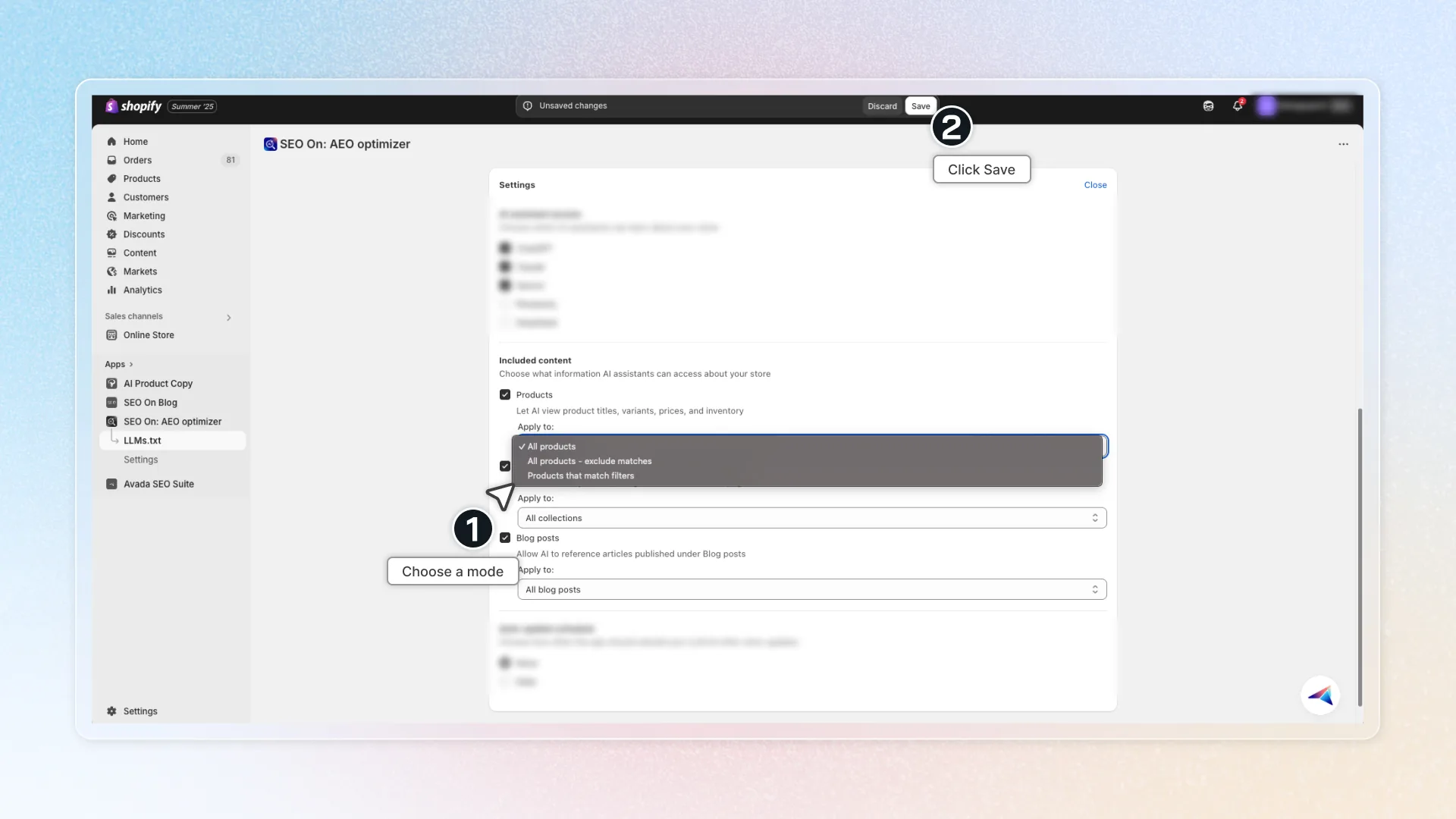
Included content
Decide what information assistants can reference. Go to Settings → Included content. Choose content types
Check any of the following:
- Products
- Collections
- Blog posts Configure each type (example: Products)
-
Check Products.
-
Choose a mode:
-
All products
-
All products-exclude matches (start with all, then remove items)
-
Products that match filters (only items that meet your filters)
-
-
(If using exclude/match) Add filters (e.g., in‑stock, tags, collections, price range).
Configure Collections and Blog posts the same way. Keep totals small for a concise file. Click Save to save the settings