# Welcome to AG Order Printer, PDF Invoices

### Getting Started

{% hint style="success" %}
Install Avada Order Printer here: <https://apps.shopify.com/avada-pdf-invoice>
{% endhint %}

An invoice is known as the crucial and norm documentation in e-commerce by its function of saving all order information. Since the invoice benefits sellers and purchasers, many applications have been made to collect basic information and print it out. Unlike other providers, Avada focused on stores’ necessary needs to release a PDF Invoice tool that fits all businesses.

If you are looking for an all-in-one app to have perfect PDF invoices, don’t miss our **Order Printer**.

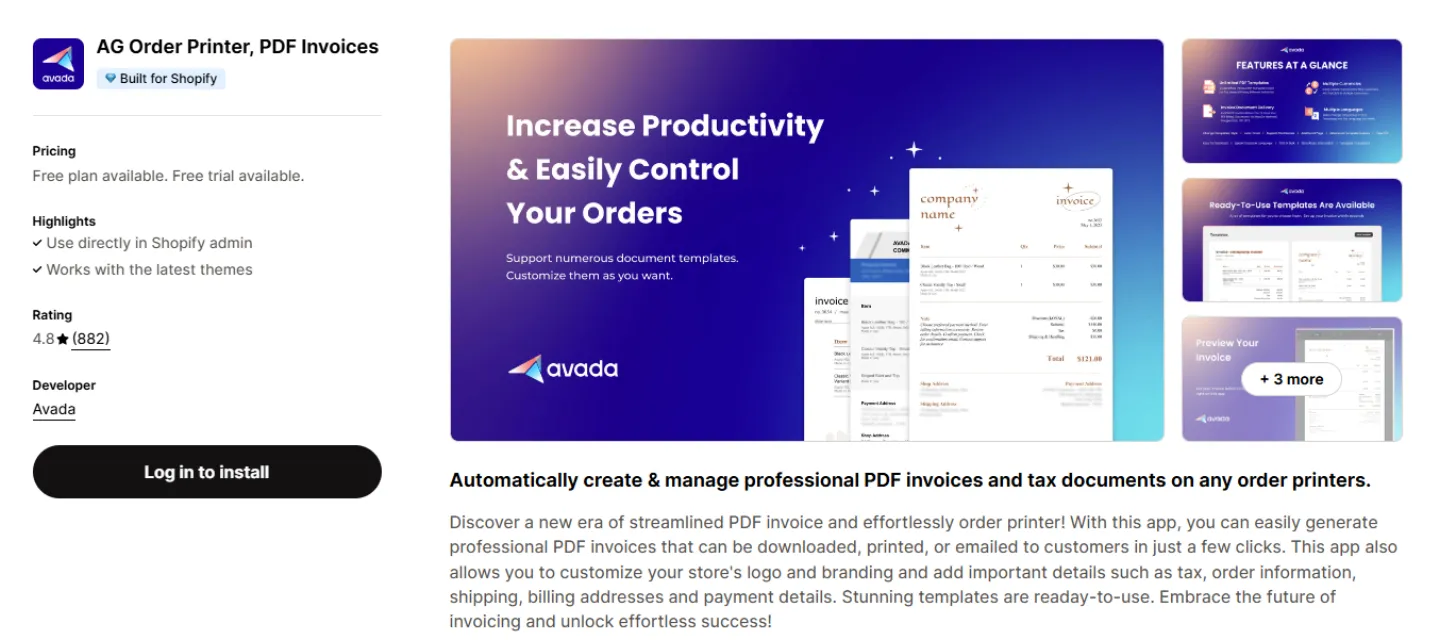
<figure><img src="https://3005267848-files.gitbook.io/~/files/v0/b/gitbook-x-prod.appspot.com/o/spaces%2FDtUsPZXsJYscPnytVZlZ%2Fuploads%2FMWrUk24ZHpRWI8c3vmAb%2Fimage.png?alt=media&#x26;token=ca08f591-7a09-4f01-968e-31b81b103655" alt=""><figcaption><p>Avada Order Printer app's Listing page</p></figcaption></figure>

### What do you get from Avada PDF Invoice?[​](https://help.avada.app/pdf-invoice/#what-do-you-get-from-avada-pdf-invoice) <a href="#what-do-you-get-from-avada-pdf-invoice" id="what-do-you-get-from-avada-pdf-invoice"></a>

Whether you're handling individual retail orders or complex B2B transactions, our features help streamline your document workflow and enhance customer experience.

### 📑 [Documents Management](https://docs.avada.io/pdf-invoice/documents-management)

* 📄 [**Create new templates**](https://docs.avada.io/pdf-invoice/documents-management/create-new-templates)[**:**](https://docs.avada.io/pdf-invoice/documents-management/create-new-templates) Design custom invoice templates for your business needs
* 📧 [**Send invoice email in bulk**](https://docs.avada.io/pdf-invoice/documents-management/send-invoice-email-in-bulk)[**:**](https://docs.avada.io/pdf-invoice/documents-management/send-invoice-email-in-bulk) Send multiple invoice emails simultaneously
* 🖨️ [**Print PDF Invoice documents:**](https://docs.avada.io/pdf-invoice/documents-management/print-pdf-invoice-documents) Generate professional PDF invoices for orders
* ⚡ [**Set up the automation email:**](https://docs.avada.io/pdf-invoice/documents-management/set-up-the-automation-email) Set up automatic invoice email sending
* 📩 [**Insert PDF Invoice in email notification:**](https://docs.avada.io/pdf-invoice/documents-management/insert-pdf-invoice-in-email-notification) Add PDF invoices to order notification emails

### 🏢 [B2B Compatible Features](https://docs.avada.io/pdf-invoice/b2b-compatible-features)

* 👥 [**Introduction to B2B compatible features:**](https://docs.avada.io/pdf-invoice/b2b-compatible-features/introduction-to-b2b-compatible-features) Overview of wholesale features
* 🏬 [**Company management:**](https://docs.avada.io/pdf-invoice/b2b-compatible-features/company-management) Manage B2B customers and track payments
* 🔄 [**Combine orders:**](https://docs.avada.io/pdf-invoice/b2b-compatible-features/combine-orders) Create single invoices from multiple orders
* 💳 [**Payment with net terms discount:**](https://docs.avada.io/pdf-invoice/b2b-compatible-features/payment-with-net-terms-discount) Set up B2B payment terms and discounts
* 📚 [**Historical documents**](https://docs.avada.io/pdf-invoice/b2b-compatible-features/historical-documents): Access past invoices and orders
* ⬇️ [**Download on New customer account:**](https://docs.avada.io/pdf-invoice/b2b-compatible-features/historical-documents/download-on-new-customer-account) Let customers download their invoice history

### ⚙️ [Settings](https://docs.avada.io/pdf-invoice/settings)

* 🏪 [**Update store information in PDF Invoice:**](https://docs.avada.io/pdf-invoice/settings/update-store-information-in-pdf-invoice) Customize business details on invoices
* 🌐 [**Set up Translation section:**](https://docs.avada.io/pdf-invoice/settings/set-up-translation-section) Enable multi-language invoices
* 🖨️ [**Set up Online store print button:**](https://docs.avada.io/pdf-invoice/settings/set-up-online-store-print-button) Add invoice print button to your store

### Key Features of Avada Order Printer

<details>

<summary>Invoice Generation &#x26; Customization</summary>

* Create PDF documents for orders, drafts, invoices, shipping labels, and refunds
* Customize templates with business branding and order details
* Save default company information for consistent documents
* Design advanced templates using Liquid

</details>

<details>

<summary>Business Essentials</summary>

* Tax compliance with automatic VAT/GST recording
* Multi-currency support
* Include billing policies and terms of service
* Store and billing currency options

</details>

<details>

<summary>Batch Processing</summary>

* Filter and sort orders by status, date, and value
* Print multiple draft orders simultaneously
* Bulk download billing documents

</details>

<details>

<summary>Language &#x26; Currency Support</summary>

* Multi currencies & multi languages auto-detected
* Automatic billing address language detection
* Email language synchronization
* Available in 70+ languages

</details>

### In conclusion[​](https://help.avada.app/pdf-invoice/#in-conclusion) <a href="#in-conclusion" id="in-conclusion"></a>

Overall, any Shopify merchant needs an invoice app to operate their store better. With **Avada Order Printer**, e-shops worldwide can set up and create unique PDF invoices in a blink of an eye. It is just a simple tool but absolutely brings high effectiveness for your business and makes your customers happier.


---

# Agent Instructions: Querying This Documentation

If you need additional information that is not directly available in this page, you can query the documentation dynamically by asking a question.

Perform an HTTP GET request on the current page URL with the `ask` query parameter:

```
GET https://docs.avada.io/pdf-invoice/welcome-to-ag-order-printer-pdf-invoices.md?ask=<question>
```

The question should be specific, self-contained, and written in natural language.
The response will contain a direct answer to the question and relevant excerpts and sources from the documentation.

Use this mechanism when the answer is not explicitly present in the current page, you need clarification or additional context, or you want to retrieve related documentation sections.