Understand your dashboard
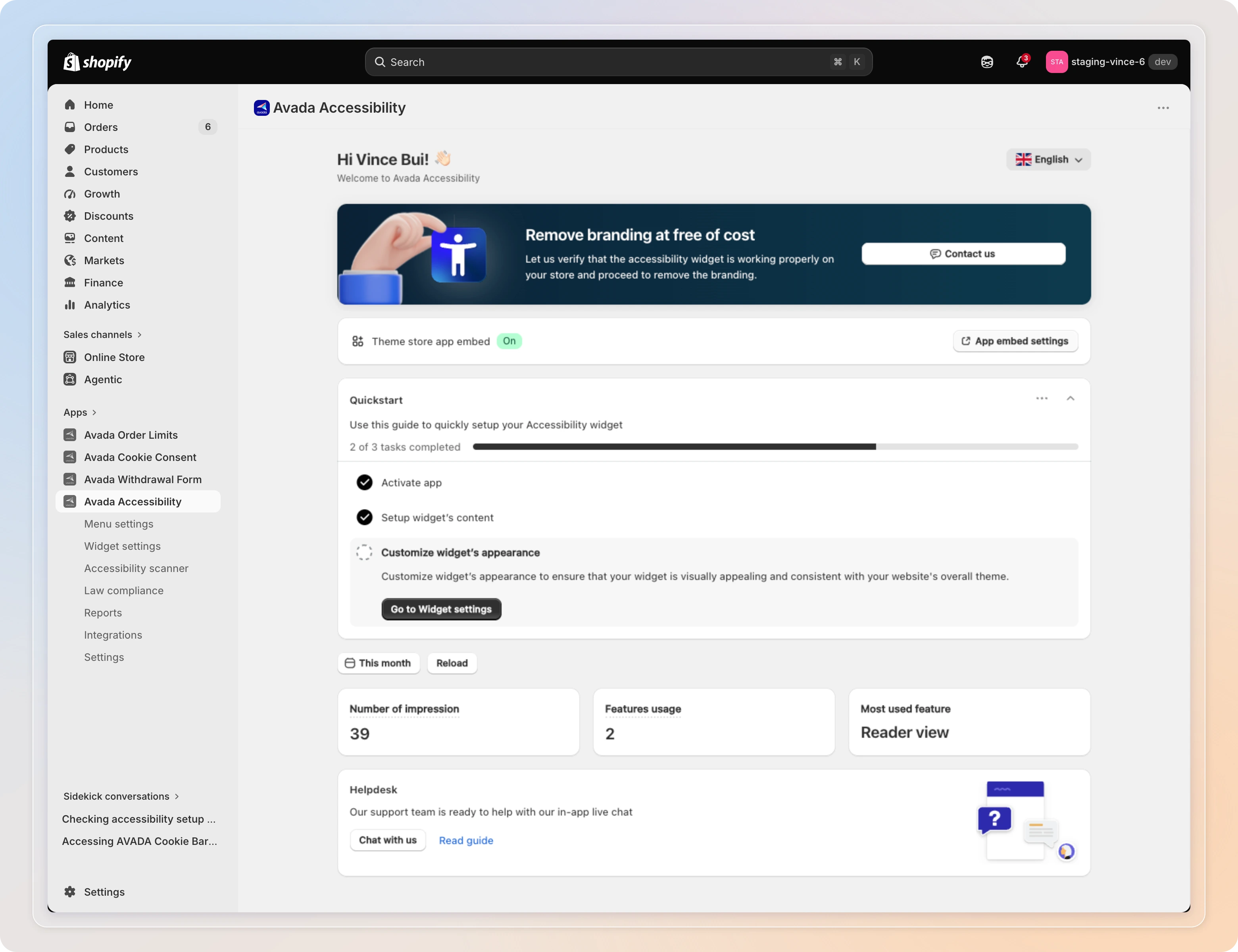
The Dashboard is the first page you see when opening the Avada Accessibility app. It provides a quick overview of your accessibility setup status and key performance metrics.
Dashboard Blocks
Theme Store App Embed Status
This block shows whether the Avada Accessibility widget is active on your current theme.
| Status | Description |
|---|---|
| On | The accessibility widget is enabled and visible on your storefront. |
| Off | The widget is disabled. Visitors will not see the accessibility features. |
Click the status indicator to navigate to the Theme Editor where you can toggle the app embed.
The app embed must be turned On for the accessibility widget to appear on your store. If you switch or duplicate your theme, you will need to re-enable it.

Quickstart Guide
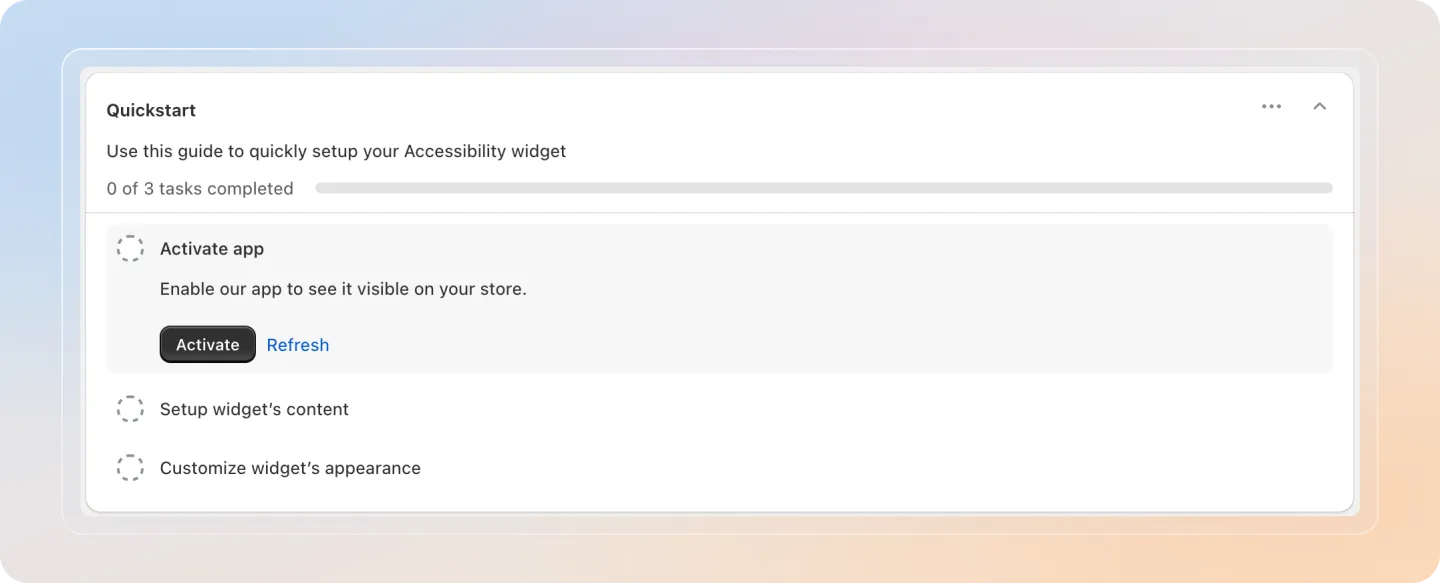
The Quickstart section walks you through three essential steps to get up and running. Each task shows a progress bar ("0 of 3 tasks completed") that fills as you finish it.
| Step | Task | What it means |
|---|---|---|
| 1 | Activate app | Enable our app so the widget is visible on your store. Click Activate to open the Shopify theme editor, or Refresh to re-check the embed. |
| 2 | Setup widget's content | Choose which accessibility profiles and tools to offer visitors. |
| 3 | Customize widget's appearance | Configure the widget's colors, position, and branding. |
Filter and KPI Cards
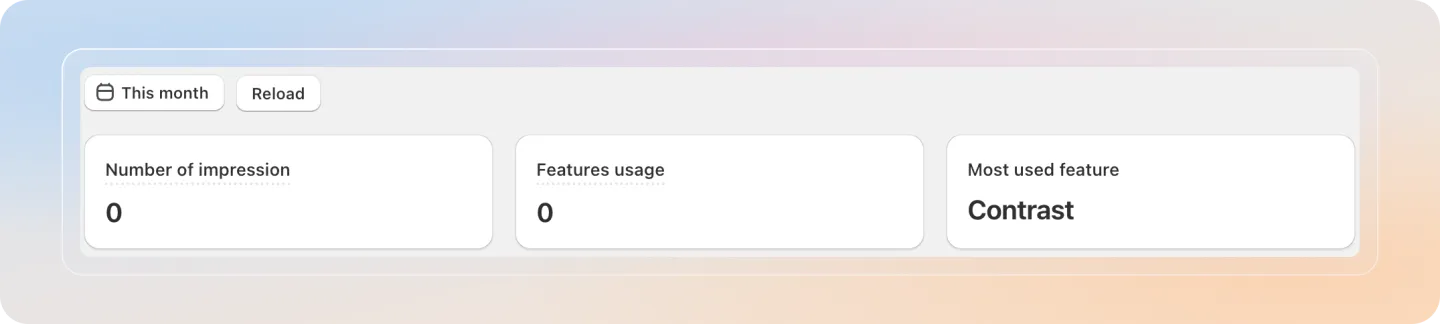
Below the quickstart section, you will find analytics cards that track how visitors interact with your accessibility features.
Available KPI Metrics:
| Metric | Description |
|---|---|
| Number of impression | Total number of times the accessibility widget was displayed to visitors. |
| Features usage | Total number of times visitors activated any accessibility feature. |
| Most used feature | The accessibility feature that visitors use most frequently. |
Use the This month date filter at the top left to narrow the time range, or click Reload to refresh the numbers.
Helpdesk
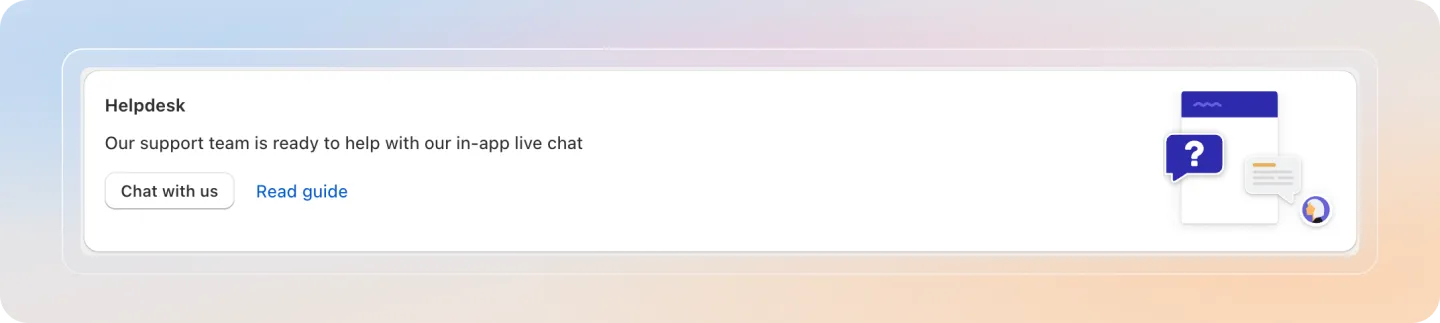
The Helpdesk block at the bottom of the dashboard connects you to support. Click Chat with us to open the in-app live chat with the Avada team, or Read guide to open this help center.