Email Notification
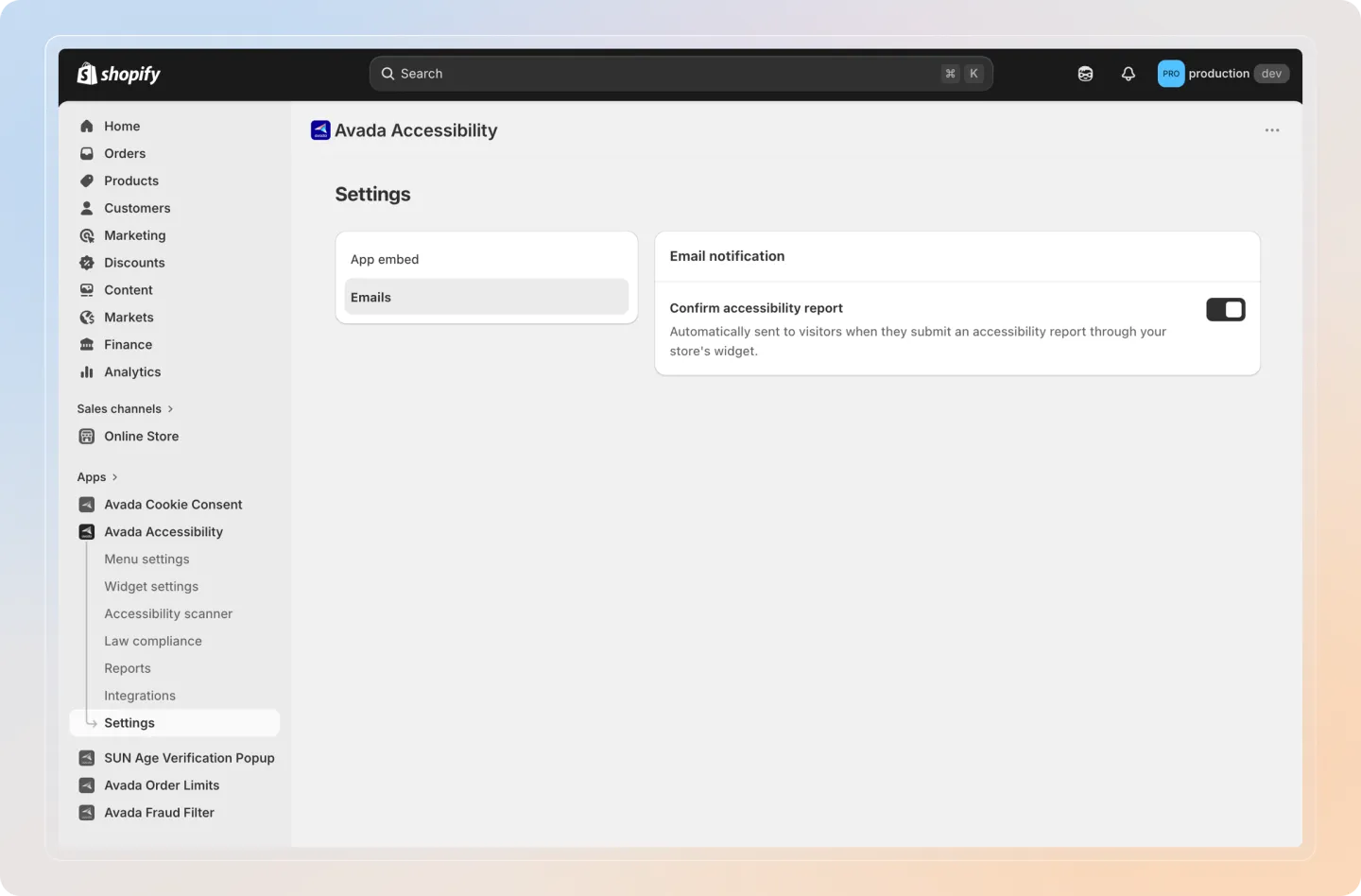
The Email Notification setting controls whether visitors receive a confirmation email after submitting an accessibility report through the widget on your storefront.
Default state: Off
Recipient: The visitor's email address (the email they provided when submitting the report).
Configuration
Step 1: Access email notification settings
Navigate to Settings in the Avada Accessibility app sidebar, then find the Email Notification section.
Step 2: Toggle the notification
Turn the email notification toggle On to enable confirmation emails, or Off to disable them.
Step 3: Edit email content
Click Edit to customize the email template. You can modify the subject line, body text, and formatting.
Step 4: Insert variables
Use the following variables to personalize the email content:
| Variable | Description |
|---|---|
{visitor_name} | The name the visitor entered when submitting the report. |
{store_name} | Your Shopify store name. |
Insert variables by clicking on them in the variable list or typing them directly into the email template.
Step 5: Preview the email
Click Preview to see how the email will look when sent to a visitor. Check that variables are replaced correctly and the formatting is as expected.
Step 6: Send a test email
Click Send Test to send a test email to your own email address. This lets you verify the email content and delivery before enabling it for visitors.
Step 7: Save
Click Save to apply your changes.
When email notifications are enabled, visitors who submit an accessibility report will receive a confirmation email at the address they provided. This helps build trust by acknowledging their feedback.