Customize your widget’s appearance
The Widget General Settings page allows you to customize how the accessibility widget appears and behaves on your storefront. Settings are organized into six sections.
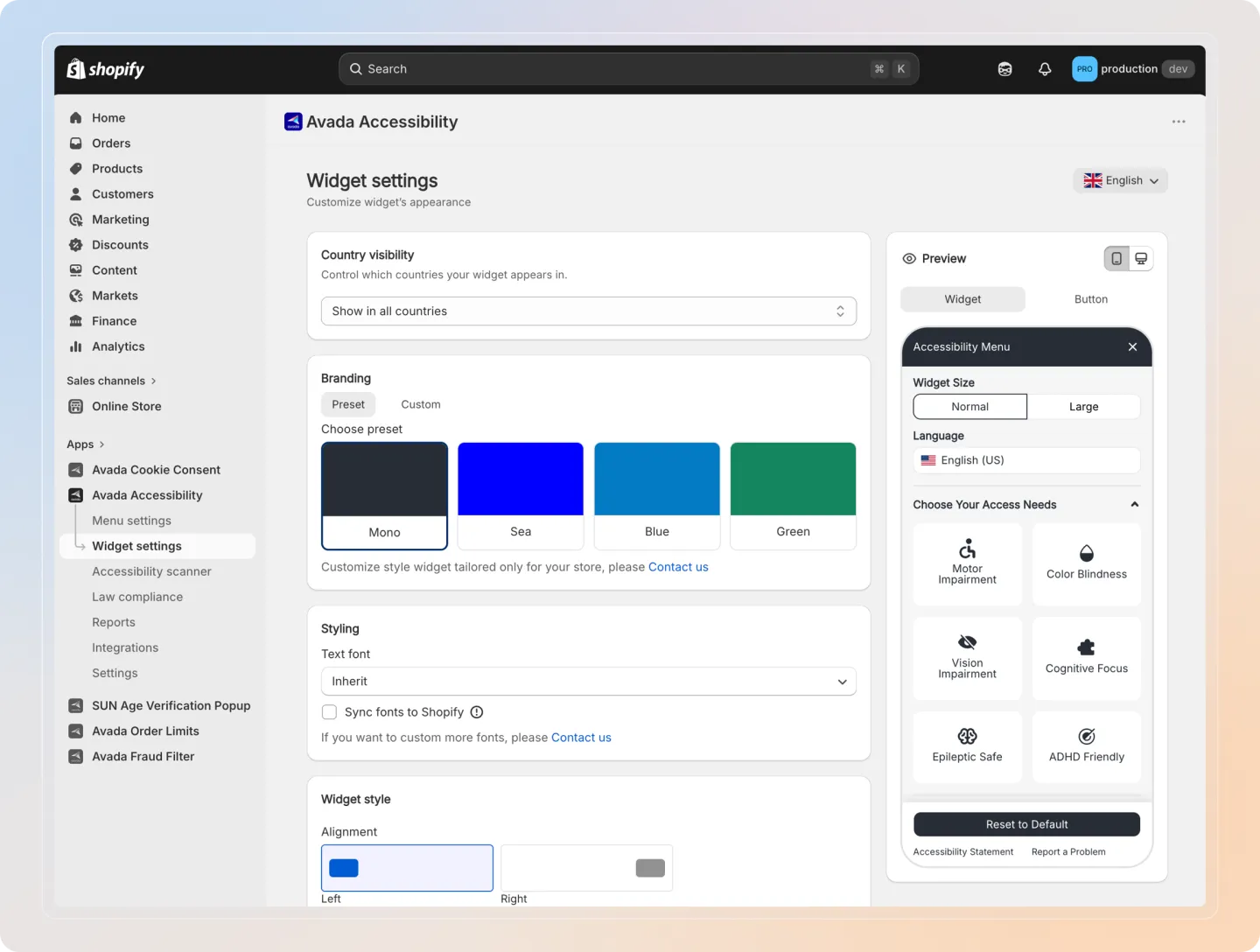
Country Visibility
Control which countries can see the accessibility widget on your store.
| Option | Description |
|---|---|
| Show in all countries | The widget is visible to visitors from every country. |
| Show only in selected countries | The widget is only visible to visitors from countries you select. |
| Hide in selected countries | The widget is hidden from visitors in countries you select, but visible everywhere else. |
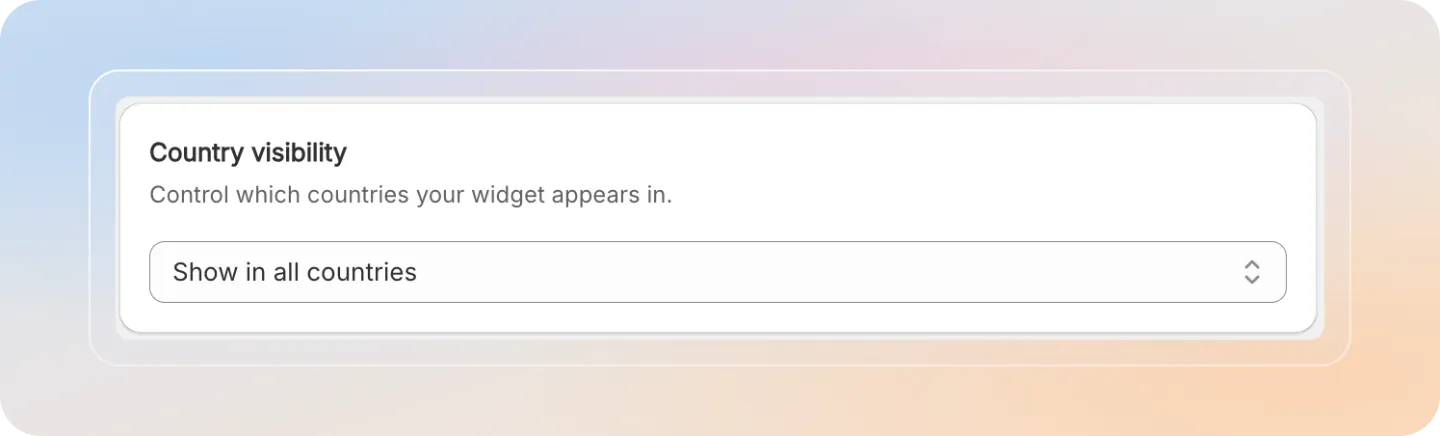
Branding
Choose a color theme for the accessibility widget to match your store's branding.
| Theme | Description |
|---|---|
| Mono | Monochrome black and white theme. |
| Sea | Teal and blue ocean-inspired theme. |
| Blue | Standard blue theme. |
| Green | Green-toned theme. |
| Custom | Define your own colours for the brand (primary, secondary, background), titles and sections, and buttons. |
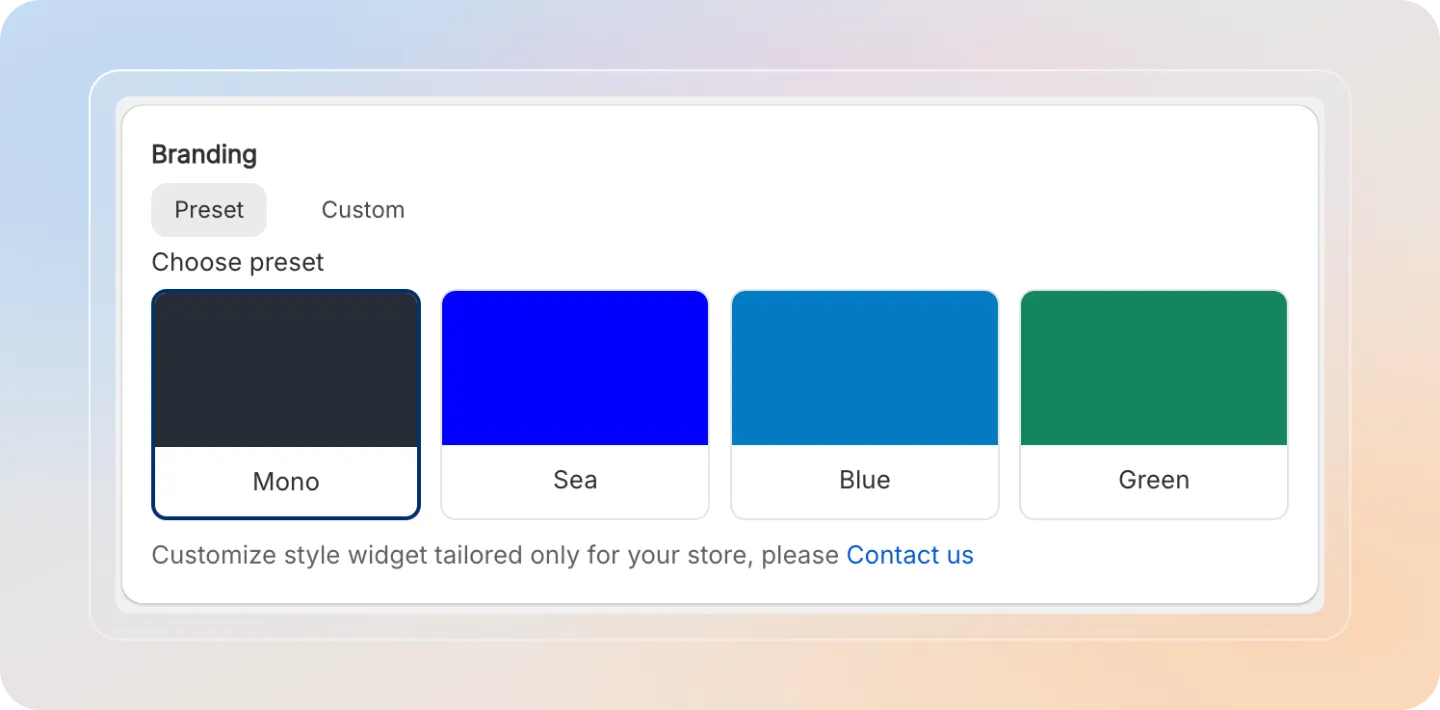
Styling
| Setting | Description |
|---|---|
| Text font | The font used inside the widget panel. The default is Inherit, which uses your store theme's font. You can also pick any Google Font from the list, or click Contact us to request more fonts. |
| Sync fonts to Shopify | When ticked, the app uploads the selected fonts to your Shopify store and loads them directly from Shopify instead of from a third-party service (such as Google Fonts). |
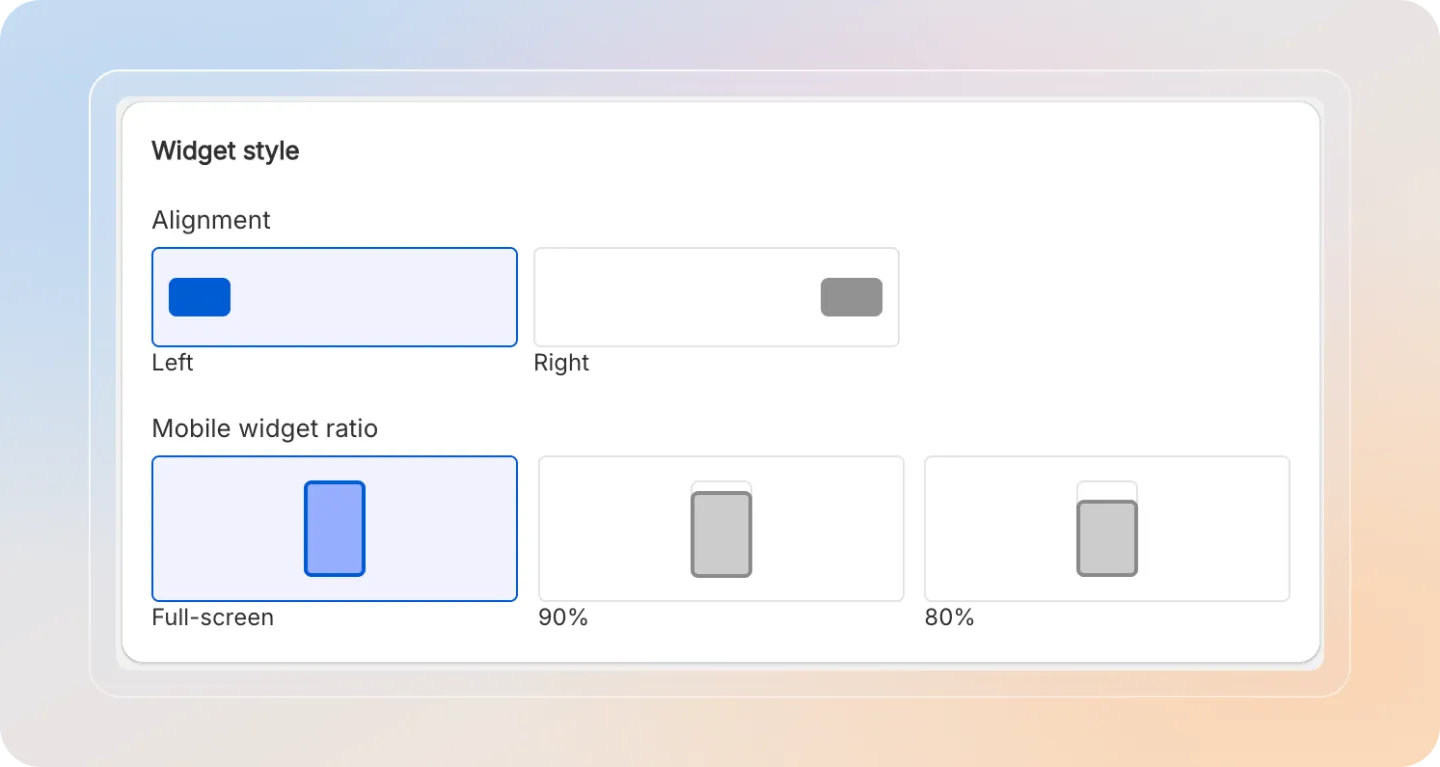
Widget Style
| Setting | Description |
|---|---|
| Alignment | Choose where the widget panel opens (left or right side of the screen). |
| Mobile ratio | Adjust the widget size ratio on mobile devices for better usability. |
Widget Trigger Style
Configure how visitors open the accessibility widget. See the dedicated guide on Widget Trigger Style: Floating Button vs Inline Text for detailed options.
Advanced Settings
| Setting | Description |
|---|---|
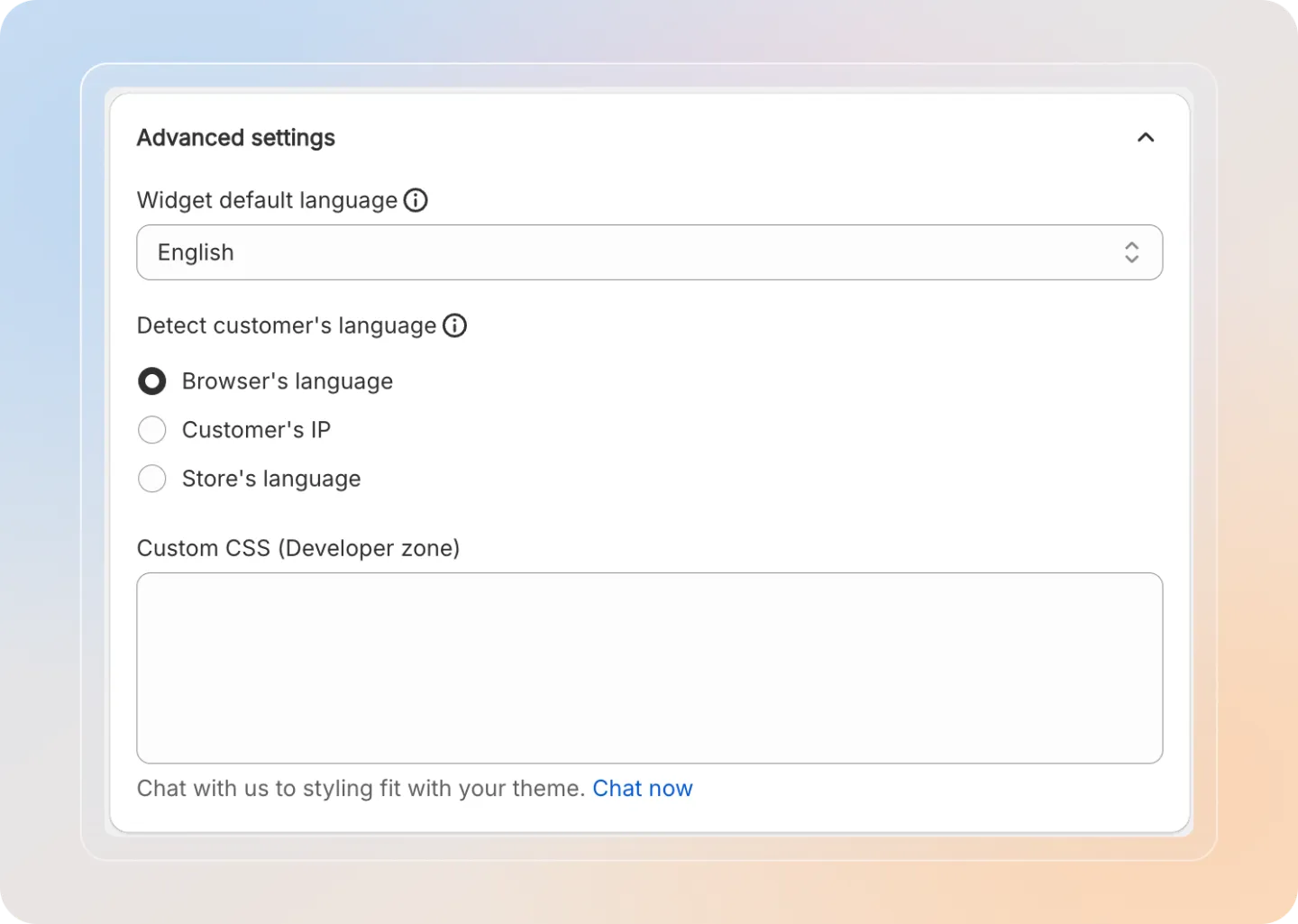
| Widget default language | The language visitors see if their own language isn't supported on your store. |
| Detect customer's language | How the widget decides which language to show each visitor (see the methods below). |
| Custom CSS (Developer zone) | Add custom CSS to override the widget's default styles. |
Detect customer's language
| Method | Description |
|---|---|
| Browser's language | Detects the visitor's language from their browser settings. |
| Customer's IP | Detects the visitor's language from their IP address geolocation. |
| Store's language | Uses the language setting of your Shopify store. |
Custom CSS changes apply only to the accessibility widget and do not affect your store theme.