Reusable elements (assets)
Save configured elements and reuse them across multiple blog posts for consistency and efficiency.
Saved assets
Save any configured element as a reusable asset. Set up an element once (with your preferred styling, content, and settings) and reuse it across multiple blog posts.
To save an asset
Configure an element
Set up the element with your preferred content, styling, and settings in the editor.
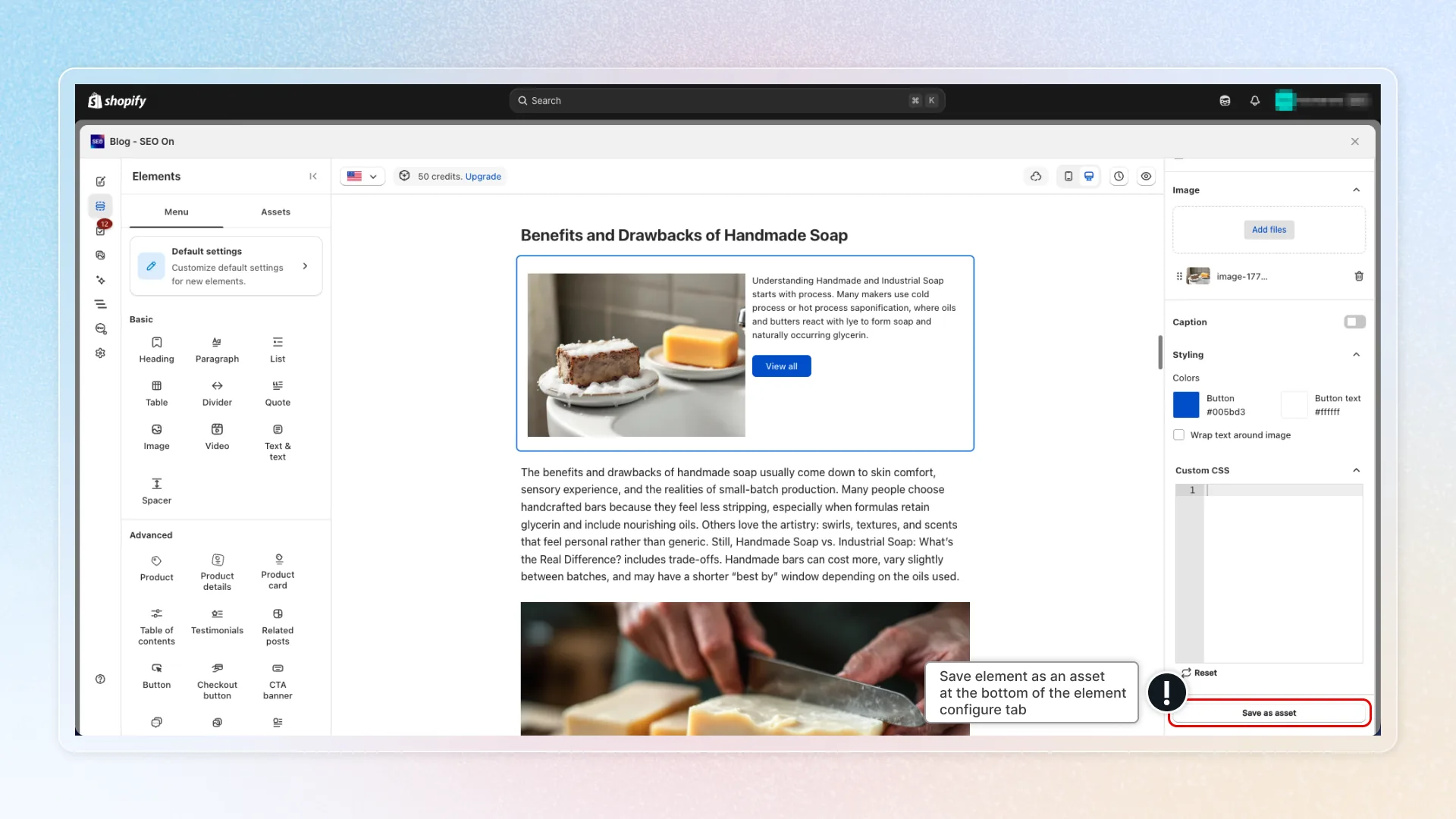
Save as asset
Click the 'save as asset' option in the element toolbar. On the Free plan, this opens an upgrade modal — reusable assets are a Pro feature.
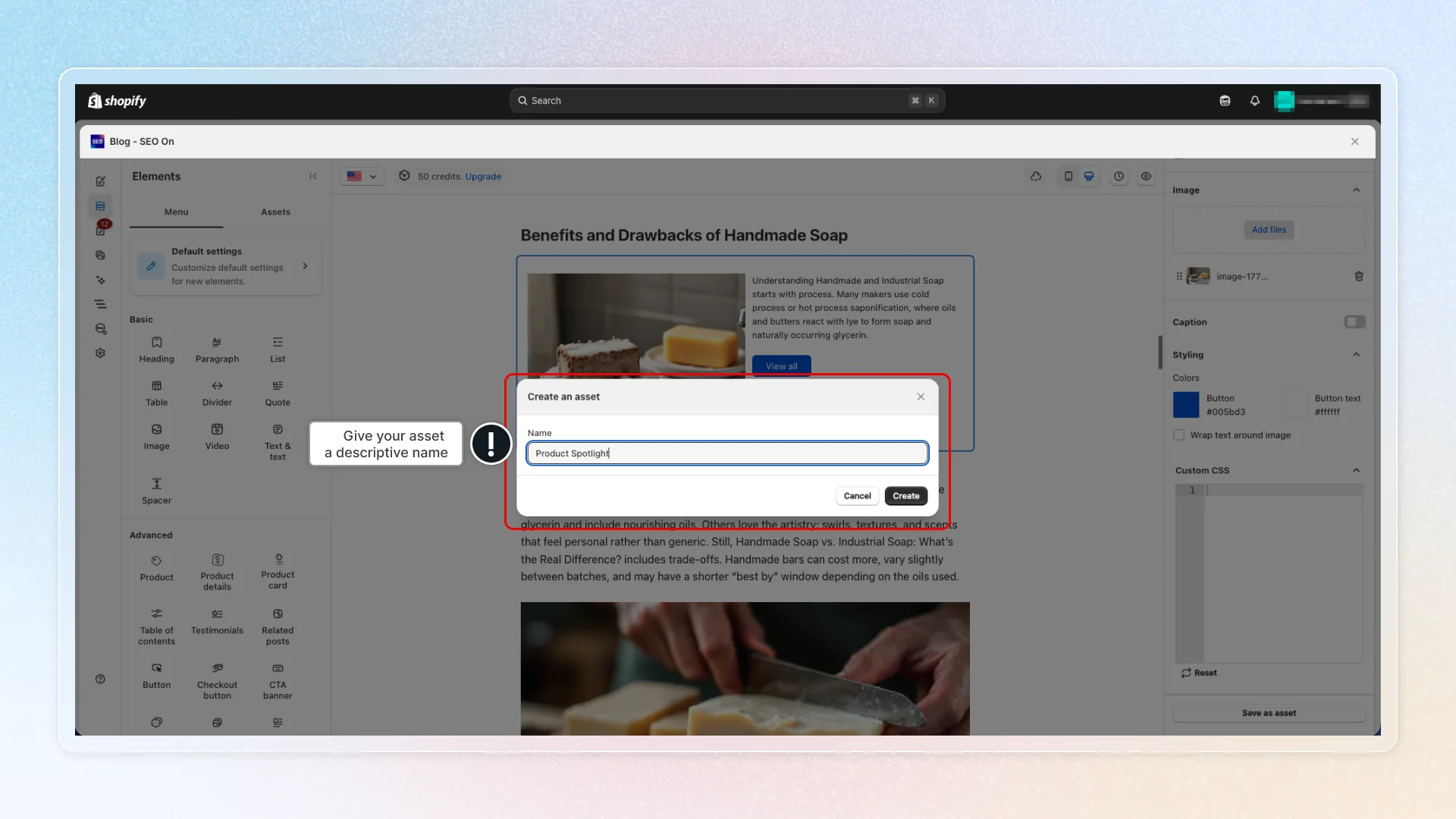
Name it
Give your asset a descriptive name (e.g., "Standard CTA Banner", "Product Spotlight")
To use a saved asset
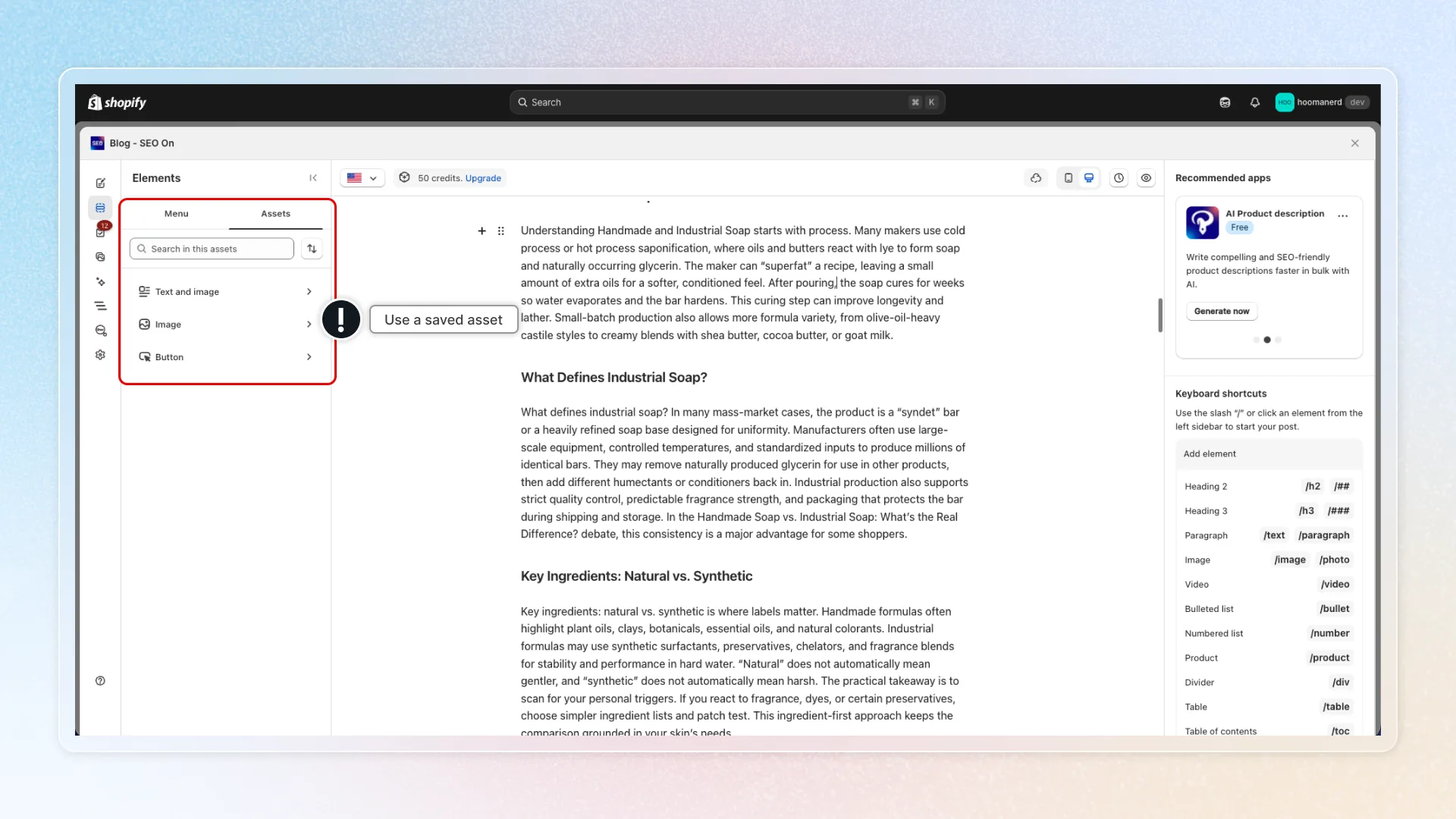
- Open Assets tab - In the left panel, switch to the Assets tab.
- Find your asset - Browse or search your saved assets.
- Insert - Click the asset to add it to your post.
This is especially useful for elements you use frequently, such as a branded CTA banner, a standard product card layout, or a consistent testimonial format.
Tips
- Name assets clearly (e.g., "Standard CTA Banner", "Product Spotlight Layout") so you can find them quickly.
- Use saved assets for elements that appear in many posts to maintain brand consistency.