Authors
Manage authors of blog posts
With Avada AI Blog Builder, you can manage all authors (add, edit and delete) and display authors in the blogs.
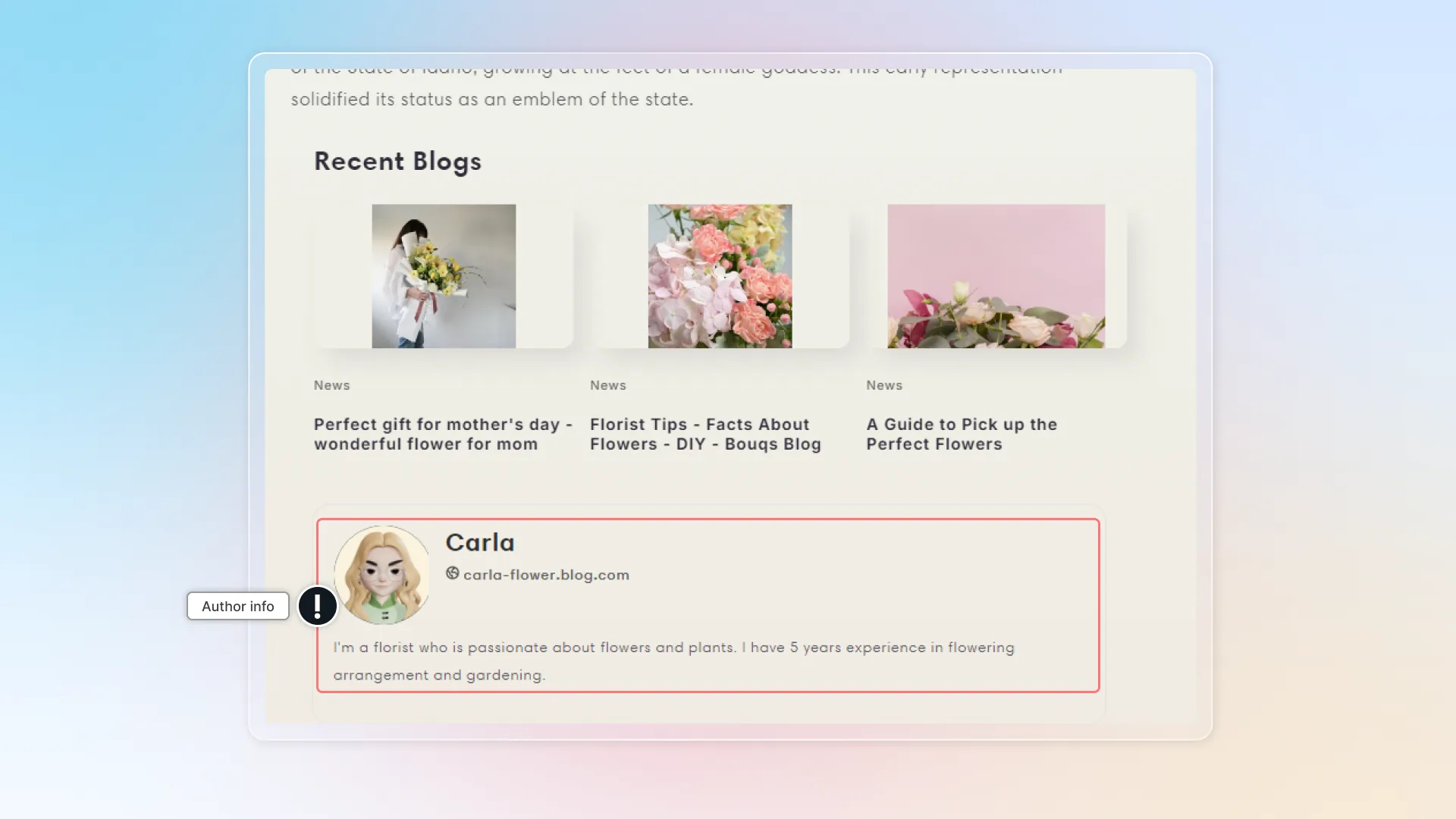
Manage authors
Add authors
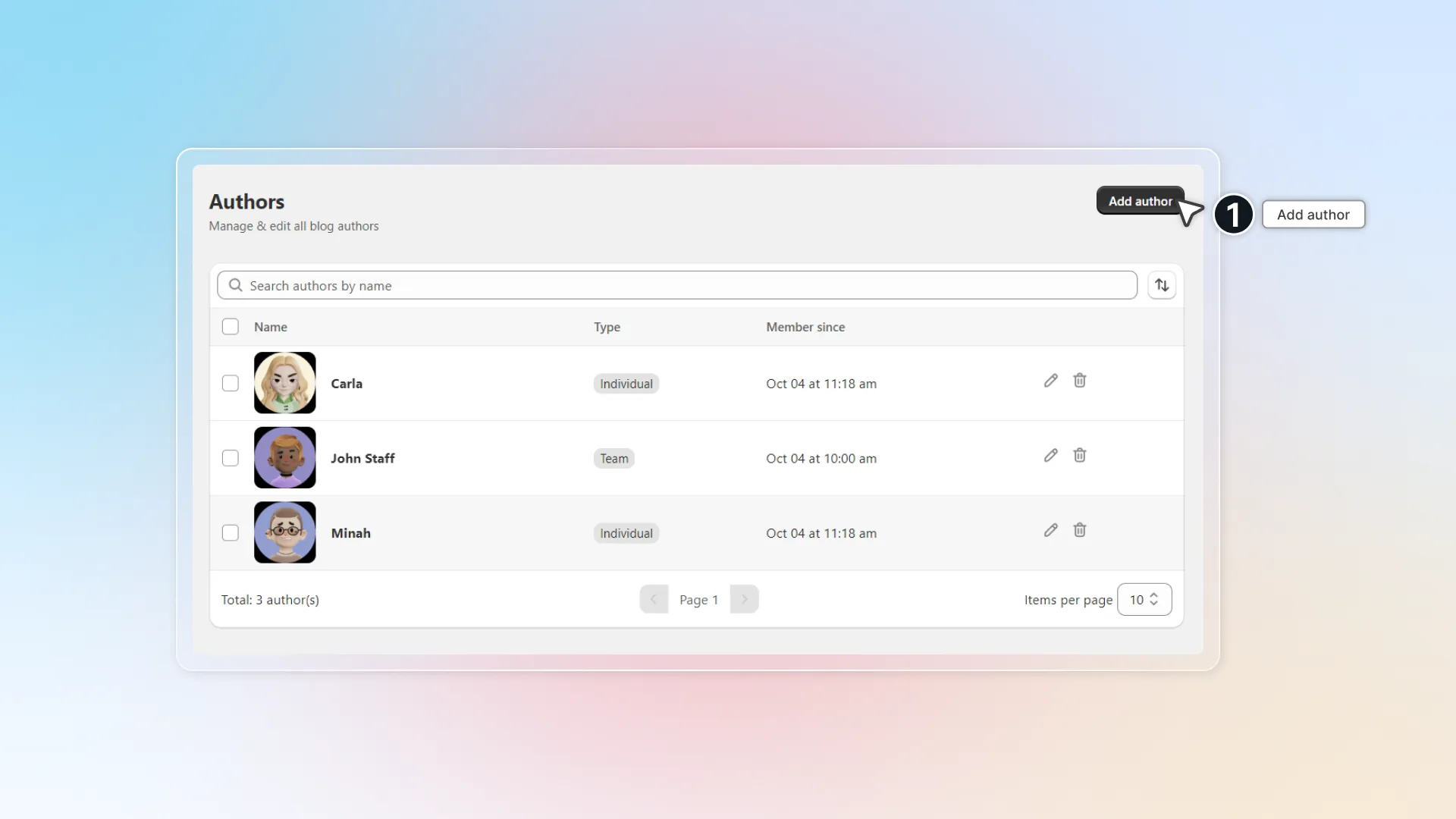
- In app, go to Sections -> Author -> Click Add author
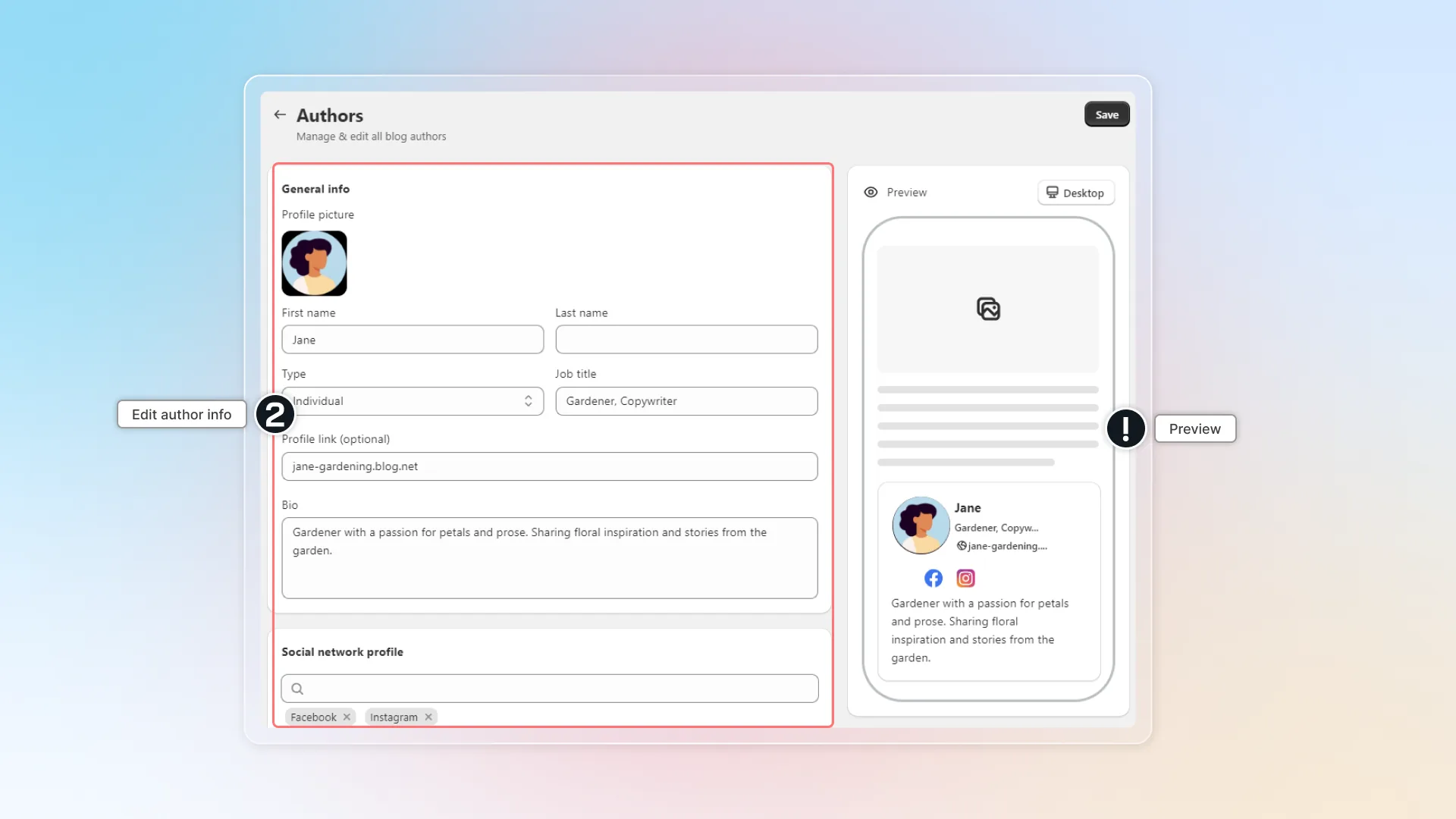
- Edit author info: Profile picture, Name, Type (individual or team: individual is a writer; team is a team or a agency), Job title, Profile link, Bio, Social network profile
- Click Save
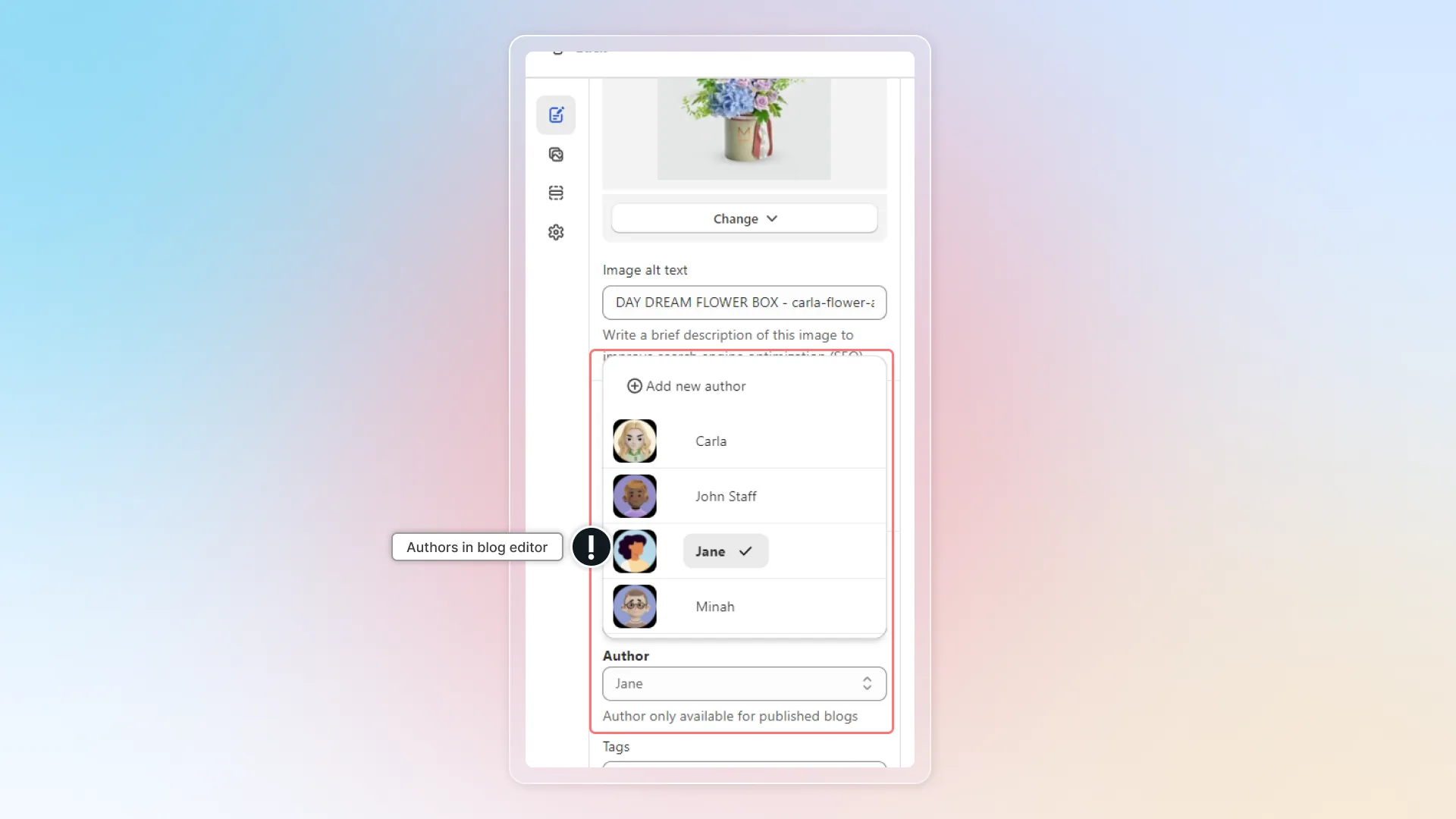
- New author will be visible in author management and in the author list in blog editor.
Edit or delete authors
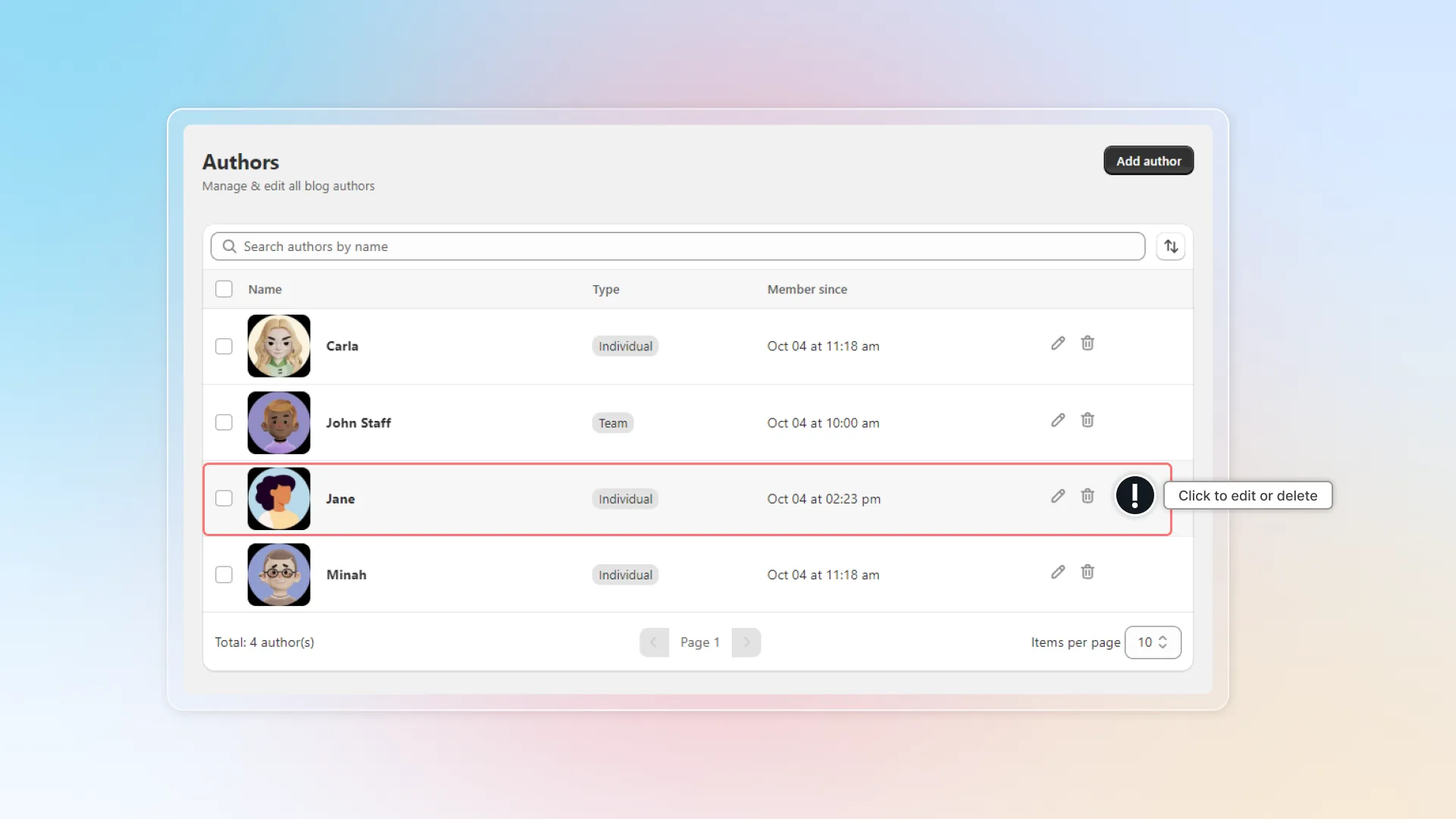
- Go to Author -> Click to edit or delete author. Before deleting authors, make sure that it won't affect your blog.
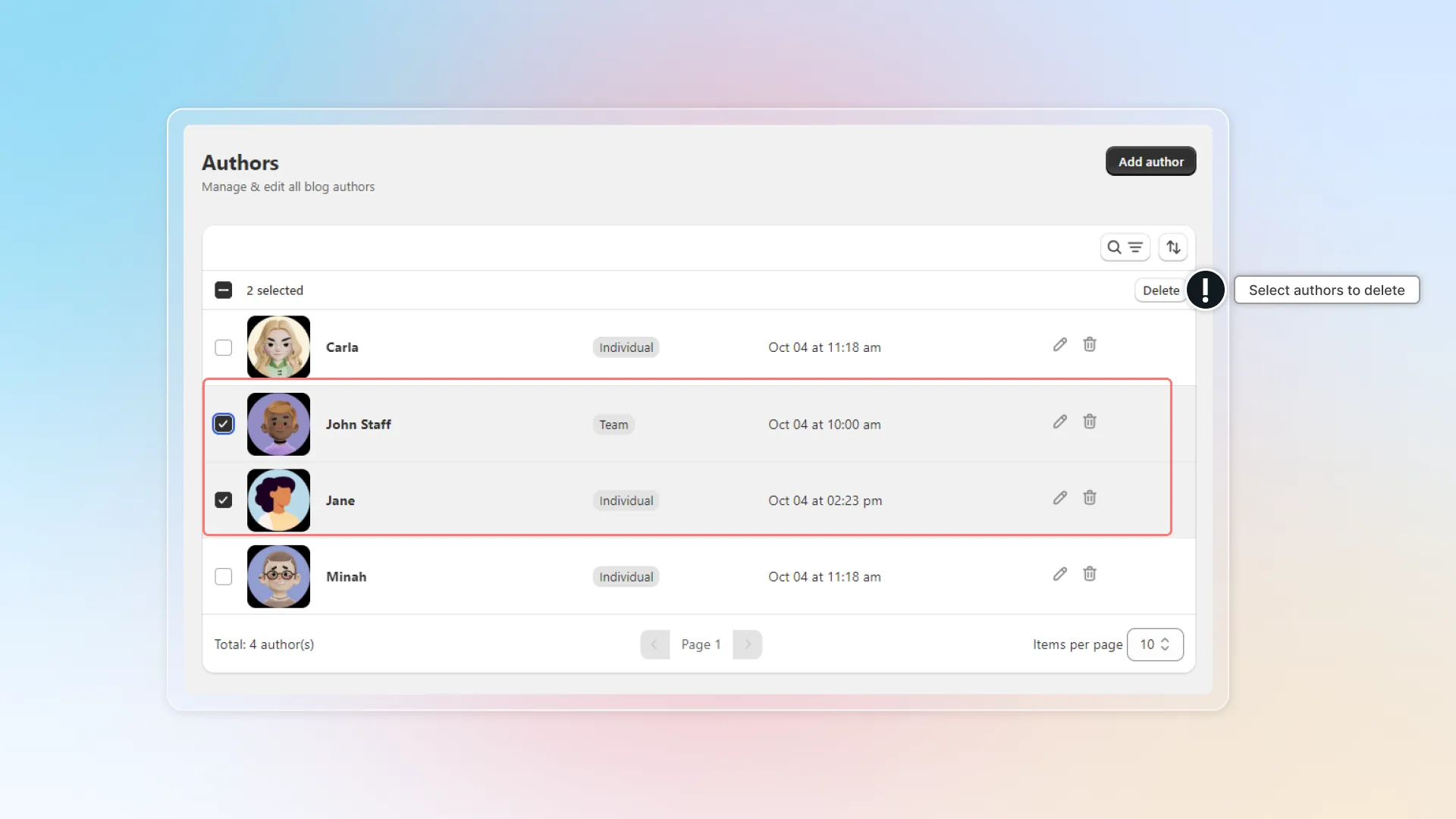
- You can also select many authors and delete authors in bulk.
Show authors in blog
You can show author details in your blog to build trust and increase engagement with readers.
To show authors in your blog, you need to embed Avada AI Blog Builder in your theme.
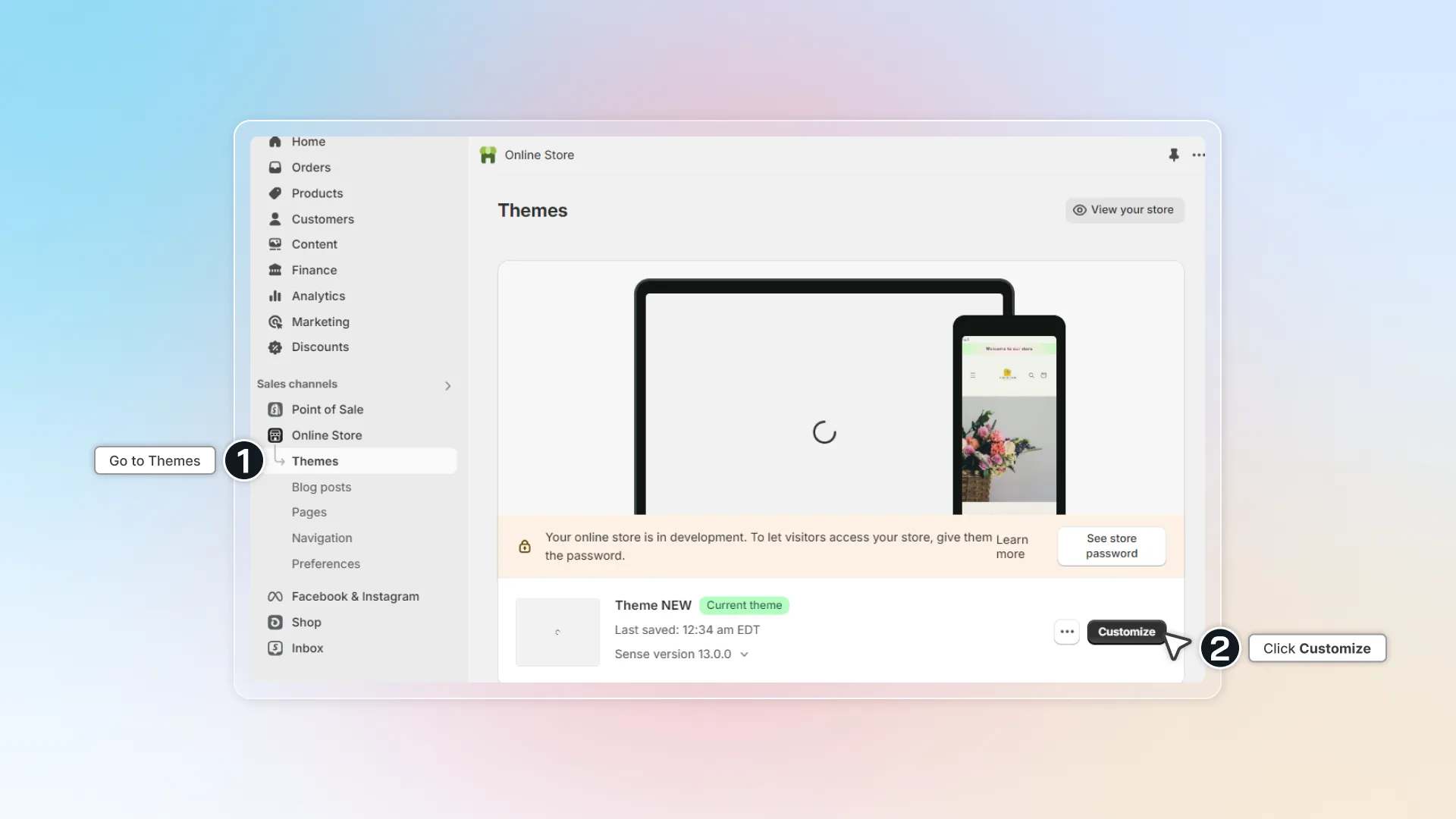
- To show authors in your blog, you need to embed Avada AI Blog Builder in your theme. In Shopify admin, go to Themes -> Click Customize
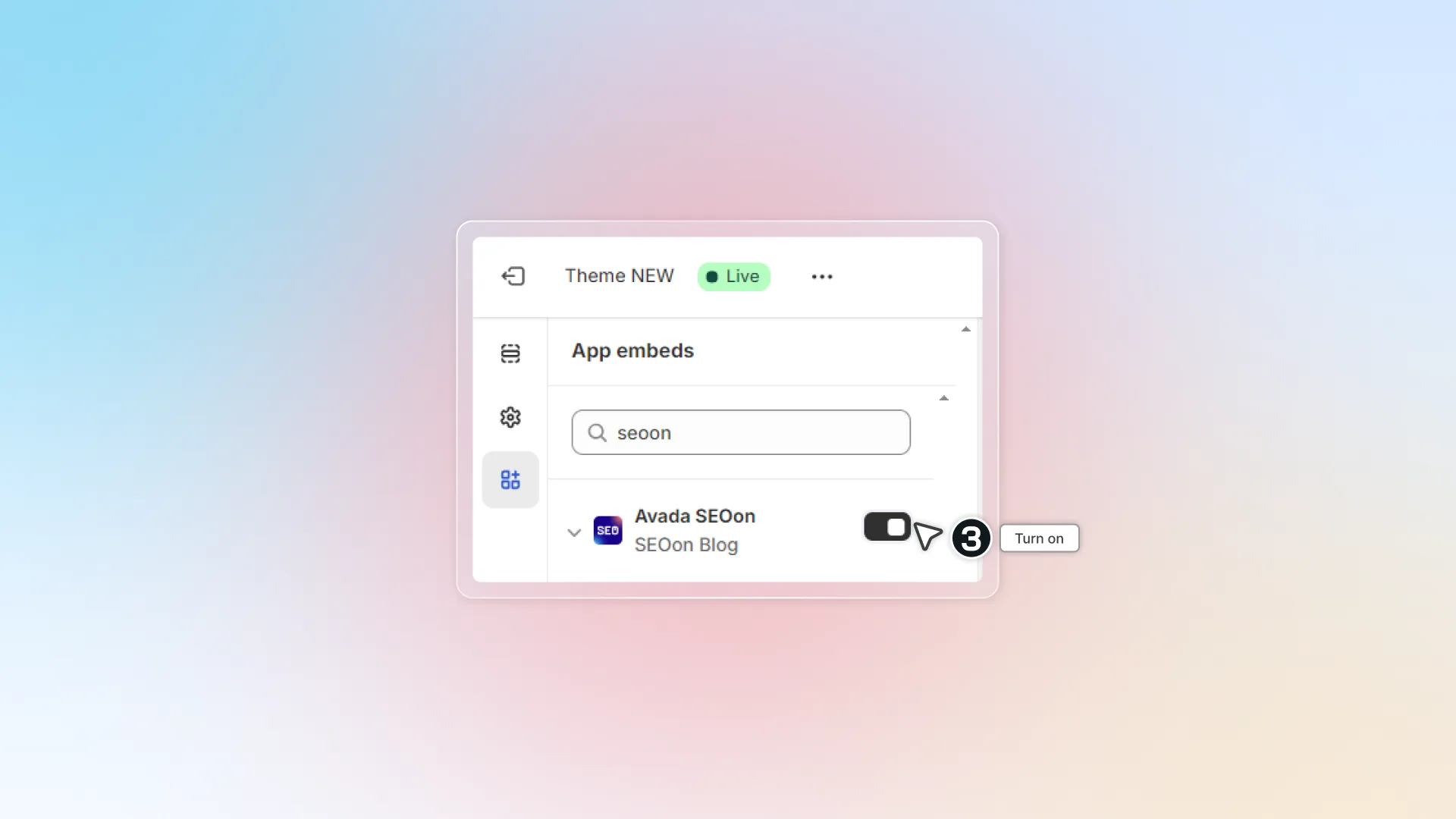
- Go to App embeds -> Find Avada AI Blog Builder -> Turn on
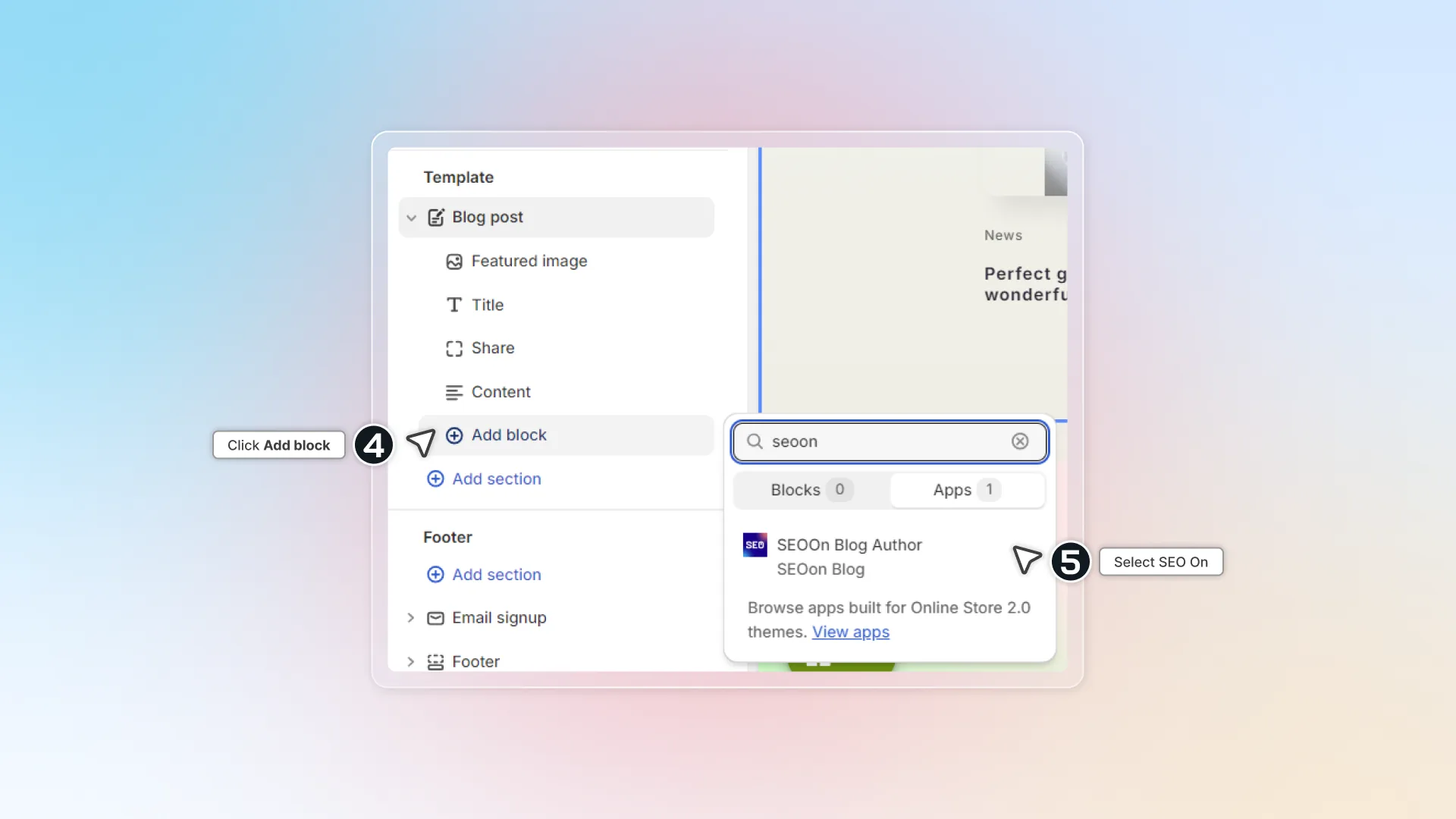
- In Theme editor -> Go to Blog page -> Click Add block -> Find app Avada AI Blog Builder and add to page
- Click Save. This is how authors look like on your blog.