AI summary (TL;DR)
Auto-generate TL;DR summaries for your blog posts so readers get the key points at a glance.
AI Summary automatically generates a short TL;DR summary for your blog posts. The summary is displayed at the top or bottom of each post on your storefront, helping readers quickly understand the main points before reading the full article.
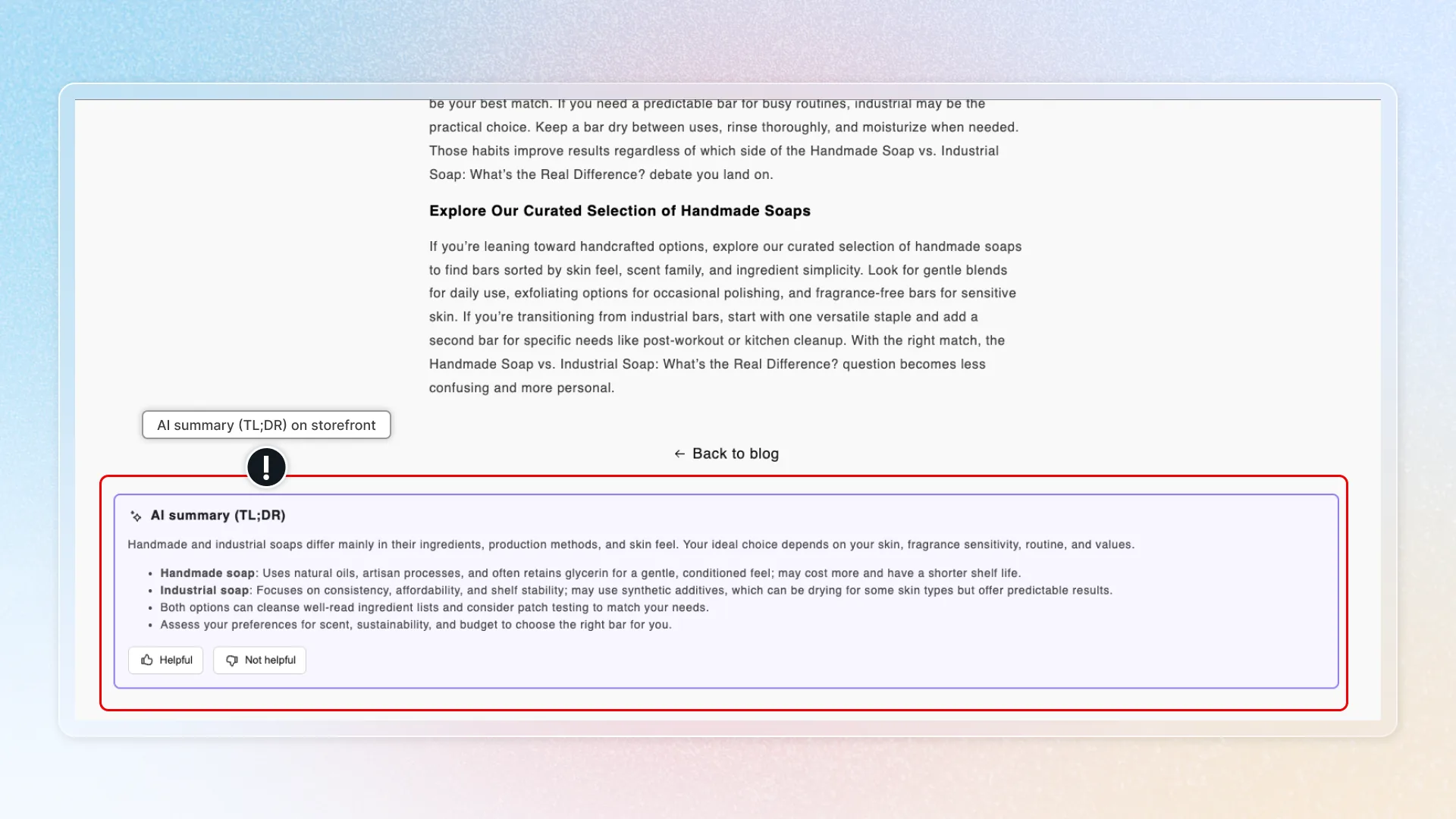
Location in app: Sections > AI Summary
Settings
Configure AI Summary on the Settings tab:
| Setting | Options | Description |
|---|---|---|
| Summary length | Short, Medium, Long | Controls how detailed the generated summary is |
| Format | Paragraph, Bullets, Numbered, Hybrid | Controls the visual format of the summary |
| Store languages | Select languages | Choose which languages to generate summaries in (for multilingual stores) |
| Voting buttons | On / Off | Show "Helpful" and "Not helpful" buttons for reader feedback |
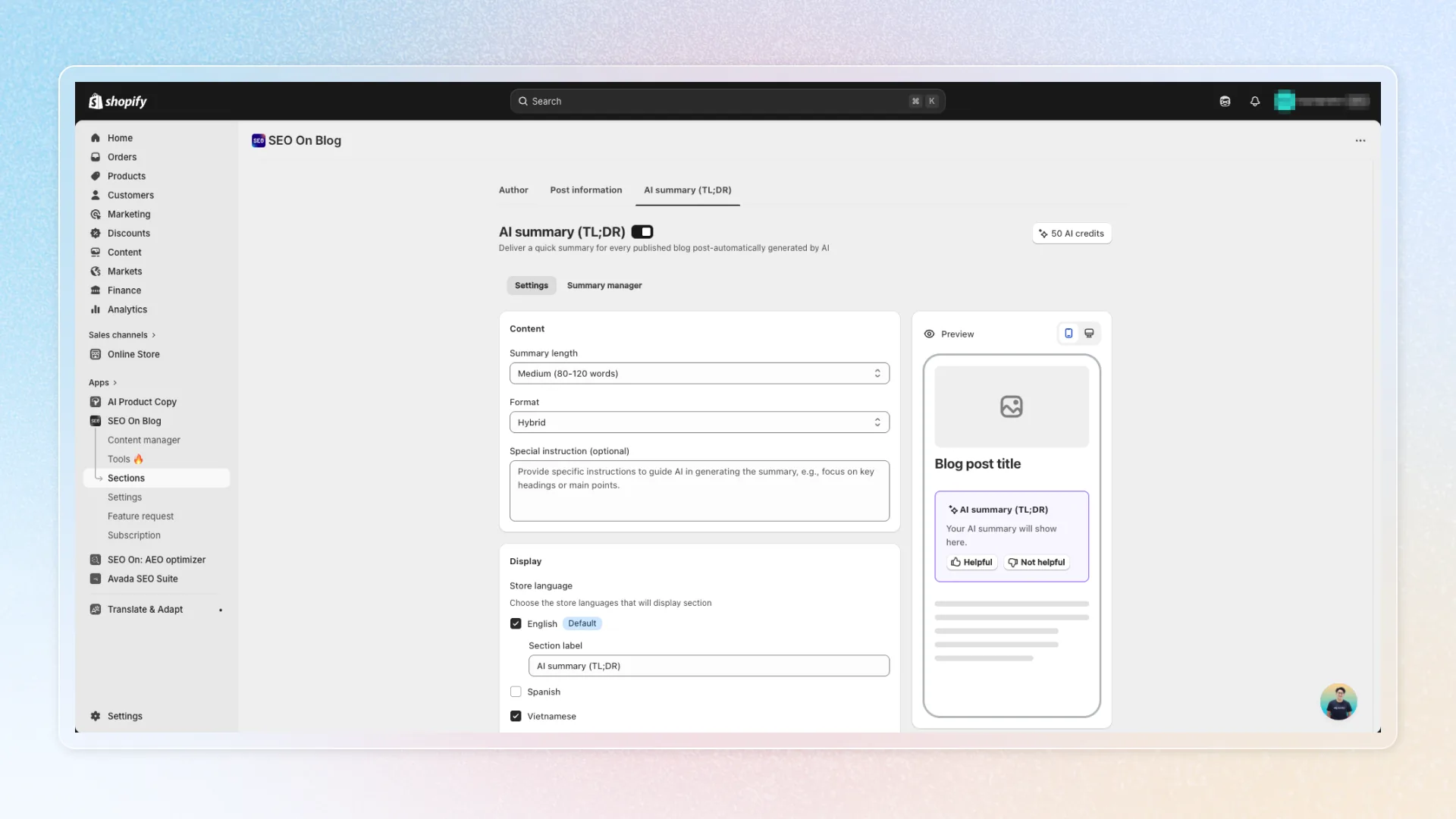
Summary Manager
Switch to the Summary Manager tab to manage summaries for individual posts:
- Generate for a single post - Click the menu on any post and select Generate.
- Bulk Generate - Create summaries for all posts at once.
- Regenerate - Update a summary if the post content has changed.
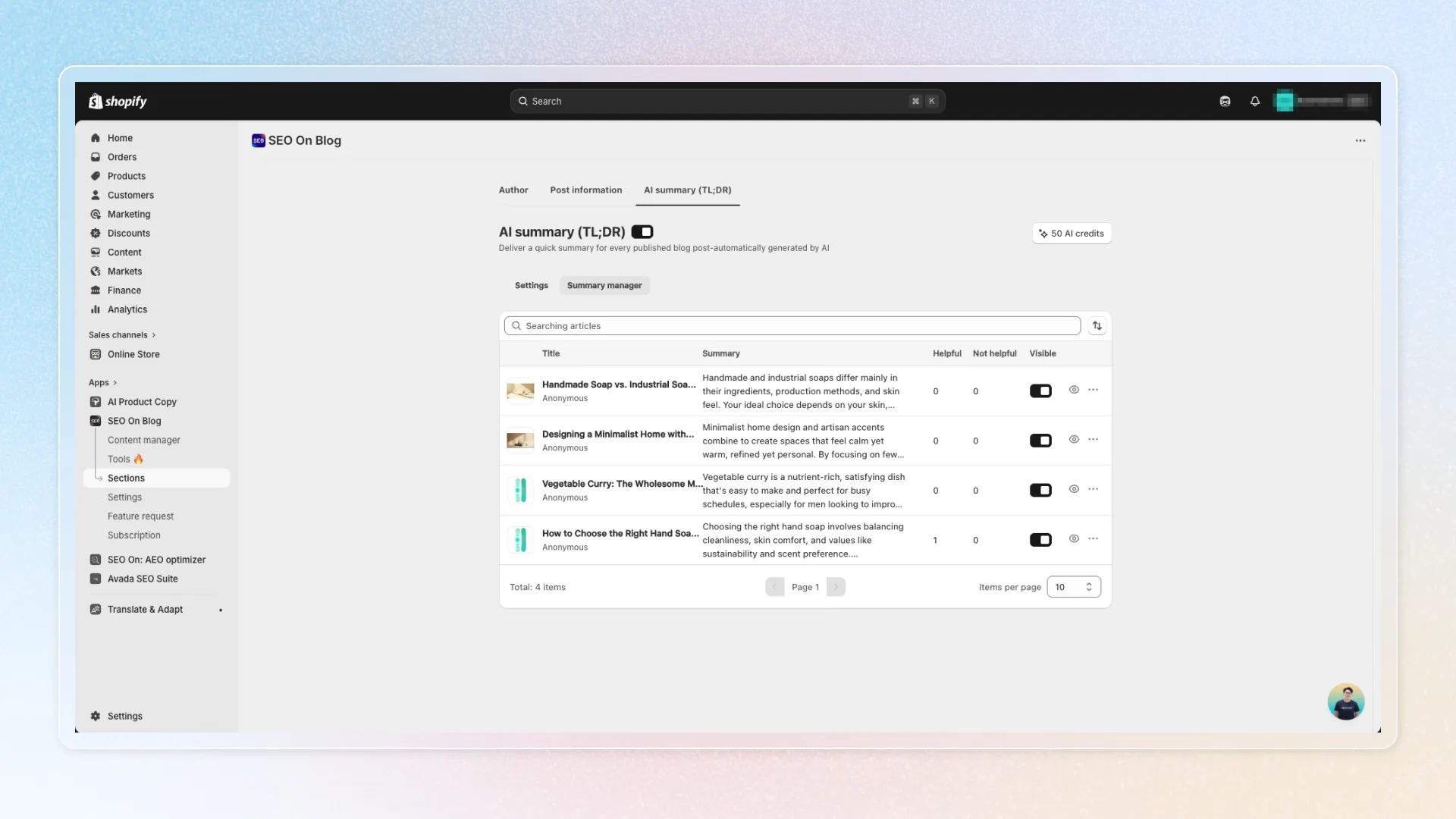
Theme block installation
To display AI Summary on your storefront, add the AI Summary block to your Shopify theme:
- In the app, go to Sections > AI Summary.
- If the block has not been added, a warning banner appears with an "Add block" button.
- Click the button to open the Shopify Theme Editor directly at the correct location.
- Confirm the block is added to your article template.
- Save your theme changes.
- Return to the app and click Refresh to confirm detection.
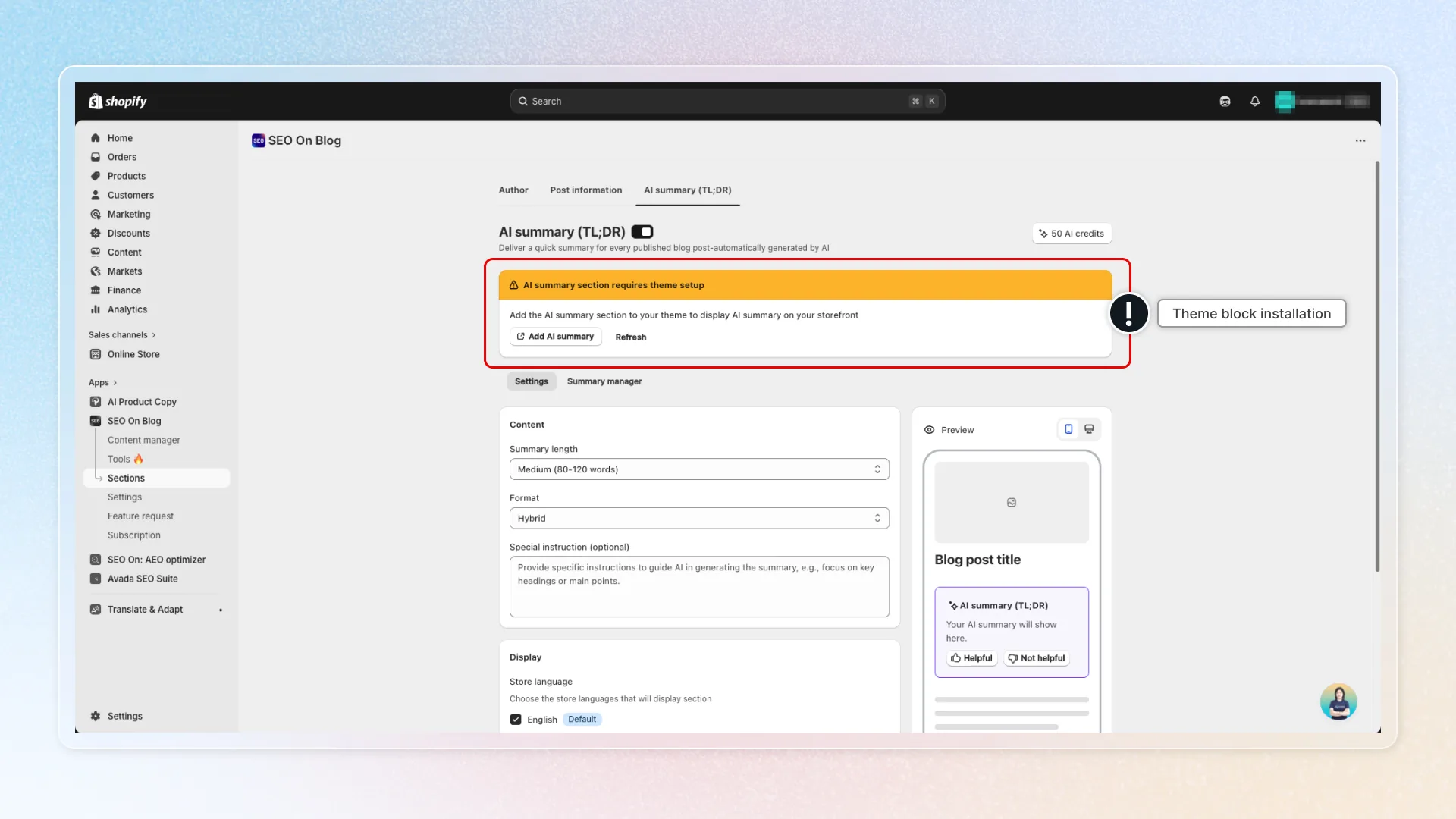
AI token usage
| Action | Tokens |
|---|---|
| First summary for a post | Free (0 tokens) |
| Regenerating a summary | Charged by the summary length |
Notes
- AI Summary requires the Pro plan. Free plan users will see an upgrade prompt.
- Summaries are generated per post. Each post can have its own summary.
- The summary updates when you regenerate it, not automatically when post content changes.
- Multilingual summaries are generated separately for each enabled language.