Add the Withdrawal Form & Button to Your Storefront
Hello there! We're here to guide you through getting the form live on your store. Don't worry, we'll be with you every step of the way!
Prerequisites
- A published Shopify theme.
- The Avada Withdrawal Form app installed on your store.
Activate the app embed
Ensure the app embed loads the withdrawal form on your storefront. It must be on before the form or widget will appear.
Return to the home page and confirm the Theme store app embed badge reads On.
Find your withdrawal pages
When you installed the app, two pages were created for you automatically.
- Go to Online Store → Pages in your Shopify admin.
- Find the Withdrawal Form page — this is where the form appears for customers.
- Find the Withdrawal Policy page — this explains the withdrawal terms.
The form renders inside the Withdrawal Form page once the app embed is active, so you don't need to add any code.
Surface the form for customers
Choose how shoppers reach the form. You can use either option, or both.
A. Use the floating widget
- The floating button is on by default - it appears on every page once the app embed is active, opening the form in a popup or linking to the form page.
- Fine-tune its text, behaviour, country visibility, and style on the Widget & Form page. See Configure the Storefront Widget Button.
B. Add a footer menu link
- Go to Content → Menus in your Shopify admin.
- Open your footer menu and click Add menu item.
- Name the item (for example, "Withdrawal Form") and link it to the Withdrawal Form page. You can do the same with the Withdrawal Policy page (optional).
- Click Save menu.
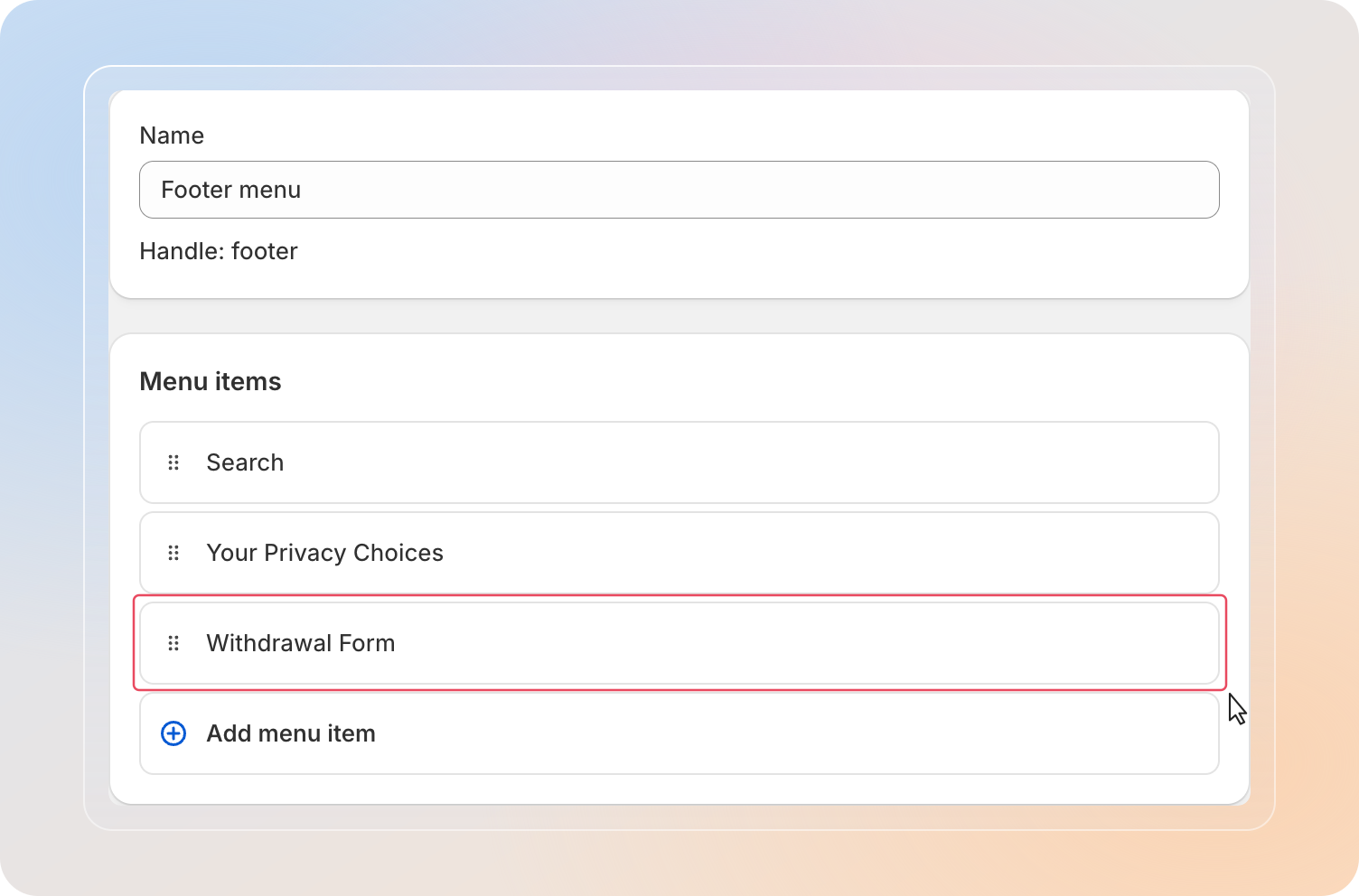
You can jump to Content → Menus quickly from the app's Quick start guide card using the Go to menus button.
Tips
- If the form or widget doesn't appear, confirm the Avada Withdrawal app embed is on and saved, then refresh the page.
- The floating widget keeps the form reachable from every page, while a footer link suits stores that prefer a fixed navigation entry.
Related Articles
And there you have it! You've successfully added the withdrawal form to your storefront. Customers can now find and submit their requests with ease.
If you have any questions or run into any issues, don't hesitate to reach out. We're here to help!