Block Bots, VPNs & Proxy Traffic
Not all bad traffic comes from a known IP. Automated bots scrape and probe your store, and fraudsters often hide behind VPNs, proxies, or TOR. Avada Fraud Filter can detect and block both - turn them on from Settings → Advanced blocking.
Prerequisites
- The app embed must be active. See the Quick Start guide.
- VPN, Proxy, and TOR blocking require a VPNapi.io API key (covered below).
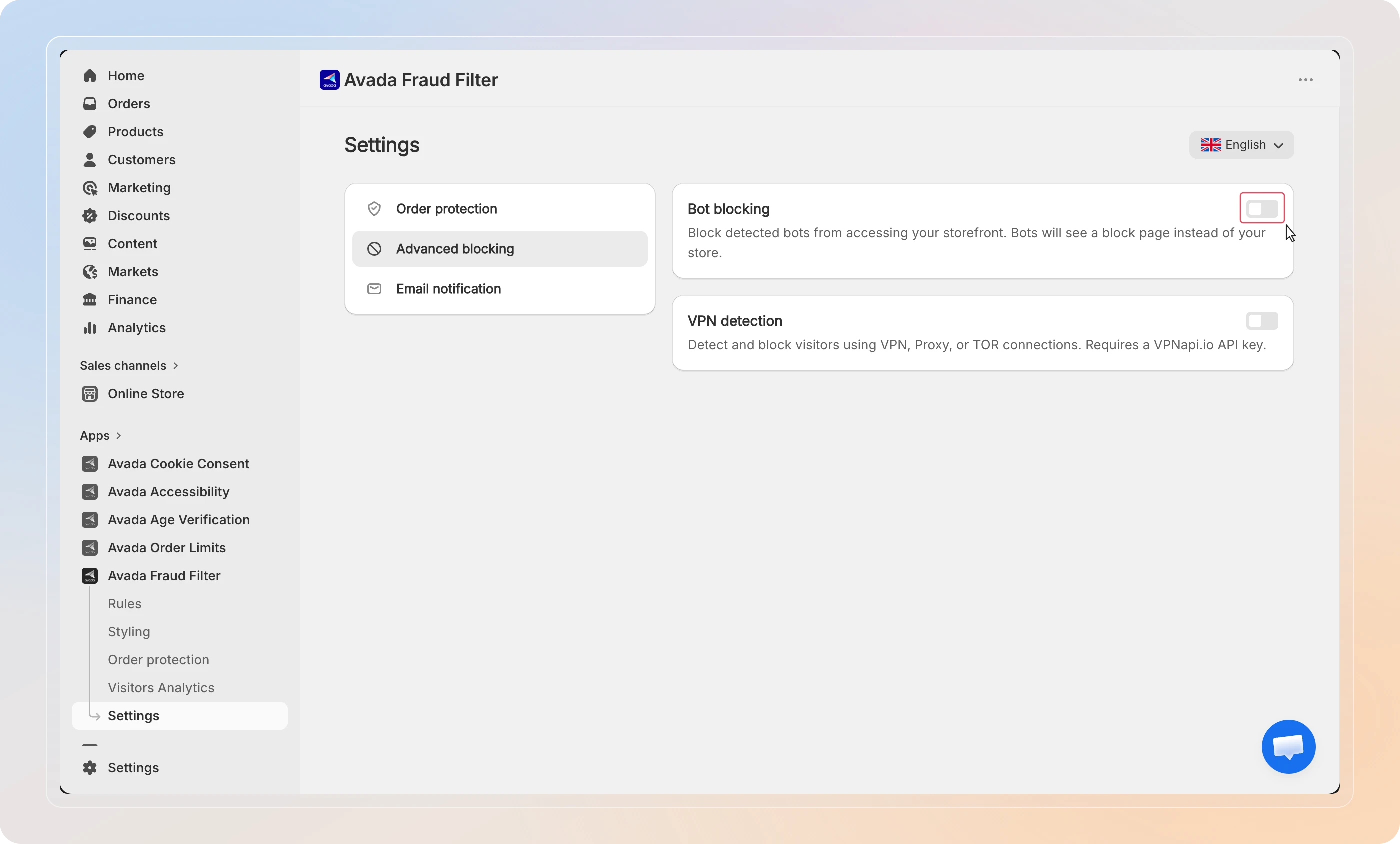
Enable bot blocking
Bot blocking works on its own - no API key needed.
- In the sidebar, click Settings, then open the Advanced blocking section.
- Turn on Block automated bots.
Detected bots (such as headless or automated browsers) now see your block page instead of your store.
Add your VPNapi.io API key
VPN, Proxy, and TOR detection use the VPNapi.io service, so you need to connect an API key first.
- Sign up at vpnapi.io (opens in a new tab) and copy your API key.
- In the VPN detection section, turn on Enable VPN detection.
- Paste your key into the VPNapi.io API Key field.
- Click Validate.
When the key is accepted, you'll see API key is valid.
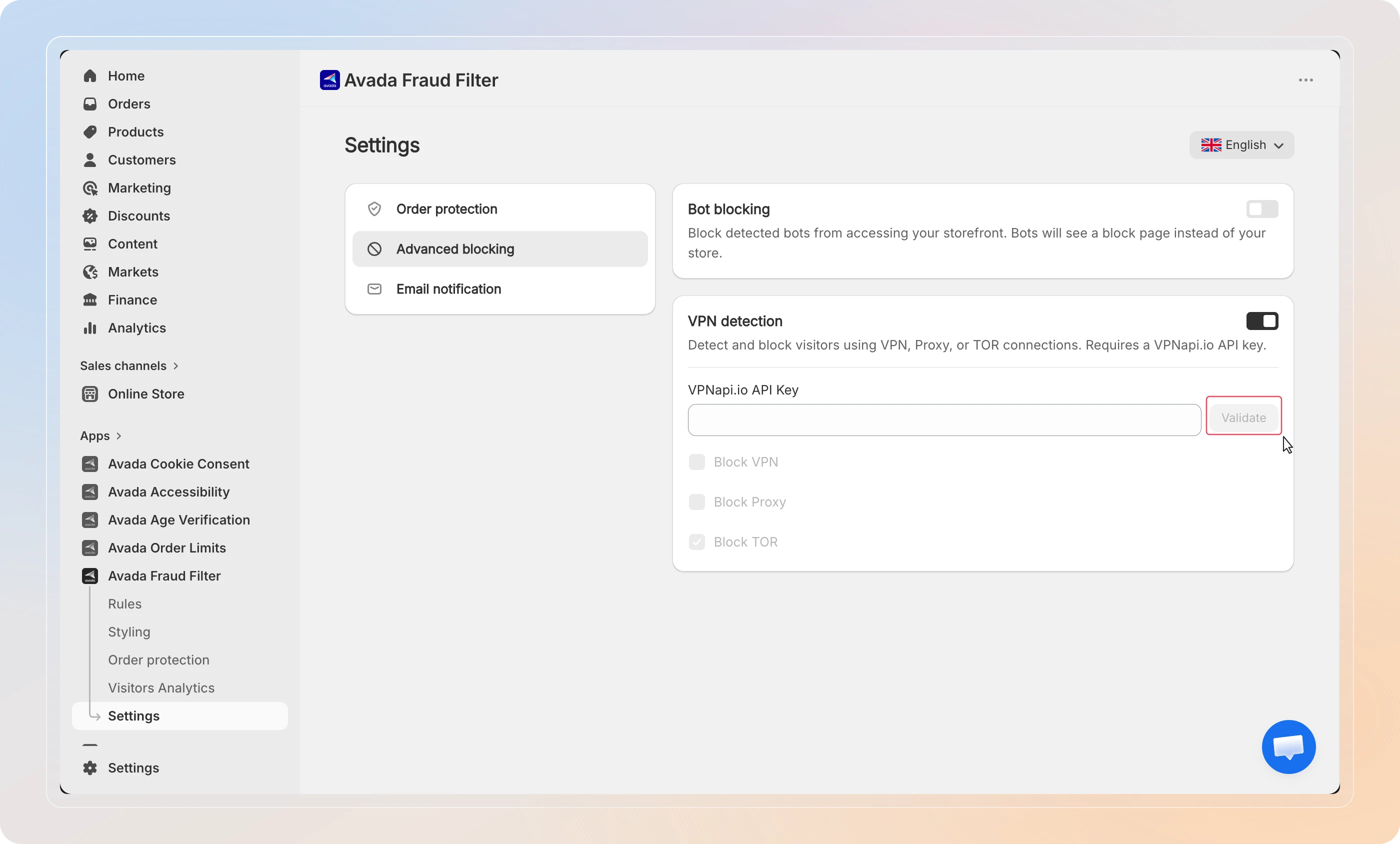
The block options below stay locked until your API key is validated.
Choose what to block
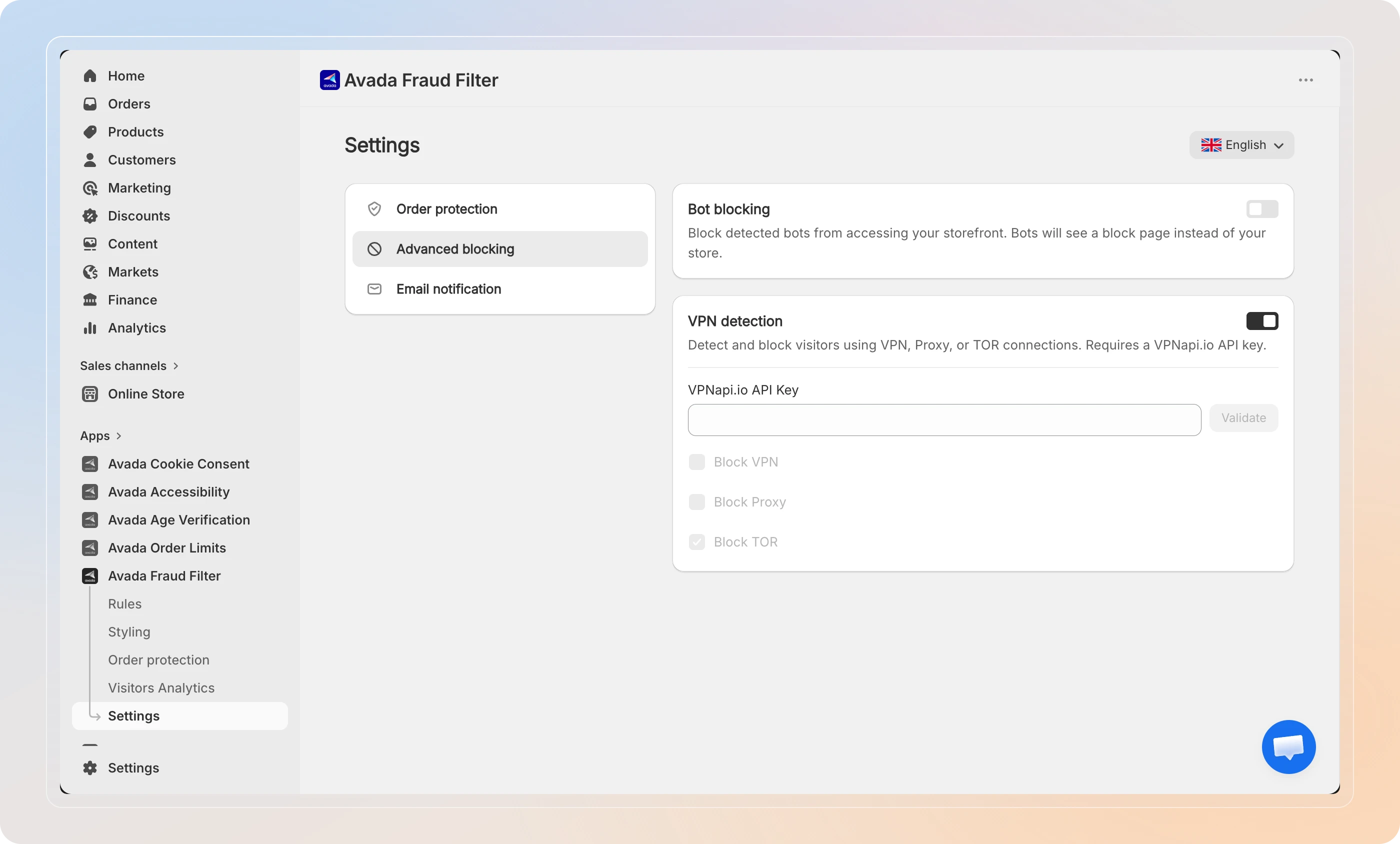
Once your key is valid, turn on the connection types you want to block:
| Option | What it blocks |
|---|---|
| Block VPN | Visitors connecting through a VPN service |
| Block Proxy | Visitors routing through a proxy server |
| Block TOR | Visitors using the TOR anonymity network |
Enable any combination that fits your store.
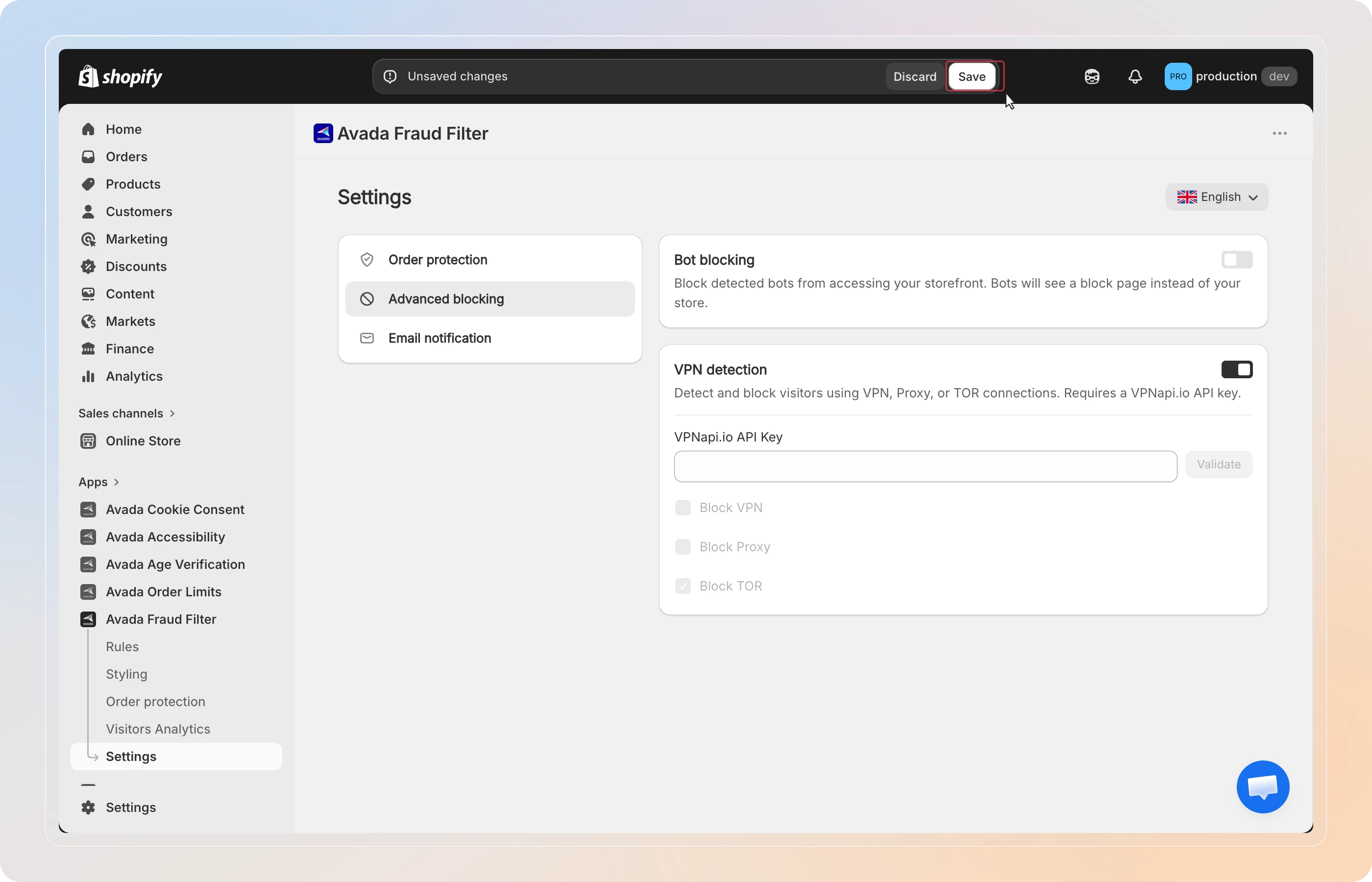
Save
Click Save in the top bar to apply your changes.
From now on, matching bot and anonymized traffic is blocked in real time.
Tips
- Start with bots, then add VPN - bot blocking needs no setup, so enable it first while you get your VPNapi.io key.
- Watch for false positives - some legitimate shoppers use VPNs for privacy. Check Visitor Analytics after enabling, and filter by the VPN/Proxy block reason to see what's being blocked.
- Layer with rules - bot and VPN blocking complements your IP and Country rules; together they cover both known and anonymized threats.
And there you have it! You've successfully set up bot and VPN/proxy blocking. Anonymized and automated traffic is now filtered before it reaches your store.