AI product tagging
AI can now read a video and suggest the products in it. You confirm the matches you want, one video at a time or in bulk.
Every shop on Free or Pro gets 10 free AI tags to start. AI tagging is not available on Earlybird.
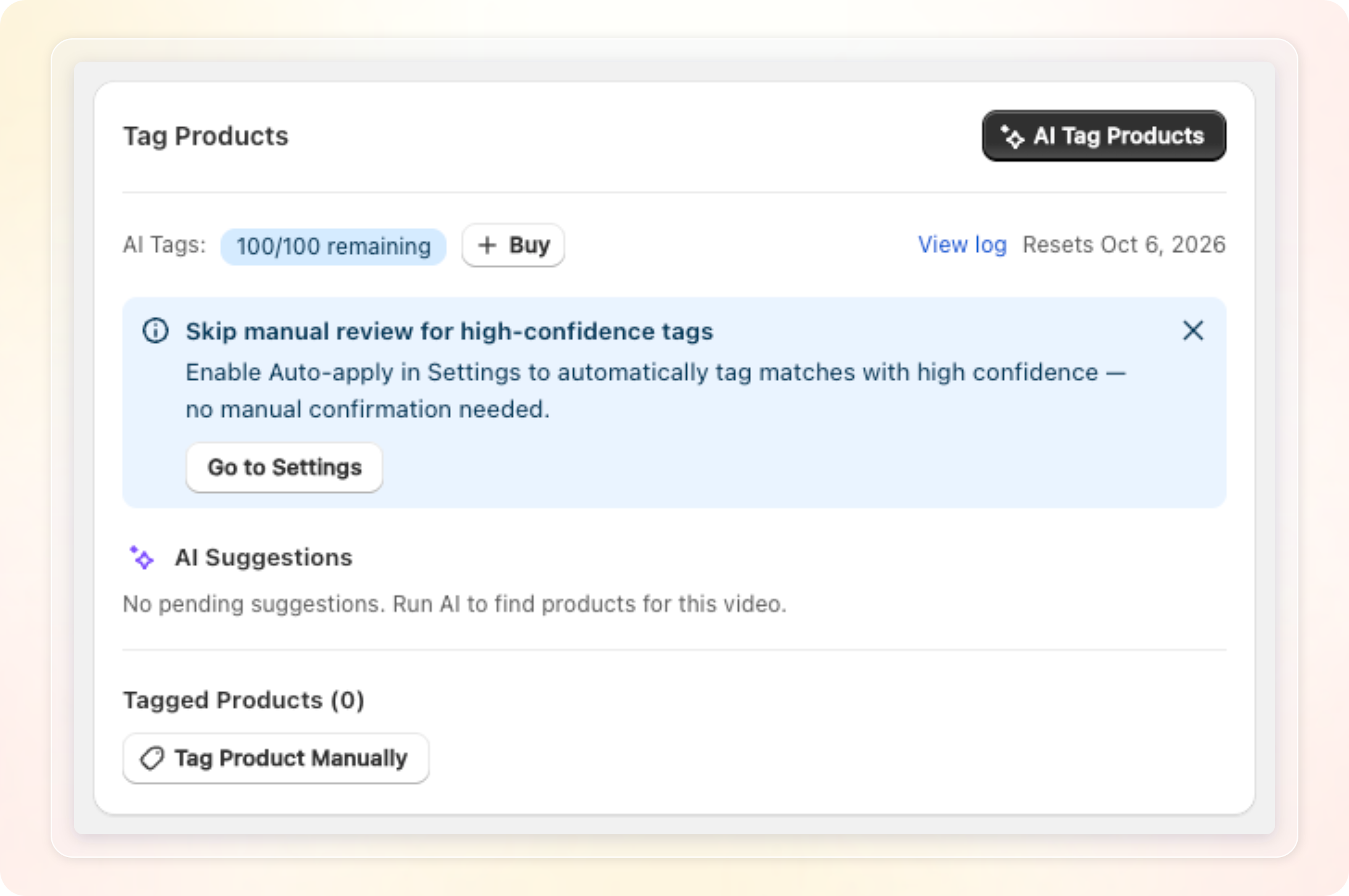
How to use: Open Video library, open a video, then click AI Tag Products in the Tag Products card. See Tag products on your videos with AI for the full walkthrough.
Things to know
- 1 tag is 1 successful scan of 1 video. It is not counted per product found.
- A scan that fails costs nothing.
- Auto-apply is off by default. Turn it on in Settings, then the AI Tagging tab.