MP Wishlist integration
Your videos can now show a wishlist icon on each product. Shoppers save items while they watch and come back to buy later. The icon comes from MP Wishlist & Favorites, a free Shopify app. Available on all plans.
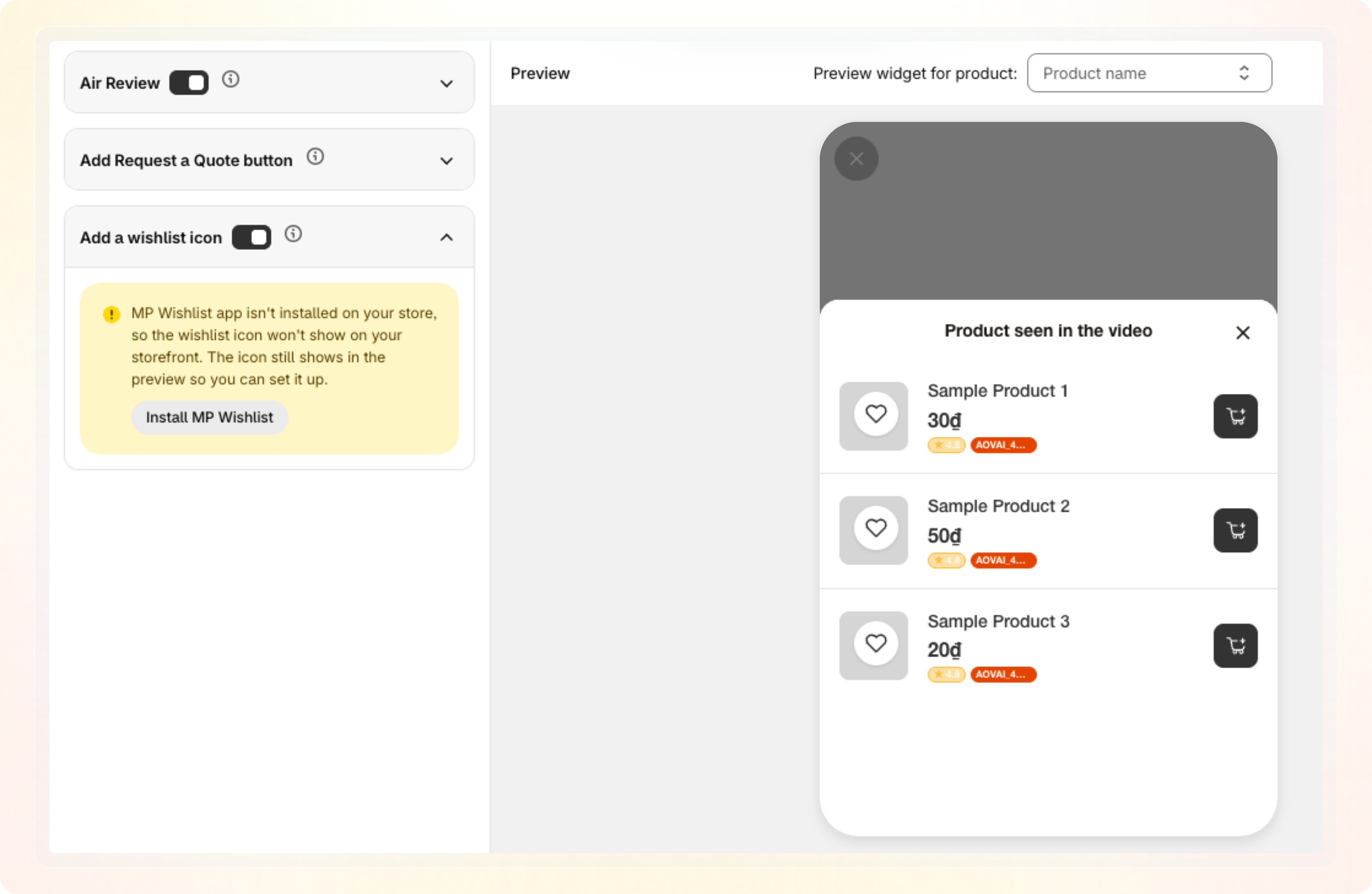
How to use: Go to Integrations, then click Manage on the MP Wishlist card and follow the 4 steps. Next, open a widget in Manage widget and click the Integration tab. Turn on Add a wishlist icon, then click Save. See MP Wishlist for the full walkthrough.