🔌 Connect Luna to Google Calendar
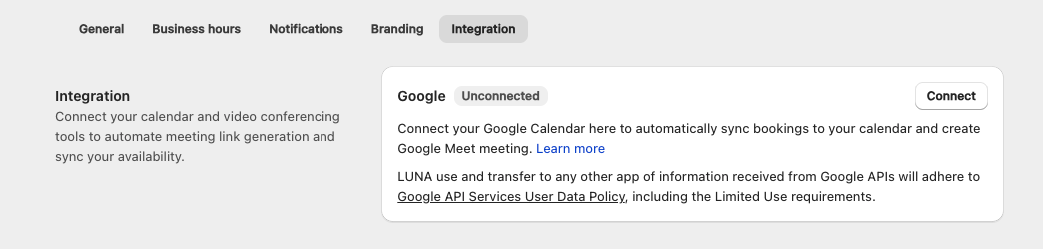
- Open the app > click Settings > Integration
- Click Connect
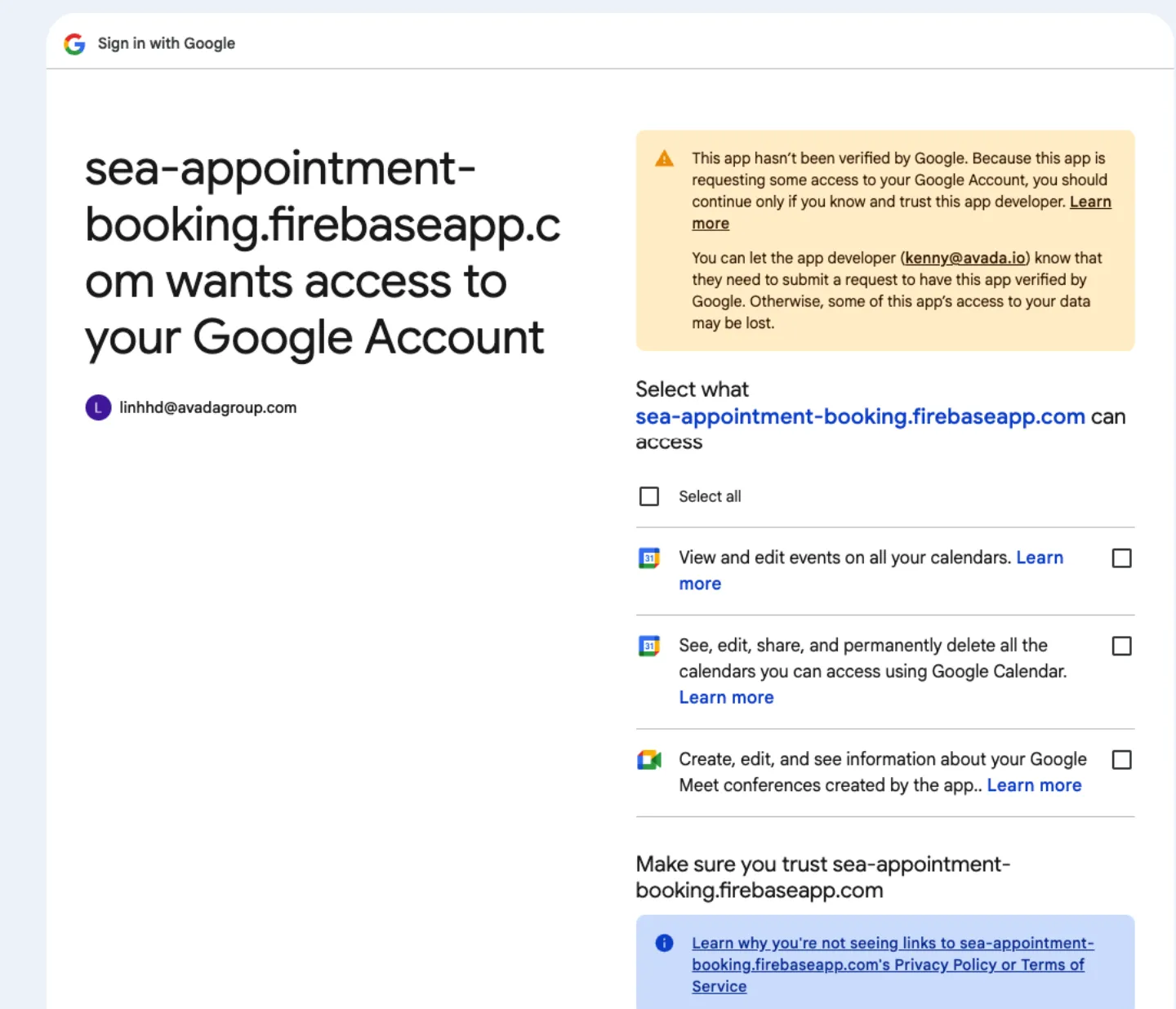
- Log in your Google account and access permission
- Connect successfully
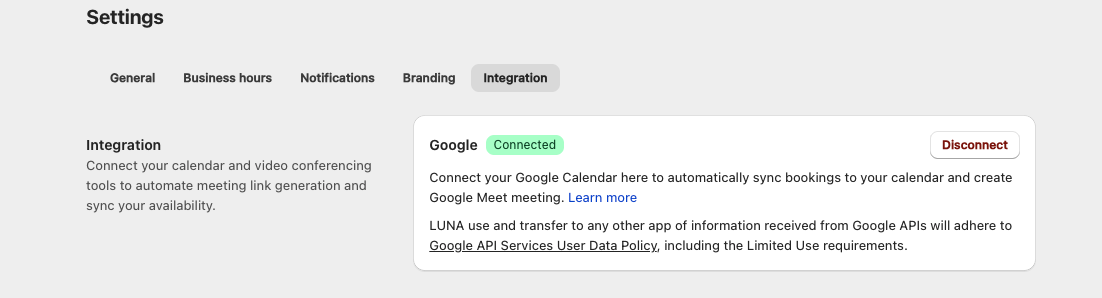
Your Google account has been successfully connected to Google Calendar and Google Meet.
- All appointments created via Luna Appointment Booking will automatically sync to Google Calendar as new events.
- When the meeting location is set to Google Meet, a Google Meet link will be automatically generated.