Cookies Scanner
The Cookies Scanner helps you identify all cookies used on your website. It automatically scans your storefront and lists every cookie, making it easier to categorize and manage them for compliance.
Running a Scan
Enter Store Password (if needed)
If your store has a password-protected storefront (e.g., during development), enter the store password so the scanner can access your pages.
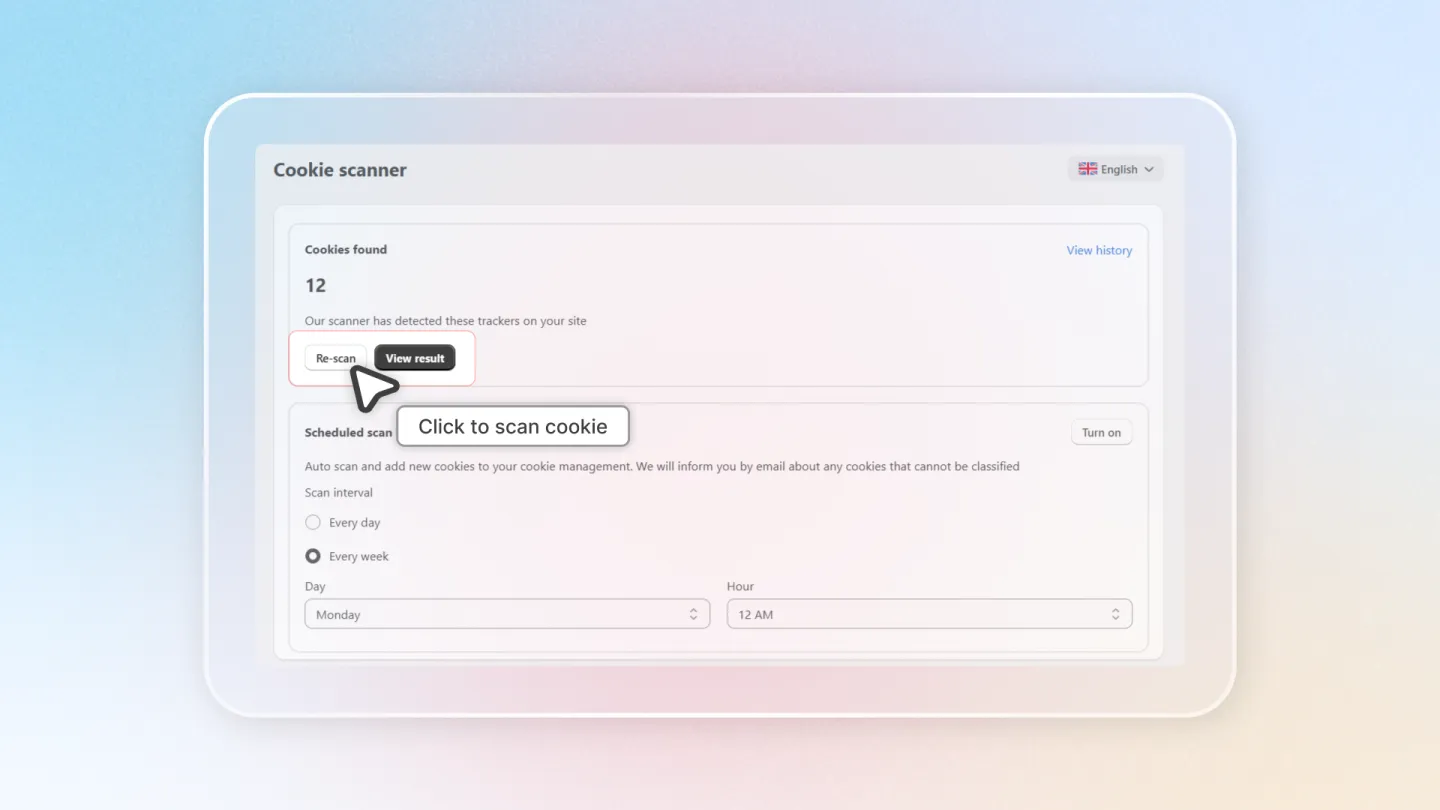
Click Scan Now
Click the Scan Now button to start scanning your storefront for cookies. The scanner will visit your pages and detect all active cookies.
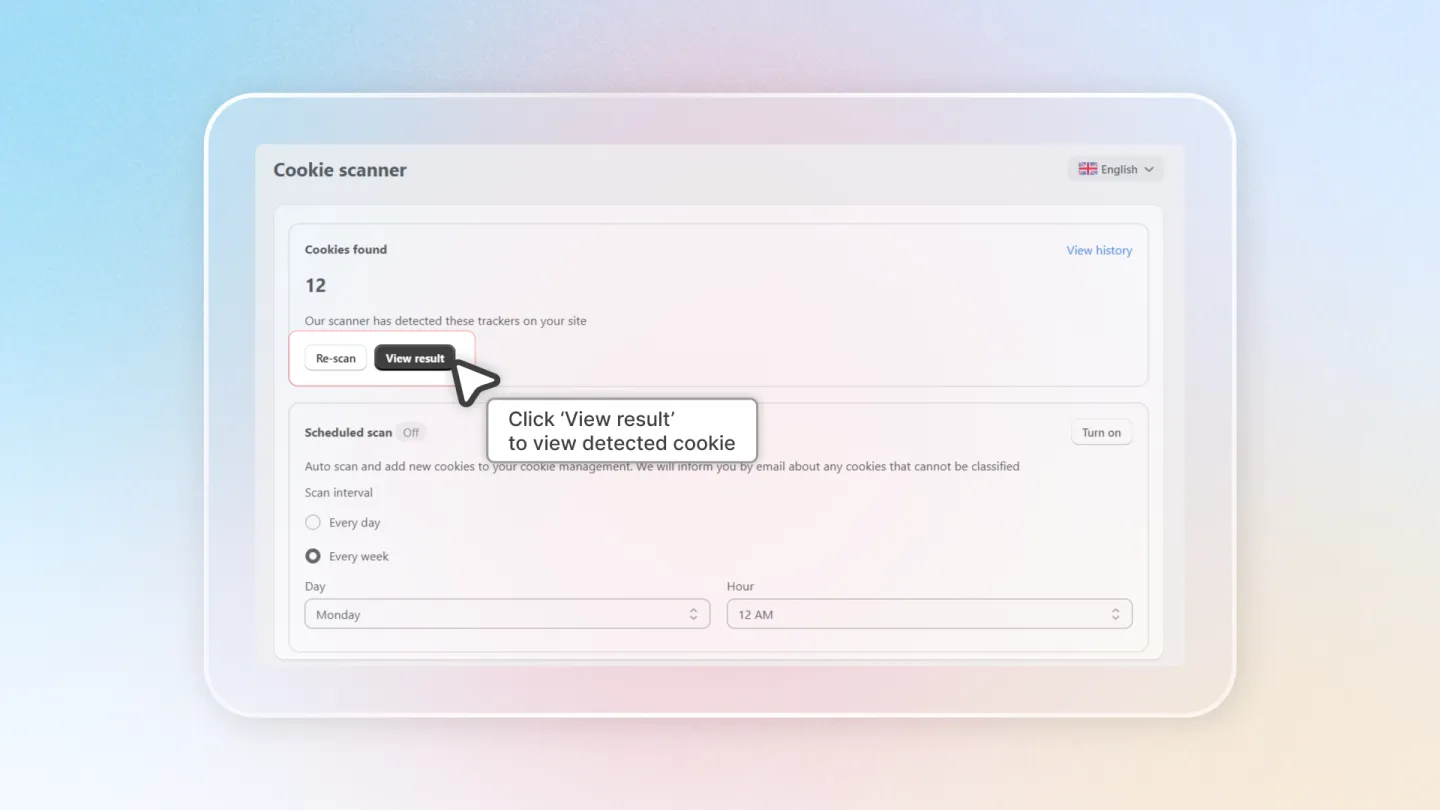
View Results
Once the scan is complete, you can view the results. Each detected cookie is listed with its name, domain, duration, and type. Review the list to ensure all cookies are properly categorized.
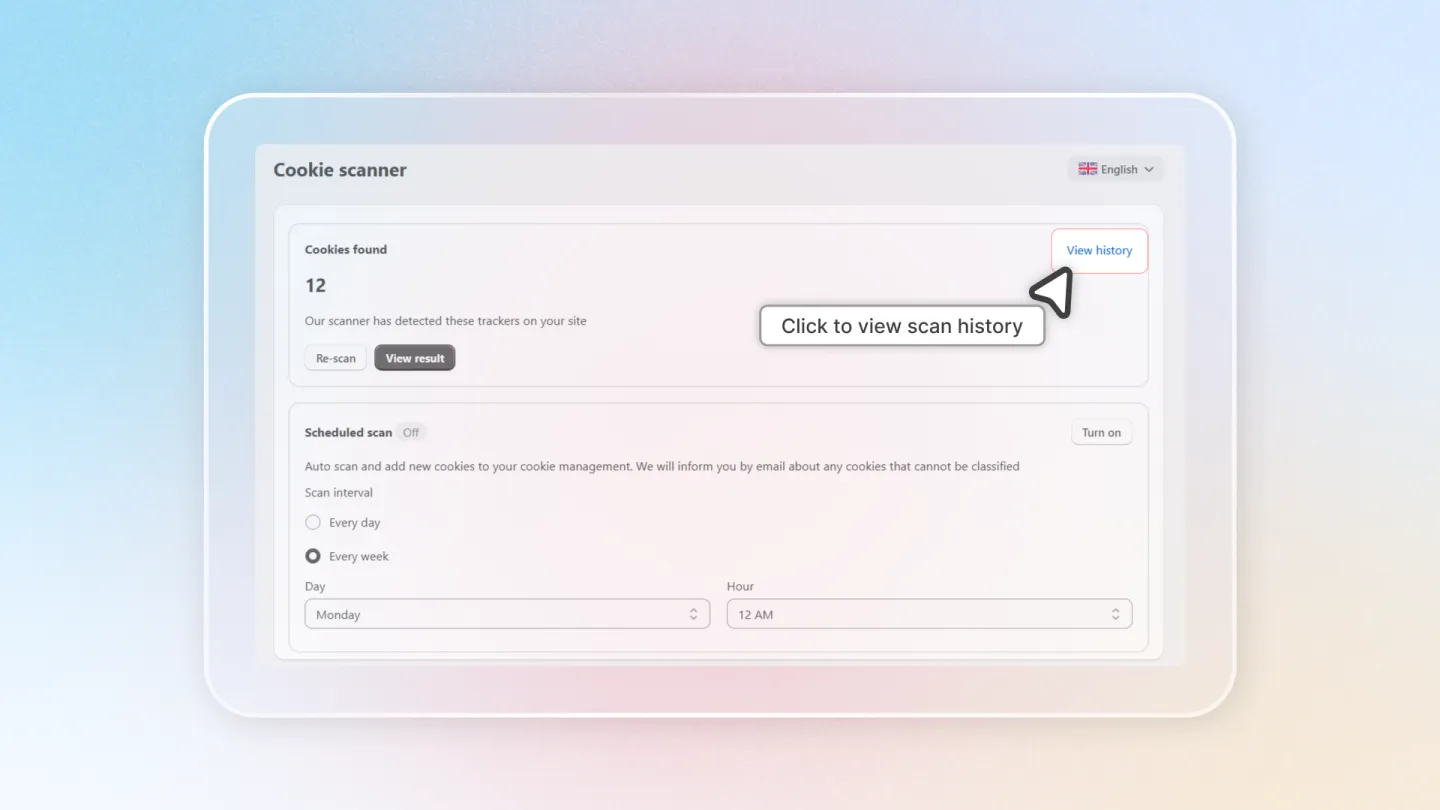
View History
Access the Scan History to see results from previous scans. This helps you track changes in cookies over time, especially after adding new integrations or scripts.
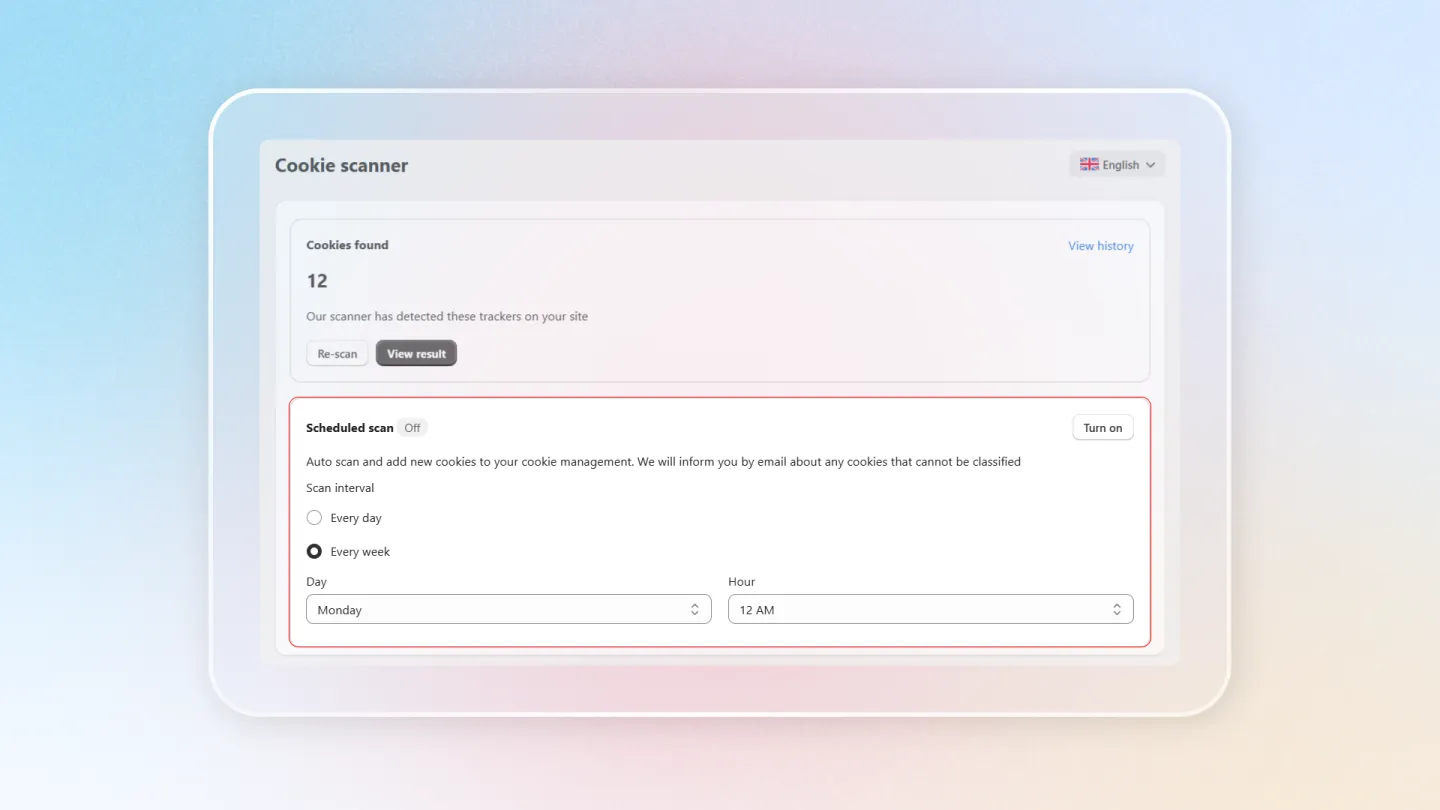
Scheduled Scan
You can set up automatic, recurring scans to keep your cookie list up to date.
| Setting | Options |
|---|---|
| Status | Turn on / Turn off |
| Frequency | Daily or Weekly |
Enabling scheduled scans ensures your cookie list stays current without manual intervention. This is especially useful if you frequently add new apps or tracking scripts to your store.