Integrate with Pinterest
The Pinterest integration ensures that Pinterest tracking respects your visitors' consent choices.
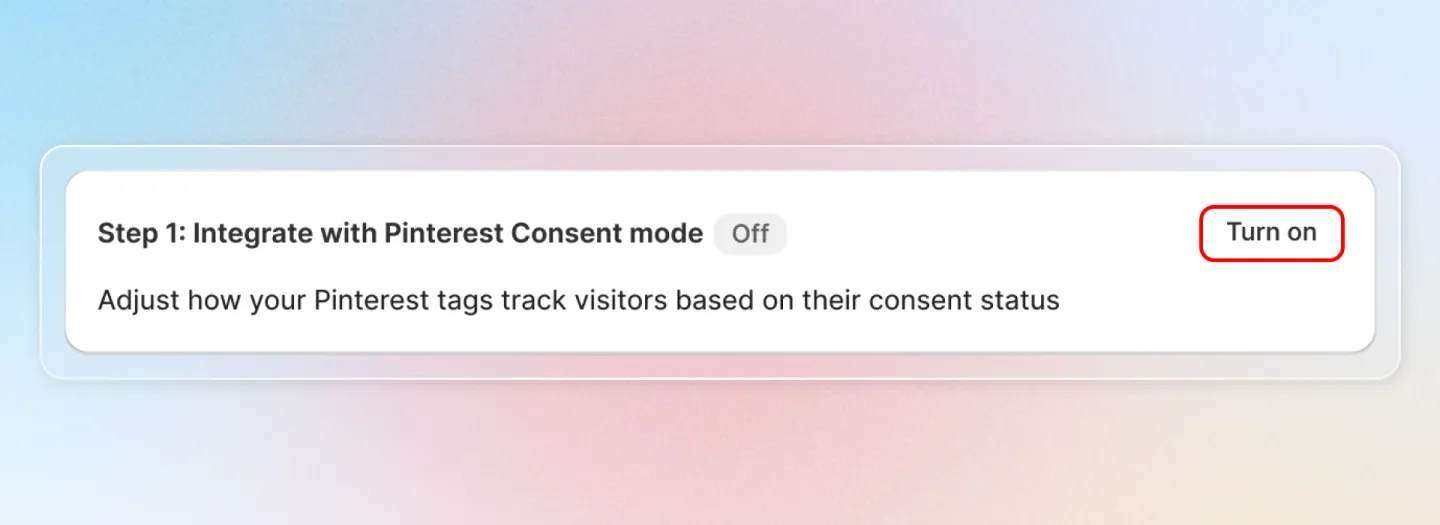
Turn On Pinterest Consent Mode
Navigate to Integrations > Pinterest in the Avada Cookie Consent app and click Turn On to enable the integration.
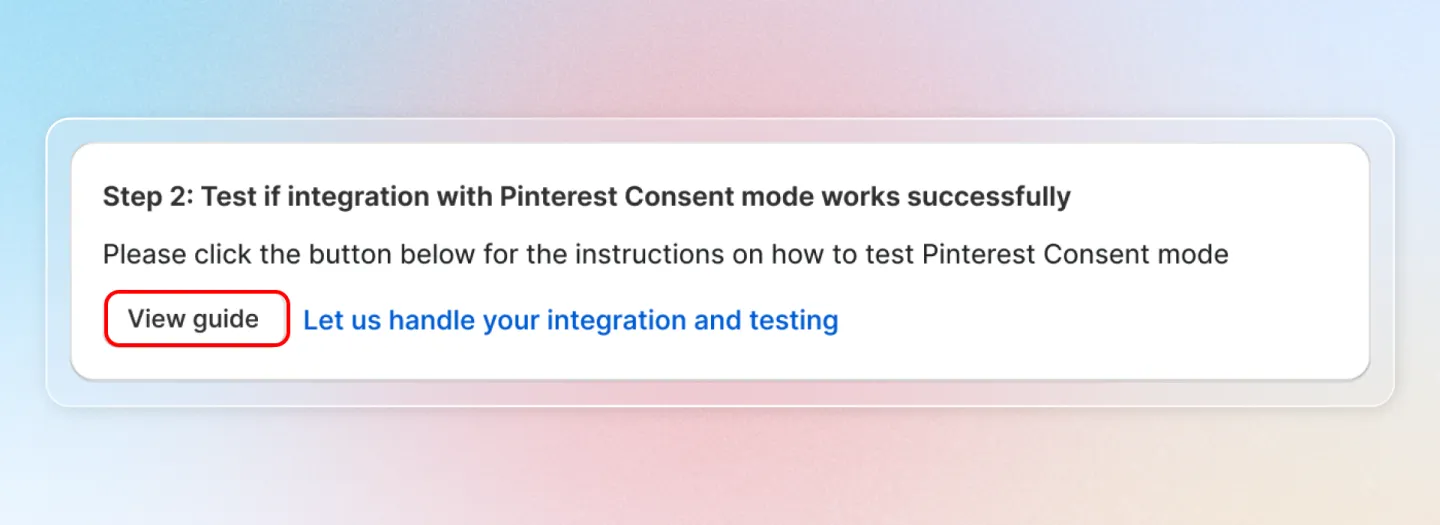
Test the Integration
Click the View guide button to open the built-in verification guide. Follow the 5-step verification process to confirm the integration is working correctly:
- Open your storefront in a new browser tab.
- Open the browser Developer Tools (F12).
- Navigate to the Console tab.
- Interact with the cookie consent banner.
- Verify that Pinterest consent signals are sent correctly based on the visitor's consent choice.