Integrate with Klaviyo
The Klaviyo integration ensures that Klaviyo's tracking and personalization features respect visitor consent choices, particularly for ad_user_data and ad_personalization signals.
Turn On Klaviyo Integration
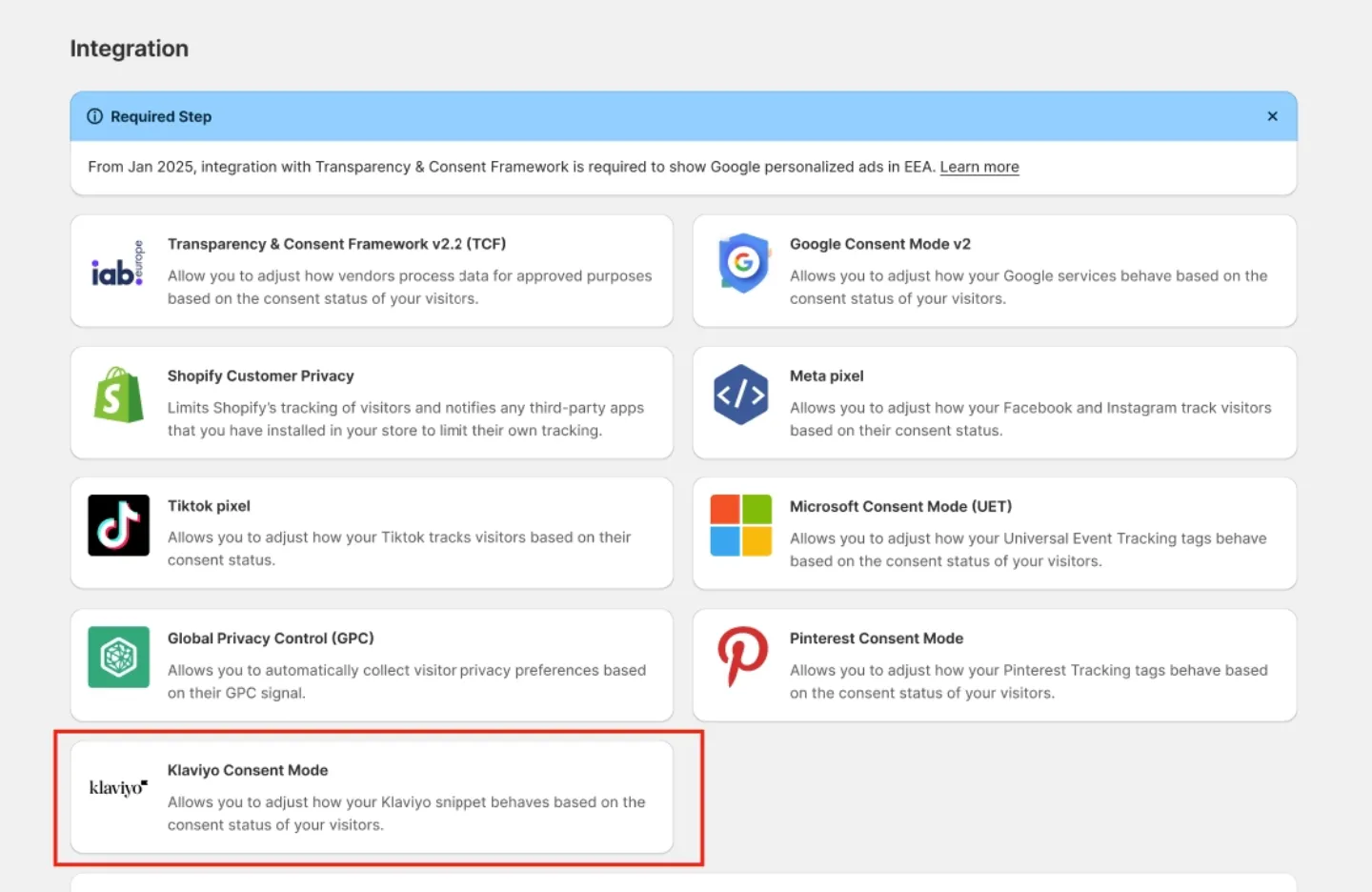
Navigate to Integrations > Klaviyo in the Avada Cookie Consent app and click Turn On to enable the integration.
Test the Integration
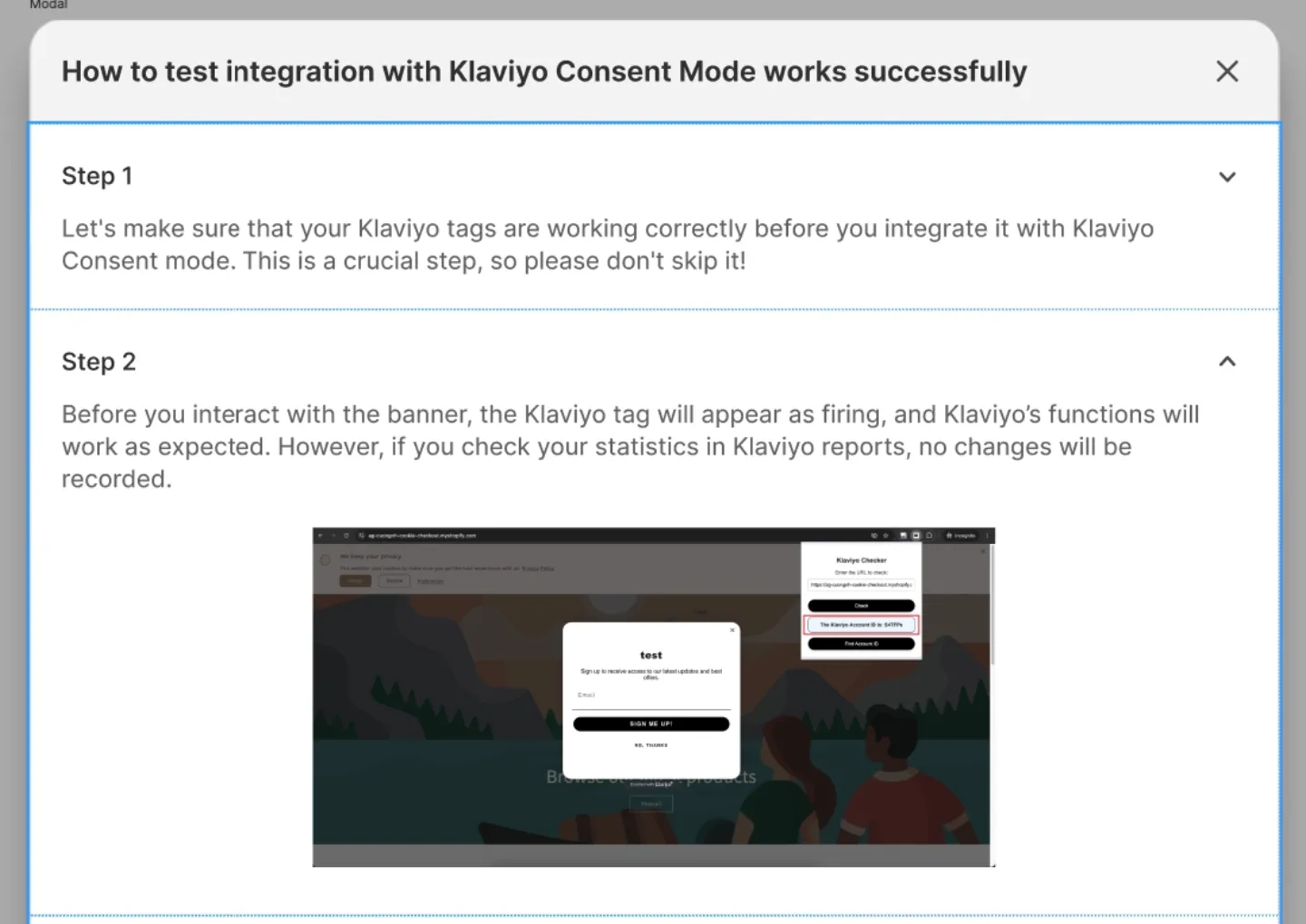
Click the View guide button to open the built-in 4-step verification guide. Follow the steps to confirm everything is working correctly.
How It Works
When the Klaviyo integration is enabled:
ad_user_dataandad_personalizationare automatically initialized as "denied" in Klaviyo.- When a visitor accepts marketing cookies, these values are updated to "granted".
- If a visitor declines marketing cookies, the values remain as "denied".
This integration ensures Klaviyo complies with consent requirements without any manual configuration on the Klaviyo side.