Data Request
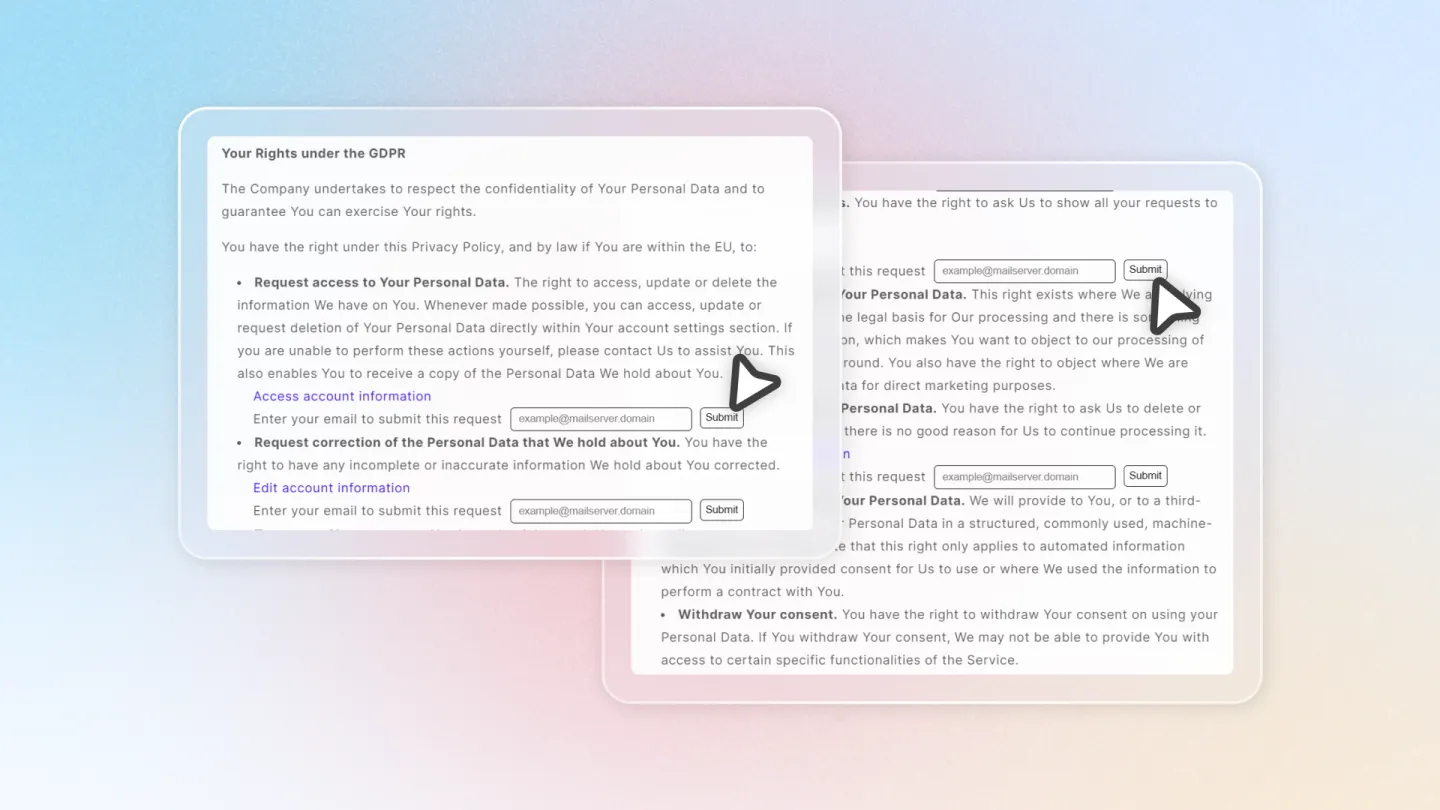
Customers can submit data requests through the Privacy Policy page on your storefront. These requests are saved in the Avada Cookie Consent app for you to review and manage.
How It Works
Submit a Data Request
A customer visits the Privacy Policy page on your storefront, enters their email address, and clicks Submit to create a data request.
Confirm Submission
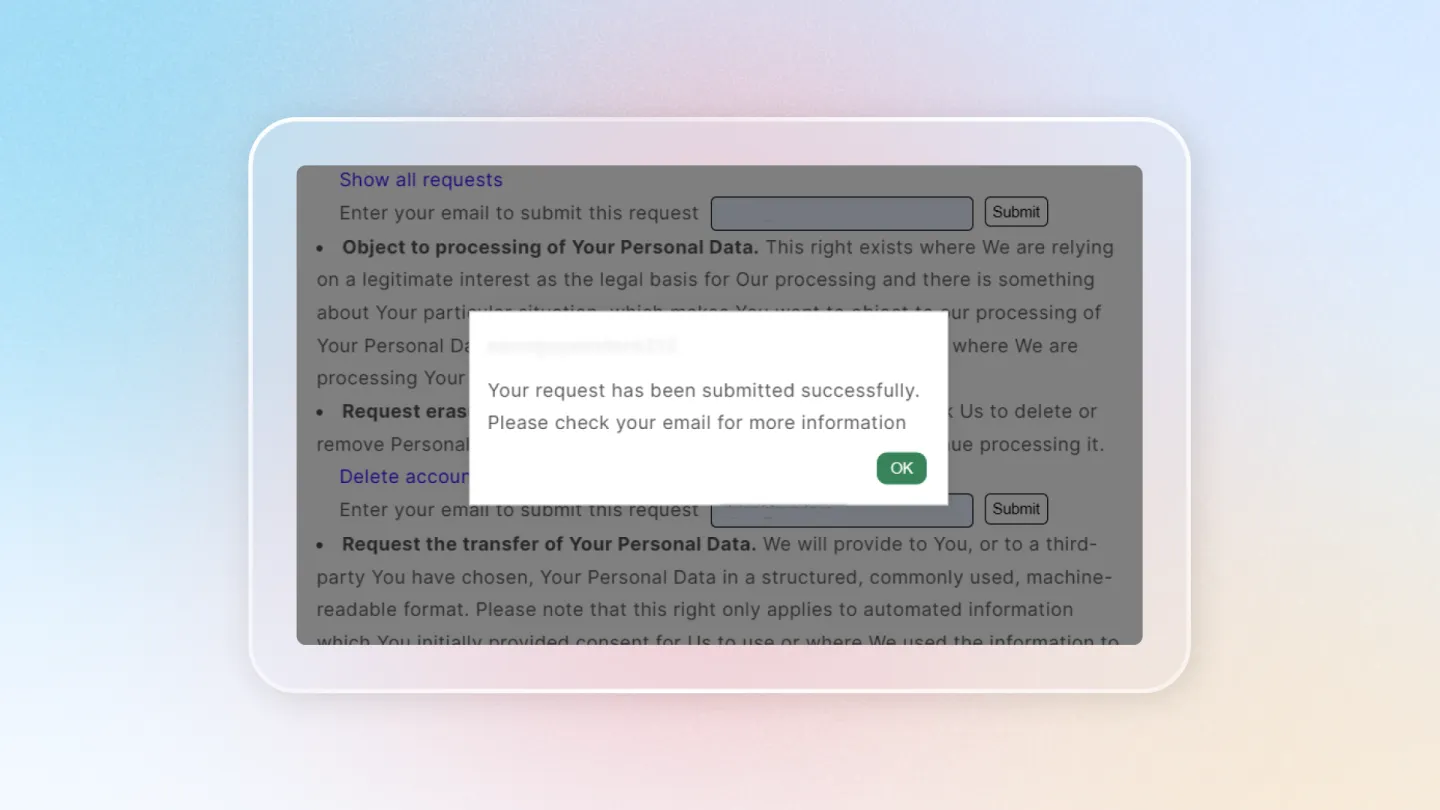
After submitting, a confirmation popup appears to let the customer know their request has been received and will be processed.
Review Data Requests
Go to the Consent Activities > Data Request page in the Avada Cookie Consent app. All submitted requests are saved here with details including the requester's email, request type, IP address, and submission time.