How to turn on Auto-block cookies
Auto-block cookies runs through the Avada - Script Blocker app embed, so the rules you save only take effect once that embed is on.
Plan: Available on every plan. Turning on the Script Blocker app embed has no plan requirement.
Prerequisites
- Your cookie banner (the Theme app embed) must be on, so visitors can give consent.
Step 1: Open Auto-block cookies
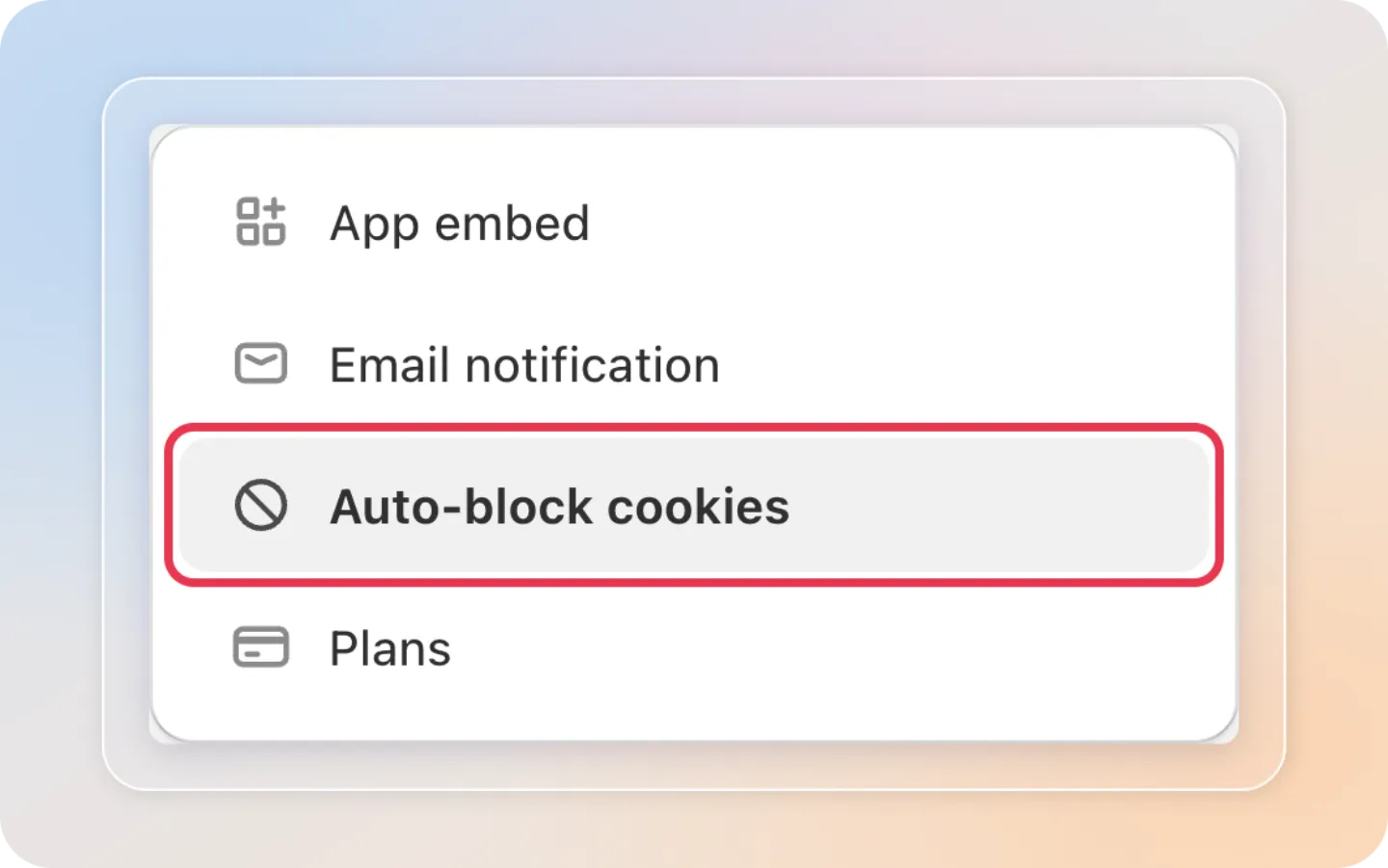
Open Cookie Bar, go to Settings, then open the Auto-block cookies tab.
Step 2: Check the Script blocker status
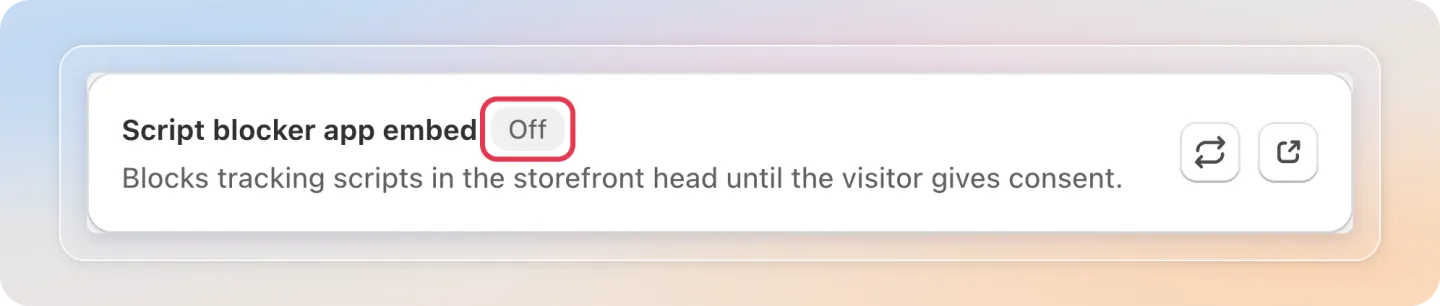
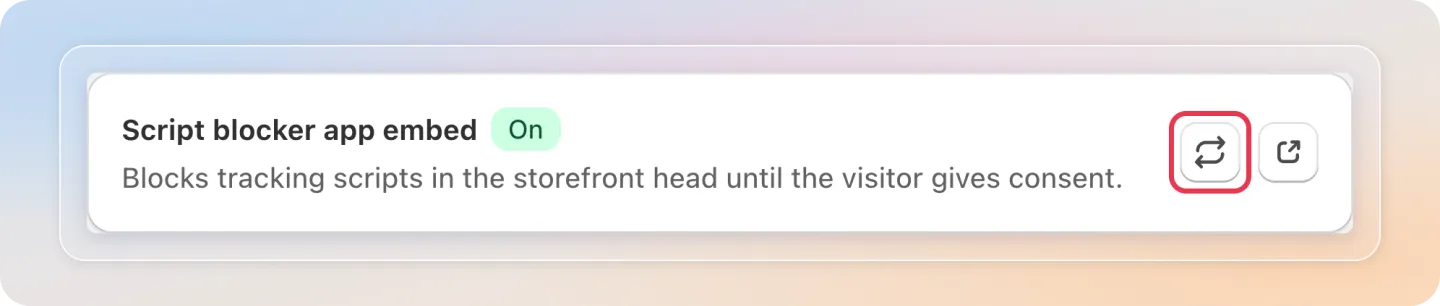
Look at the badge next to Script blocker app embed at the top of the page.
| Badge | What it means |
|---|---|
| On | Auto-block is active on your storefront |
| Off | Your rules are saved, but nothing is blocked yet |
Step 3: Open the app embed settings
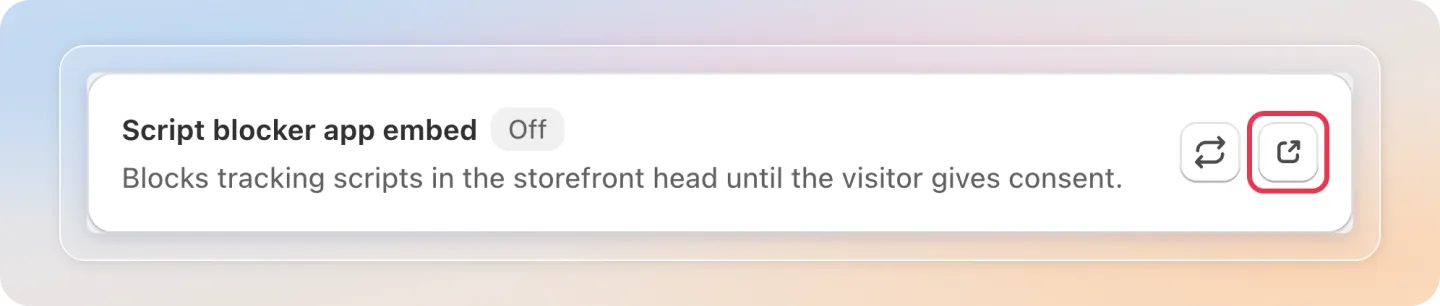
If the badge shows Off, click the App embed settings icon on that row. Your theme editor opens with the embed ready to enable.
Step 4: Enable Avada - Script Blocker
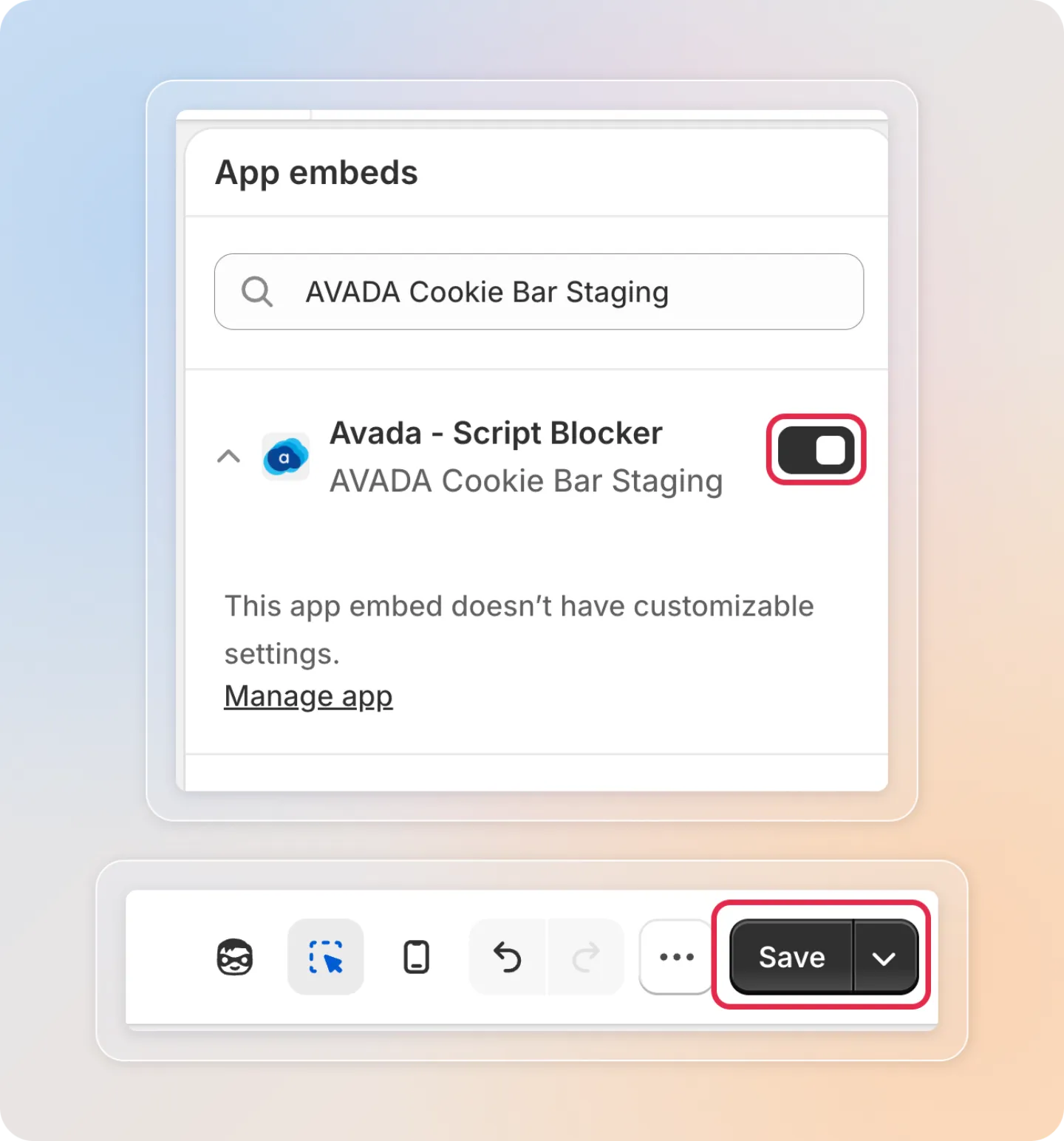
In the theme editor, switch on Avada - Script Blocker, then click Save.
Important: Keep the main Theme app embed on as well. The script blocker holds your trackers, but only the banner can collect the consent that releases them.
Step 5: Refresh the status
Go back to Settings → Auto-block cookies and click the Refresh status icon. The badge should now read On.
Step 6: Verify it on your storefront
Confirm that trackers really stay paused while consent is denied:
- Open your storefront in a private or incognito window, so there is no previous consent. Test from a region your banner covers: a visitor whose consent is granted by default is not blocked, so trackers load right away for them.
- Open the browser Network tab and look for a tracker you blocked, for example a Google or Meta script.
- Accept cookies on the banner, including marketing if your banner asks for it.
- The blocked script should load only after you accept.
If nothing is blocked on this test, check two things. Blocking follows your banner's regions, so tick EU & UK countries GDPR or turn on Smart Geo-Compliance. And an integration turned on with an empty ID blocks nothing on purpose, because that means Shopify's own channel app owns the tag. See How to block each kind of tracker.
Tips
- If a tracker still loads while consent is denied, check the Script blocker app embed badge first. An Off badge explains most cases.
- Always test in a fresh incognito window. A browser that already accepted consent loads trackers normally.
Related articles
- What is Auto-block cookies?
- How to block each kind of tracker
- How to add the early blocker snippet
- Auto-block cookies FAQ
And there you have it! You've turned on Auto-block cookies, and your trackers now stay paused whenever a visitor's consent is denied. If you have any questions or run into any issues, don't hesitate to reach out. We're here to help!
Previous: What is Auto-block cookies? | Next: How to block each kind of tracker