Set Up Implied Consent
Implied Consent is available on the Pro plan and above.
Implied consent allows you to automatically grant consent when a visitor interacts with your website in specific ways, such as scrolling or clicking. This feature is useful for non-GDPR regions where explicit consent may not be legally required.
Important: Implied consent may not be valid under GDPR. The GDPR requires explicit, freely given consent. Using implied consent for GDPR regions could result in non-compliance. Use this feature carefully and consult with a legal advisor if needed.
Open Implied Consent Settings
Navigate to Settings > Behavior tab in the Avada Cookie Consent app. Locate the Implied Consent section.
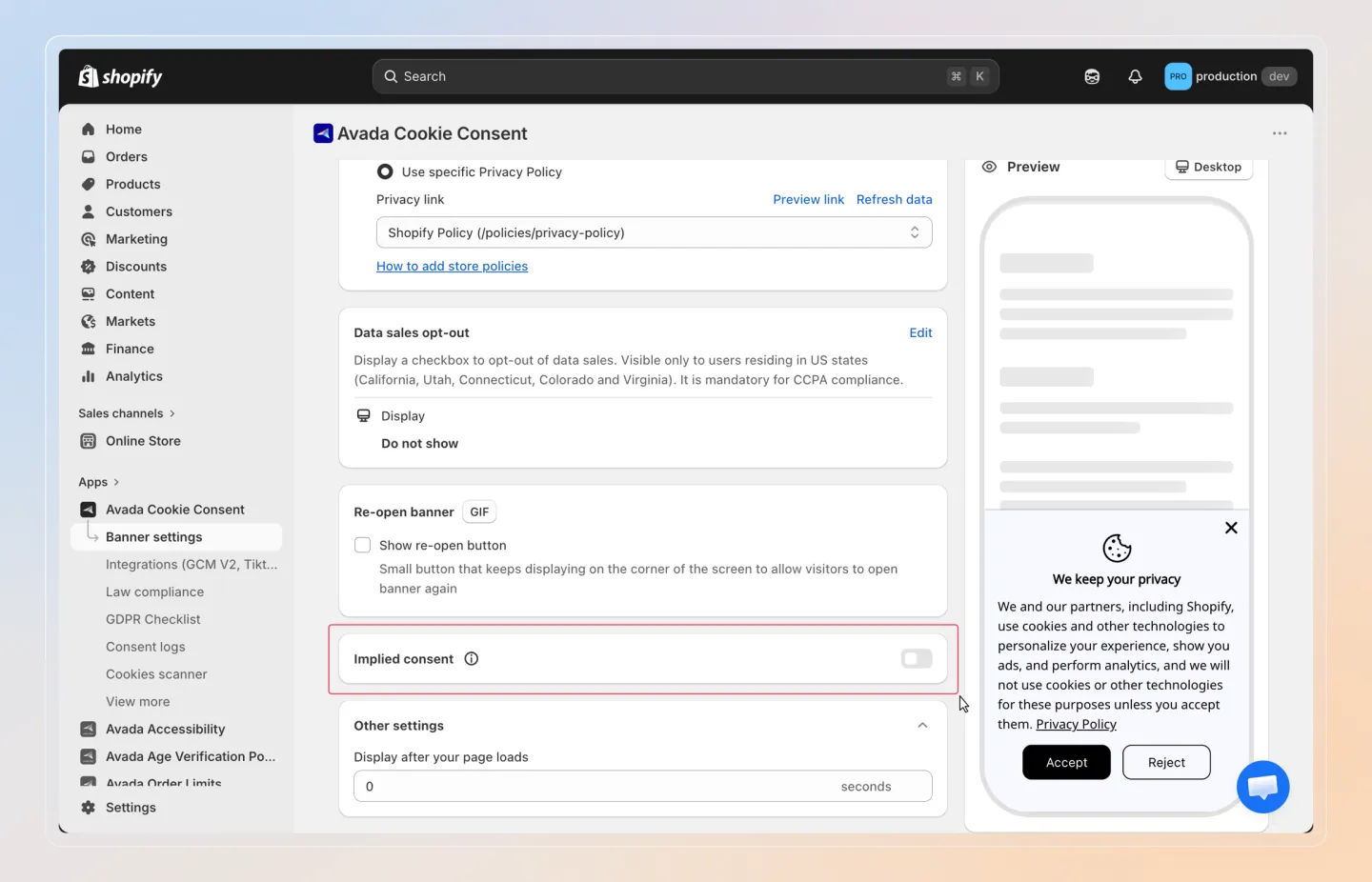
Select Regions
Choose which regions should use implied consent:
| Option | Description |
|---|---|
| GDPR Regions | Apply implied consent to EU/EEA/UK visitors |
| Non-GDPR Regions | Apply implied consent to visitors outside GDPR regions |
| Both | Apply implied consent to all visitors |
Selecting GDPR Regions or Both means visitors in GDPR-regulated countries will have consent implied through interaction rather than explicit acceptance. This may not satisfy GDPR requirements.
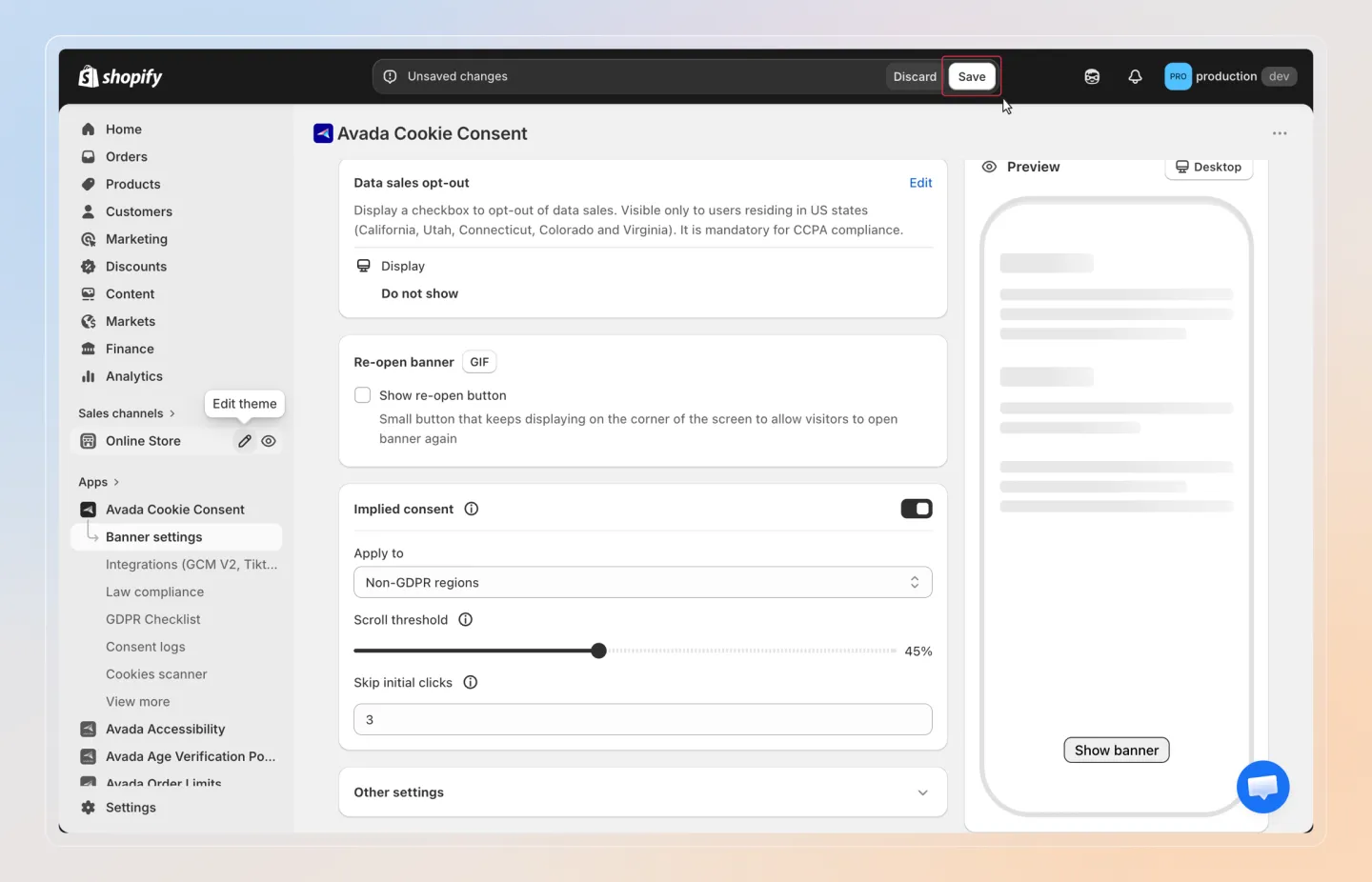
Configure Scroll Threshold
Set the scroll percentage that triggers implied consent:
| Setting | Range | Default |
|---|---|---|
| Scroll Threshold | 0% - 100% | 20% |
When a visitor scrolls past this percentage of the page, consent is automatically granted.
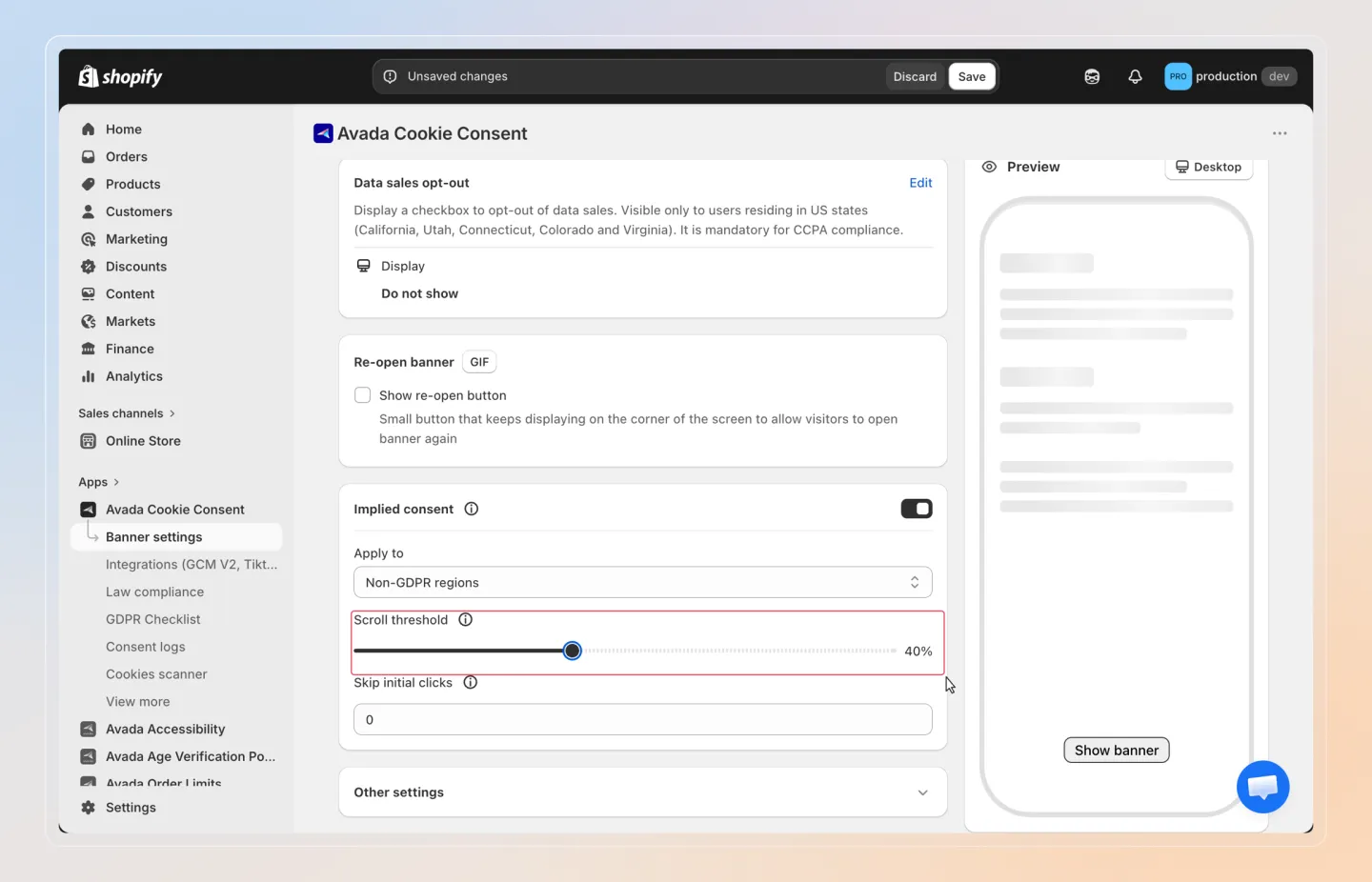
Configure Skip Initial Clicks
Set the number of initial clicks to ignore before triggering consent:
| Setting | Range | Default |
|---|---|---|
| Skip Initial Clicks | 0 - 10 | 0 |
This prevents accidental clicks from triggering consent. For example, setting this to 2 means the first two clicks are ignored, and consent is granted on the third click.
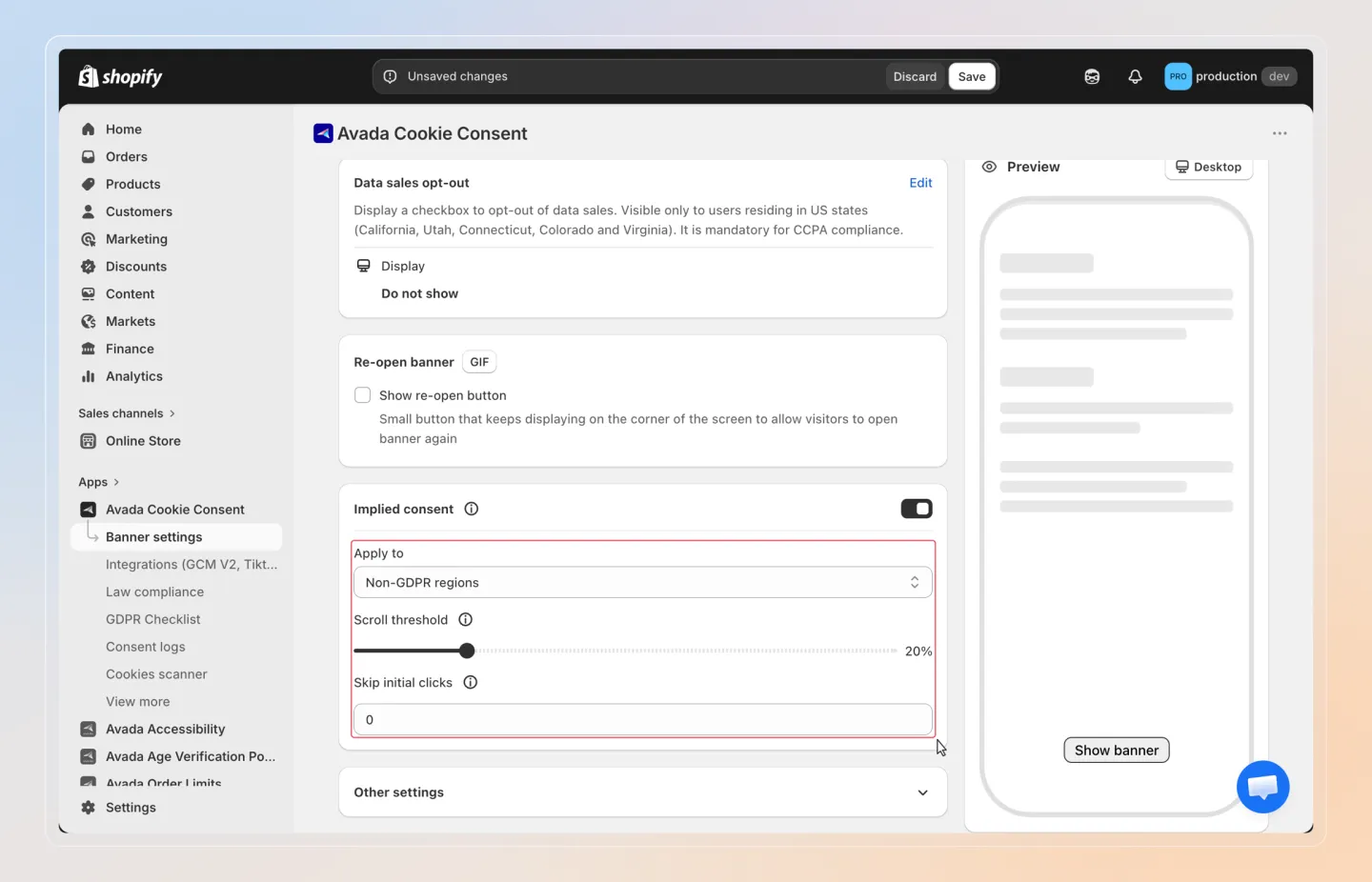
Understand OR Logic
Implied consent uses OR logic between scroll and click triggers. This means consent is granted when either condition is met:
- The visitor scrolls past the threshold, OR
- The visitor clicks beyond the skip count.
Whichever happens first will trigger the implied consent.
Save and Verify
Click Save to apply your settings. Visit your storefront and test the implied consent behavior by scrolling or clicking to confirm it works as expected.