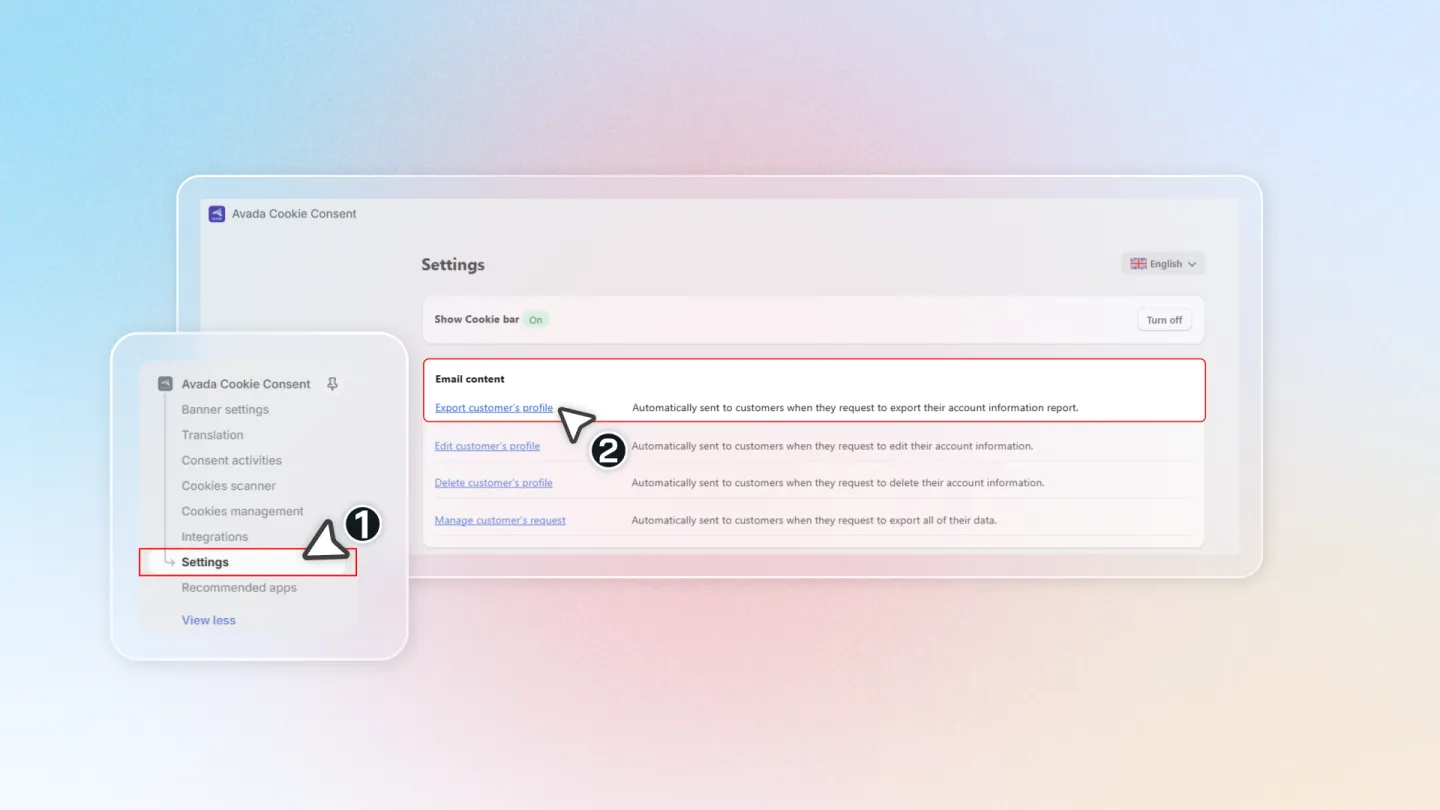
Customize Notification Email to Customer
You can customize the email notifications sent to customers when they submit data requests through the Privacy Policy page.
Select Page
Navigate to Settings > Email Content in the Avada Cookie Consent app. Select the email template you want to customize from the available options.
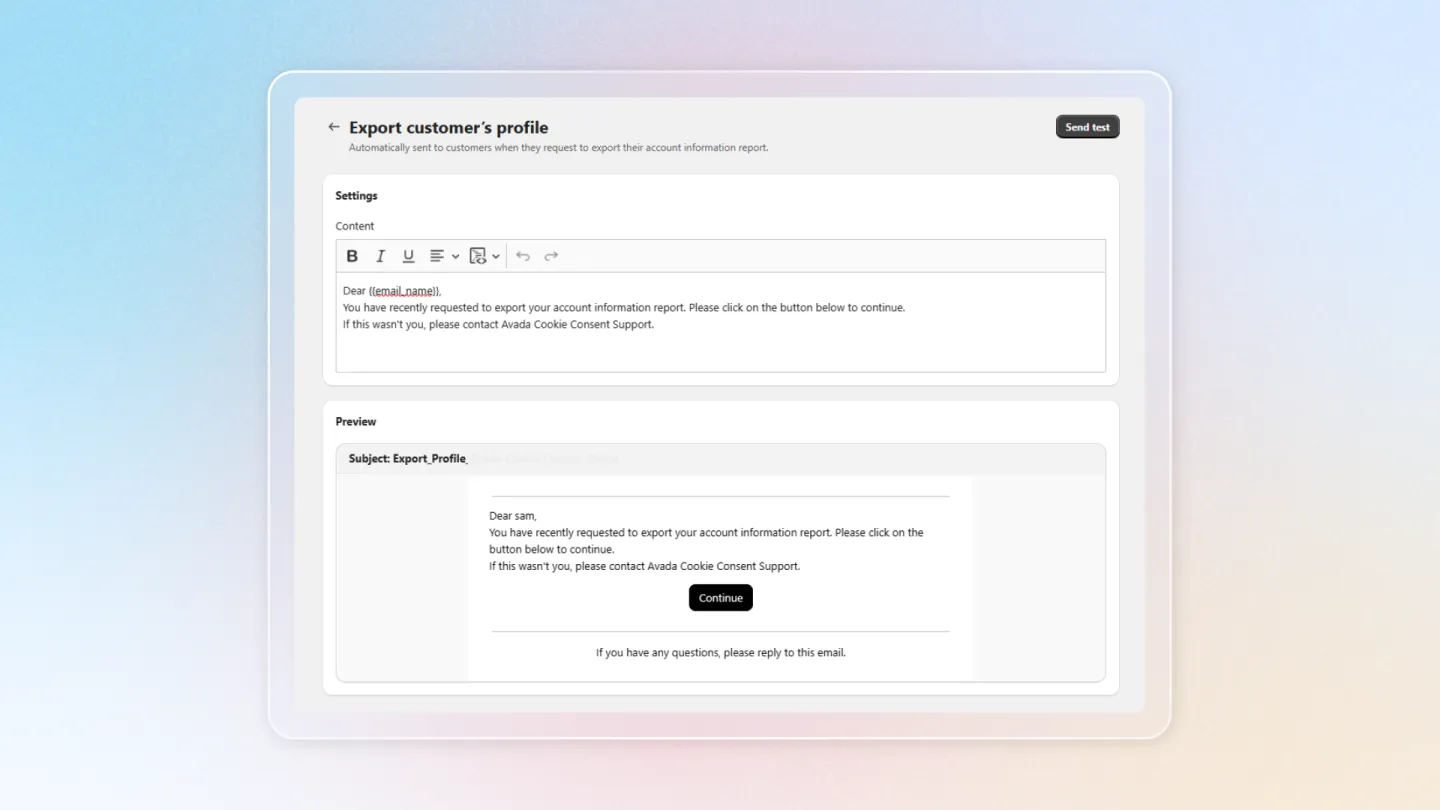
Enter Content in Setting Contents
Edit the email body content. You can customize the subject line, greeting, message body, and closing text. Use the available template variables to personalize the email.
Preview
Click the Preview button to see how the email will appear to customers. Review the layout, content, and formatting before saving.
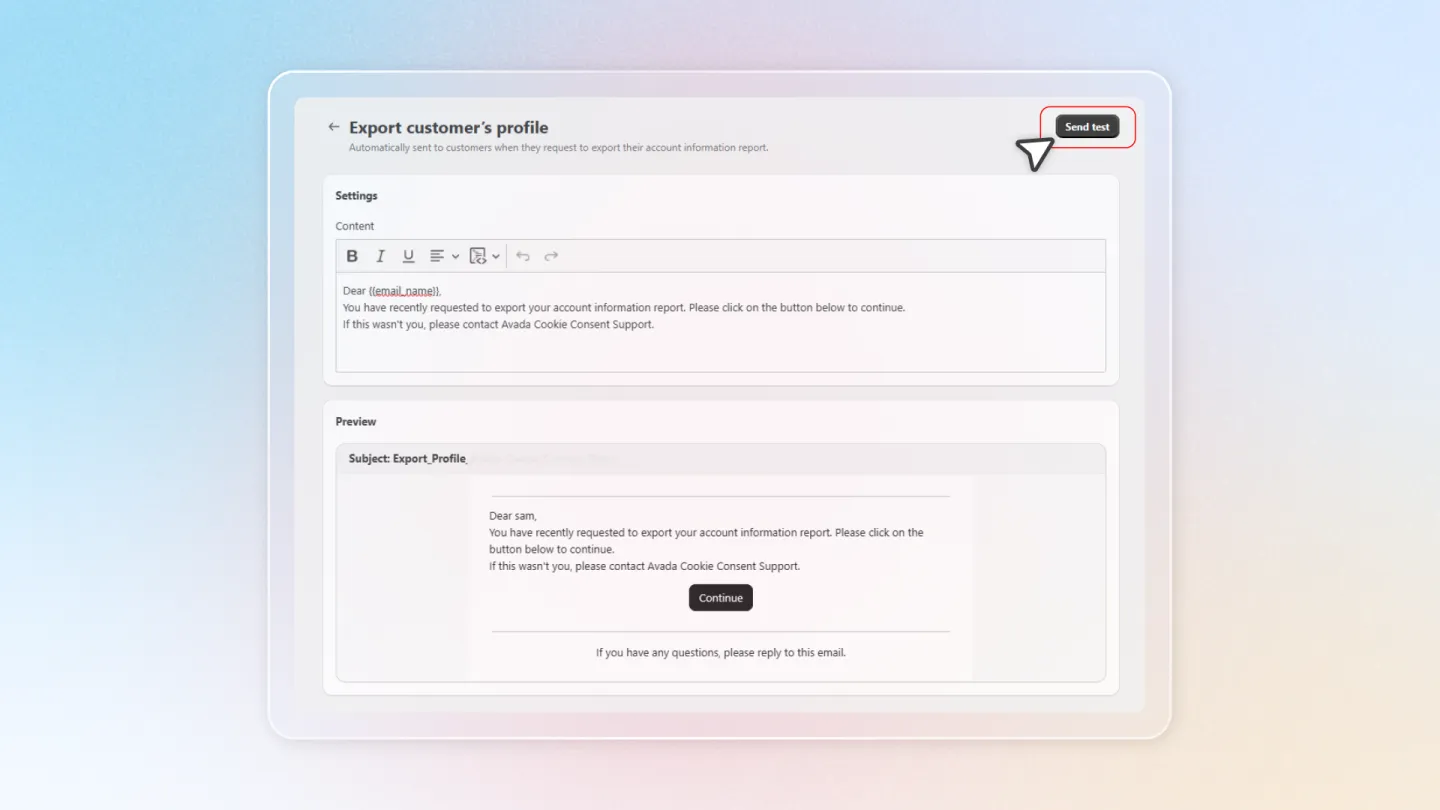
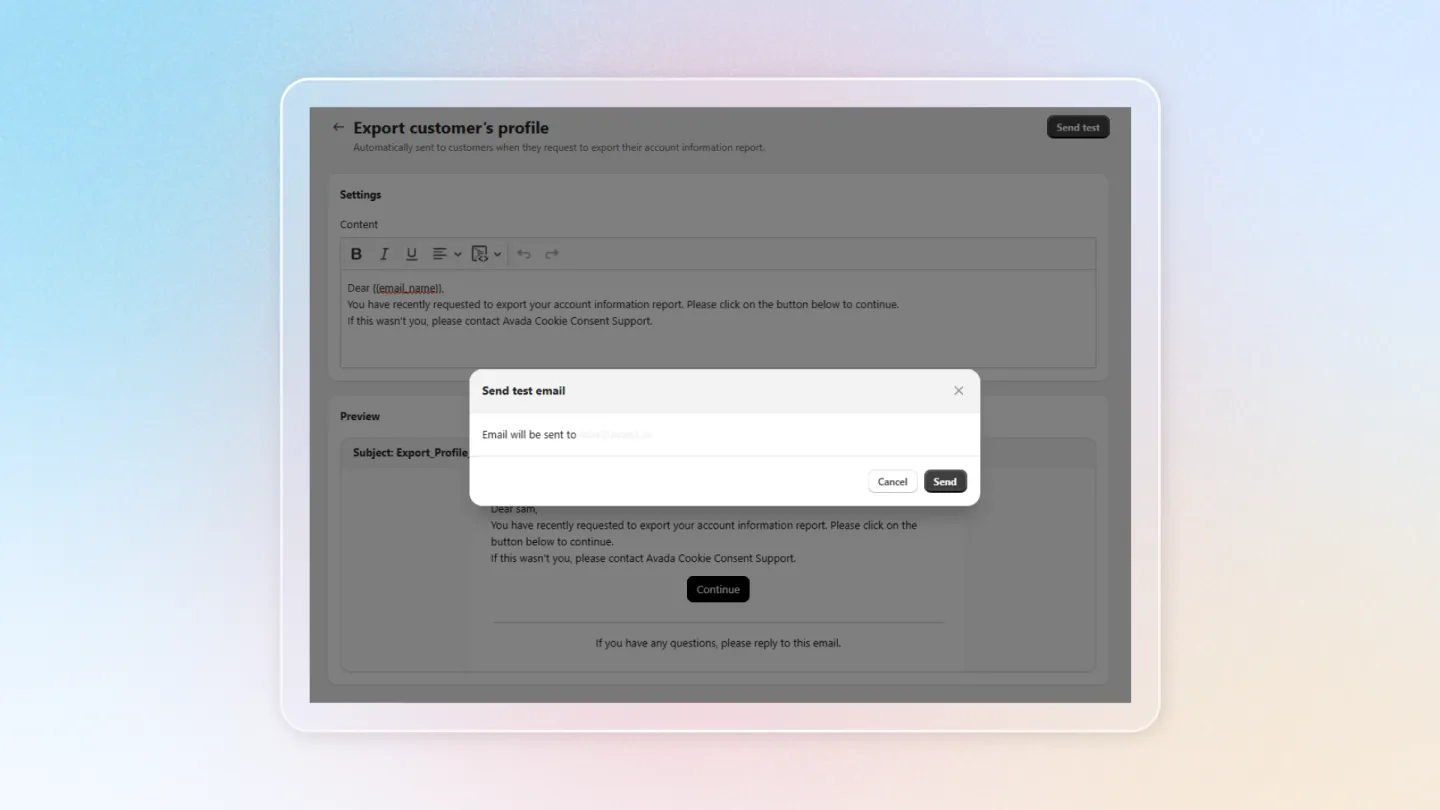
Send Test Email
Click Send test email to send a sample to your own email address. This lets you verify the final appearance in an actual email client before activating the template.