eComposer
How to integrate Avada SEO Suite to Air Reviews
By integrating Avada SEO and eComposer, you can check if your content is good for SEO right when building pages in eComposer.
Click to get app eComposer (opens in a new tab)
-
Go to "Settings" -> Integration
-
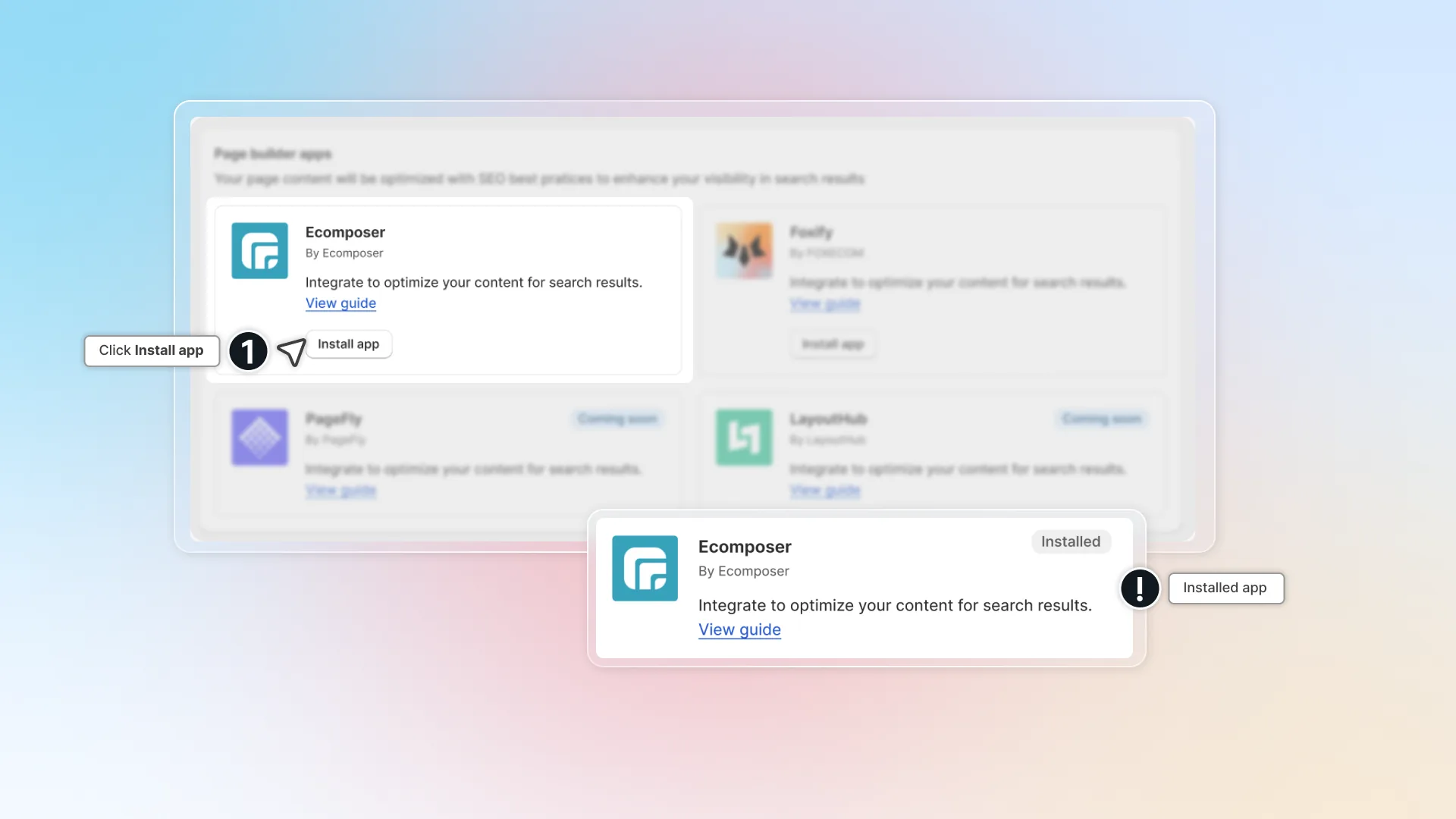
In "eComposer" click Integrate (Click Install app if you haven't installed the app yet)
-
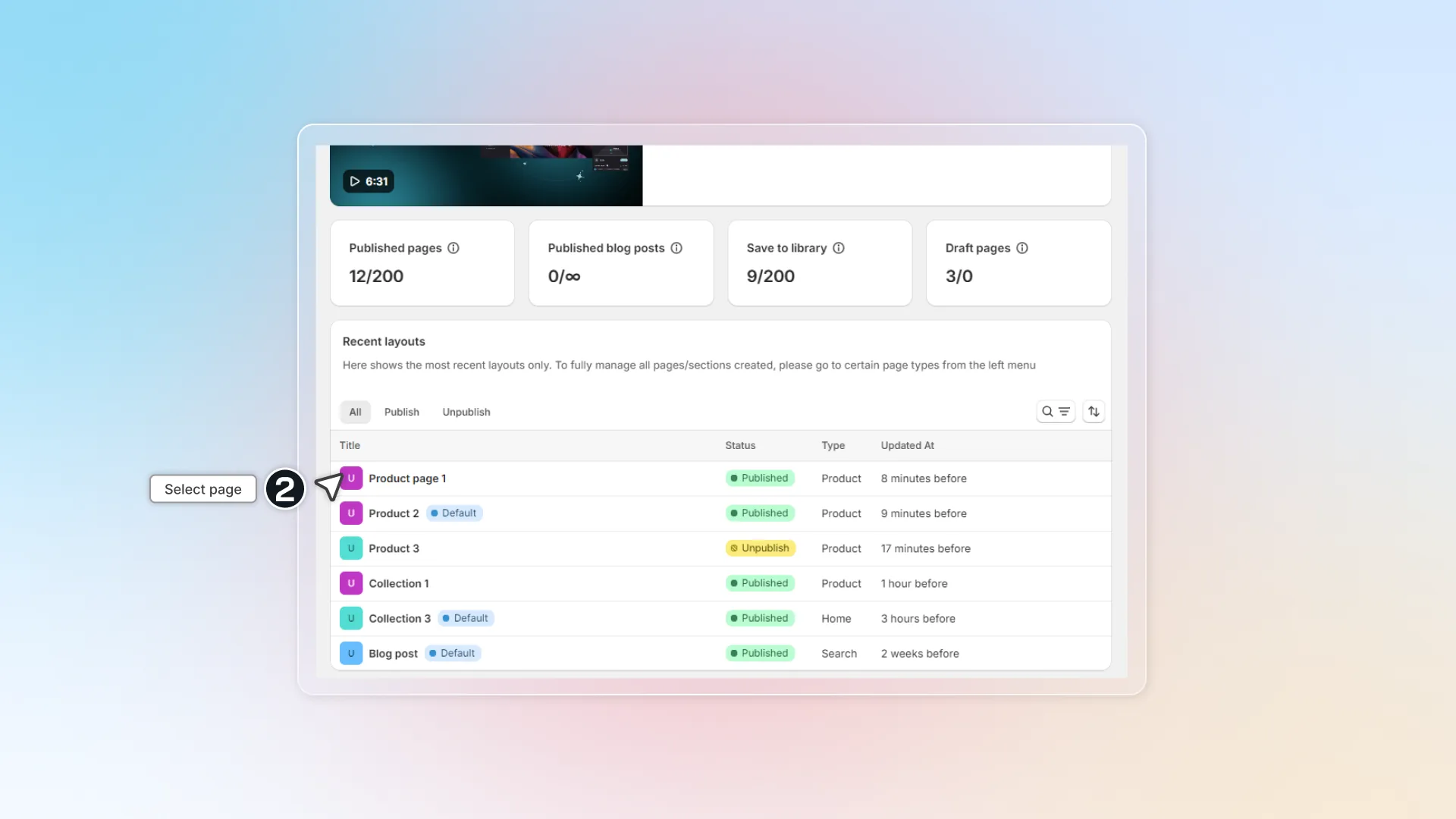
Go to app eComposer -> Select page you want to check SEO
-
Click the SEO Audit icon

-
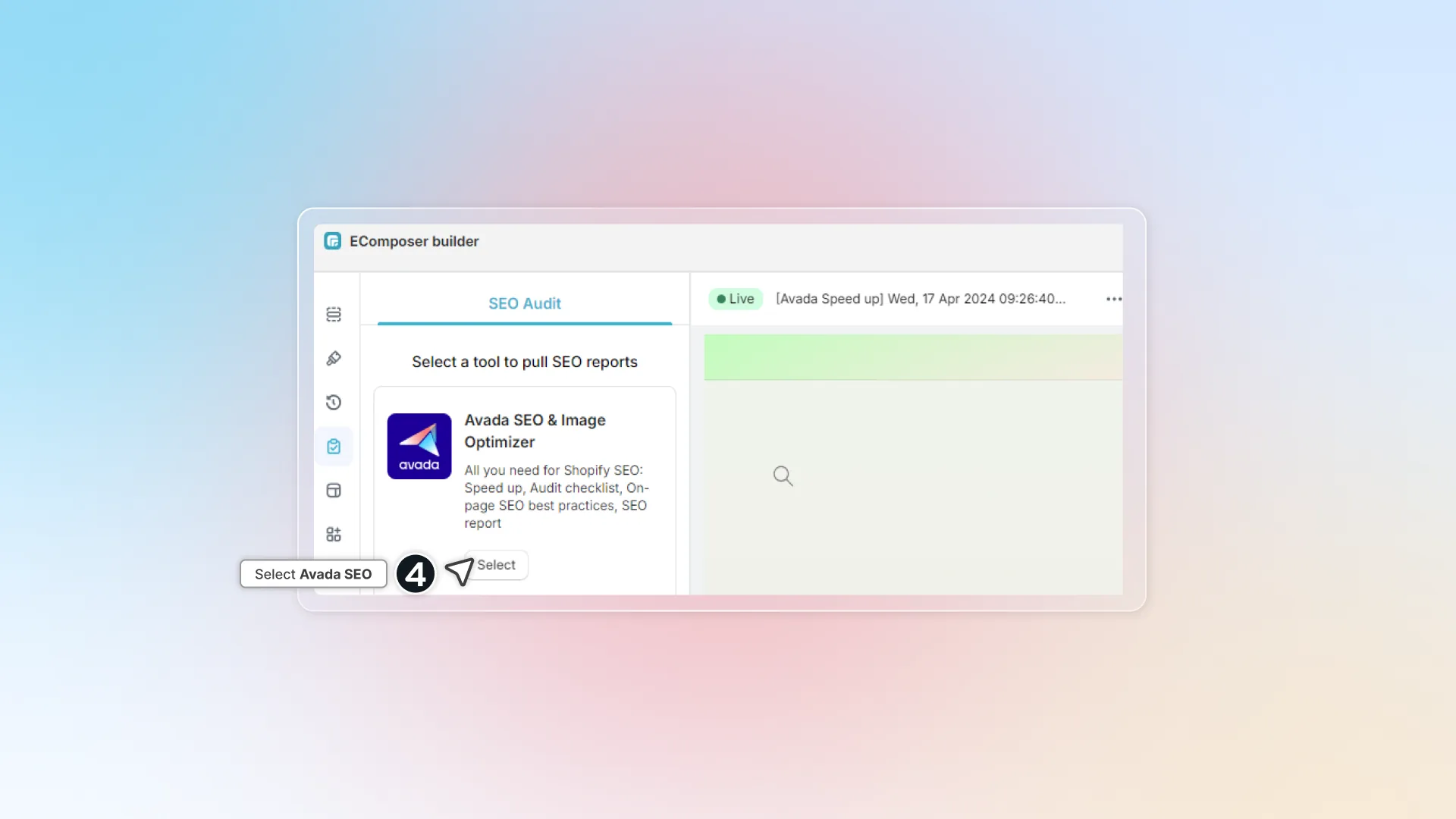
Select Avada SEO Suite and wait for the app to scan your content. SEO score for your page is calculated on what is good and bad for SEO.

-
Check your issue, follow the guide and fix it.
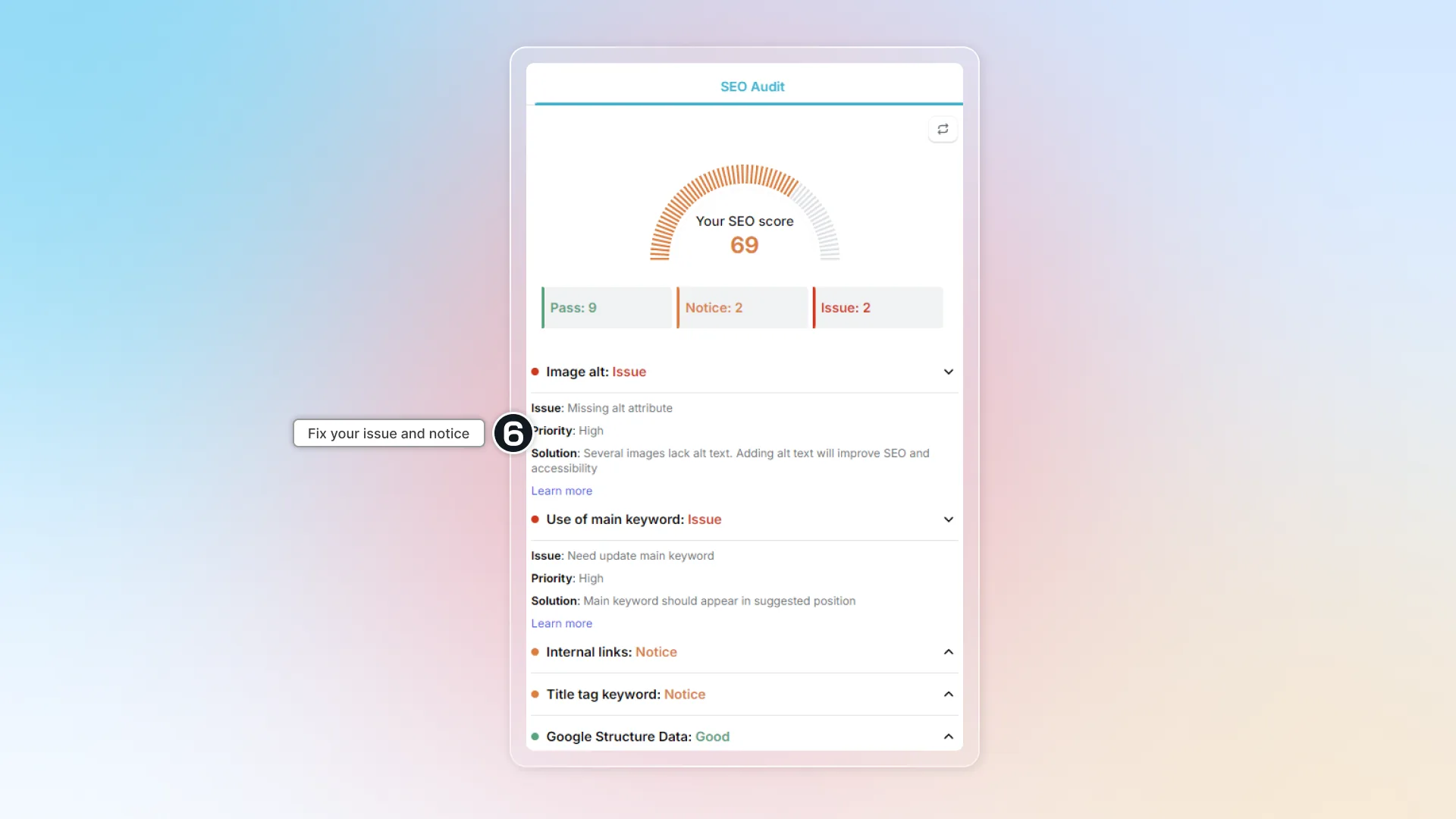
Check out our Onpage SEO checklist for more details.