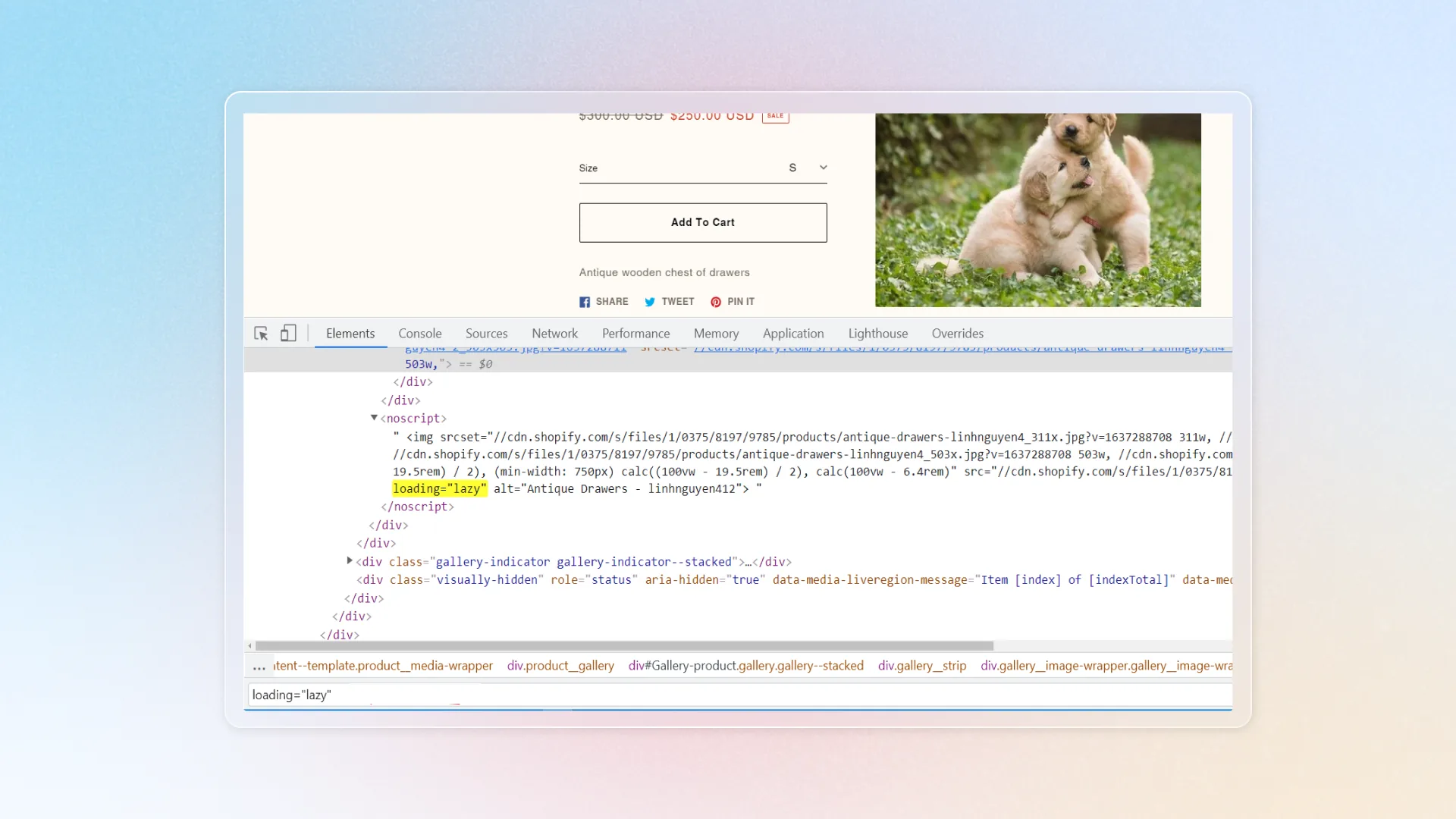
Lazy loading
Lazy loading images on a website improves performance by loading images only as they scroll into view.
Watch how to set up lazy loading and save it. Click a step under the replay to jump to it, or click the replay to pause.
What is lazy loading?
Lazy loading is a way to make your website faster. Instead of loading all the images at once, it loads them only when the user needs them. This helps users see your site faster and prevents them from leaving before it's fully loaded.
We won't use lazy loading for videos, images, or iframes at the top of the page. Eager loading is applied there, which makes the page load faster.
How does it help?
Lazy loading can bring these benefits to your site:
- Reduce initial loading time
- Improve score of crucial elements including FCP (opens in a new tab) and LCP (opens in a new tab) at Google PageSpeed, boosting your site's speed score
- Increase customer shopping experience and minimize bounce rate due to slow load speed
How to set up lazy loading
Open Speed up customization
Go to Speed up customization → Lazy loading.
Turn on Lazy loading
Turn on Lazy loading images and, if your pages embed them, Videos & Iframes.
Select pages to apply
Under Apply for, tick where lazy loading applies: Theme assets (file liquid in current theme), Product description, Collection description, Blog post content, Pages.
Click Save
If you don't want to apply lazy loading to specific images, insert your file (.liquid file) in Ignore files.
This requires technical knowledge — contact us through live chat for support.