Shopify Flow
How to make an workflow to automate your SEO with Shopify Flow
Optimize image alt
With this automation, we help optimize image alt text of all new images that are added to your store.
-
Go to app Flow
-
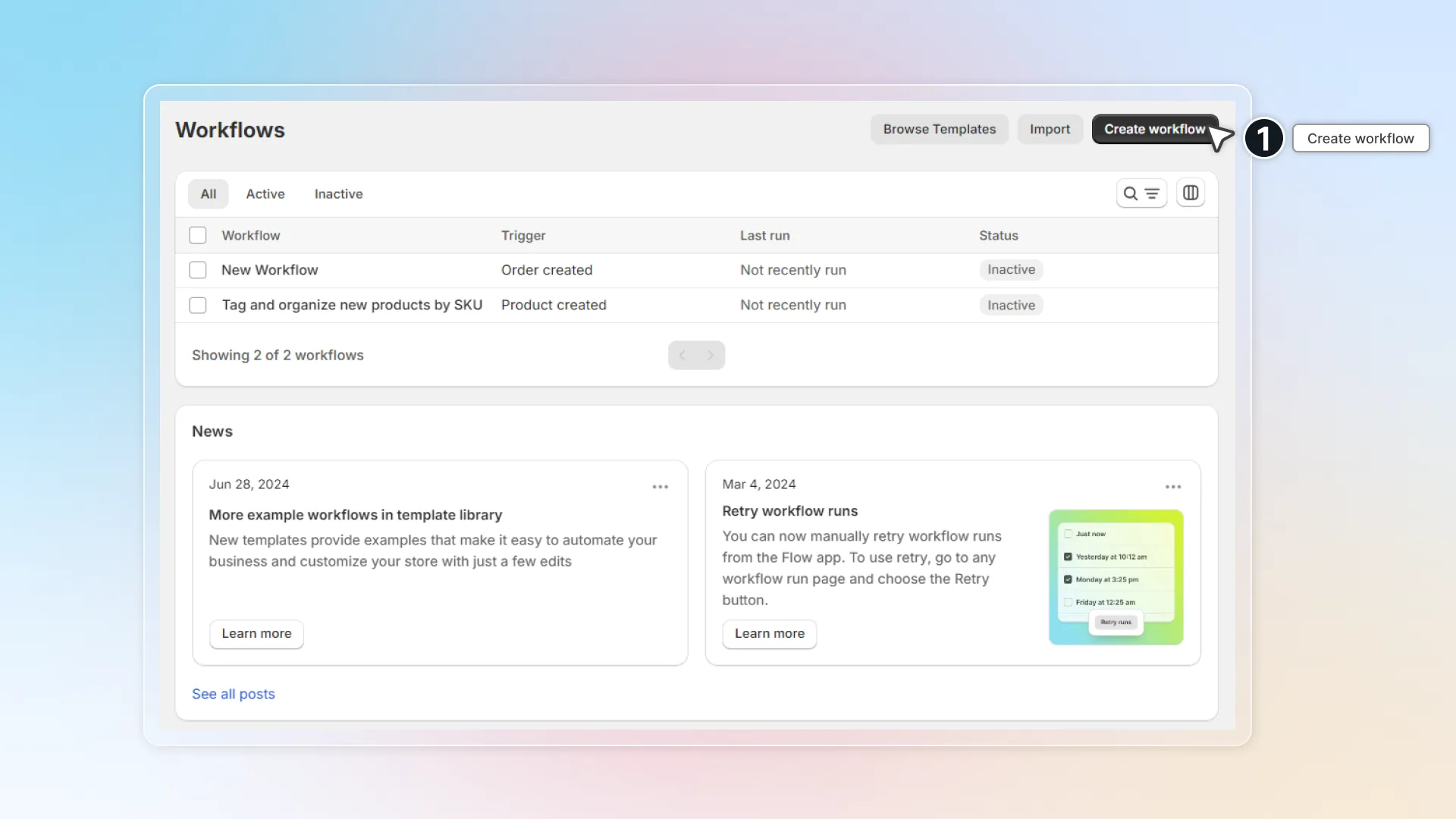
Click Create workflow
-
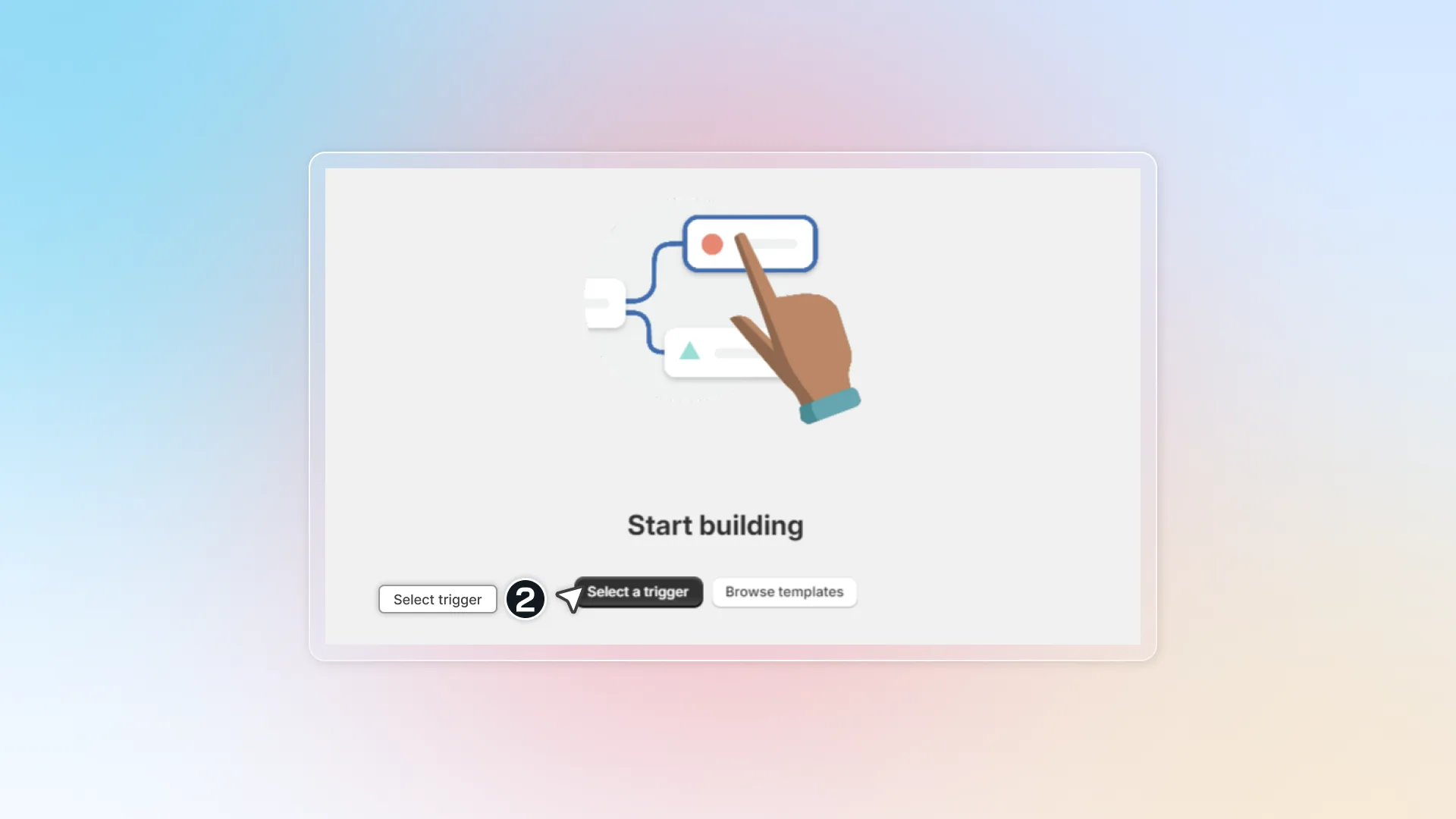
Click Select a trigger to choose when to start your automation
-
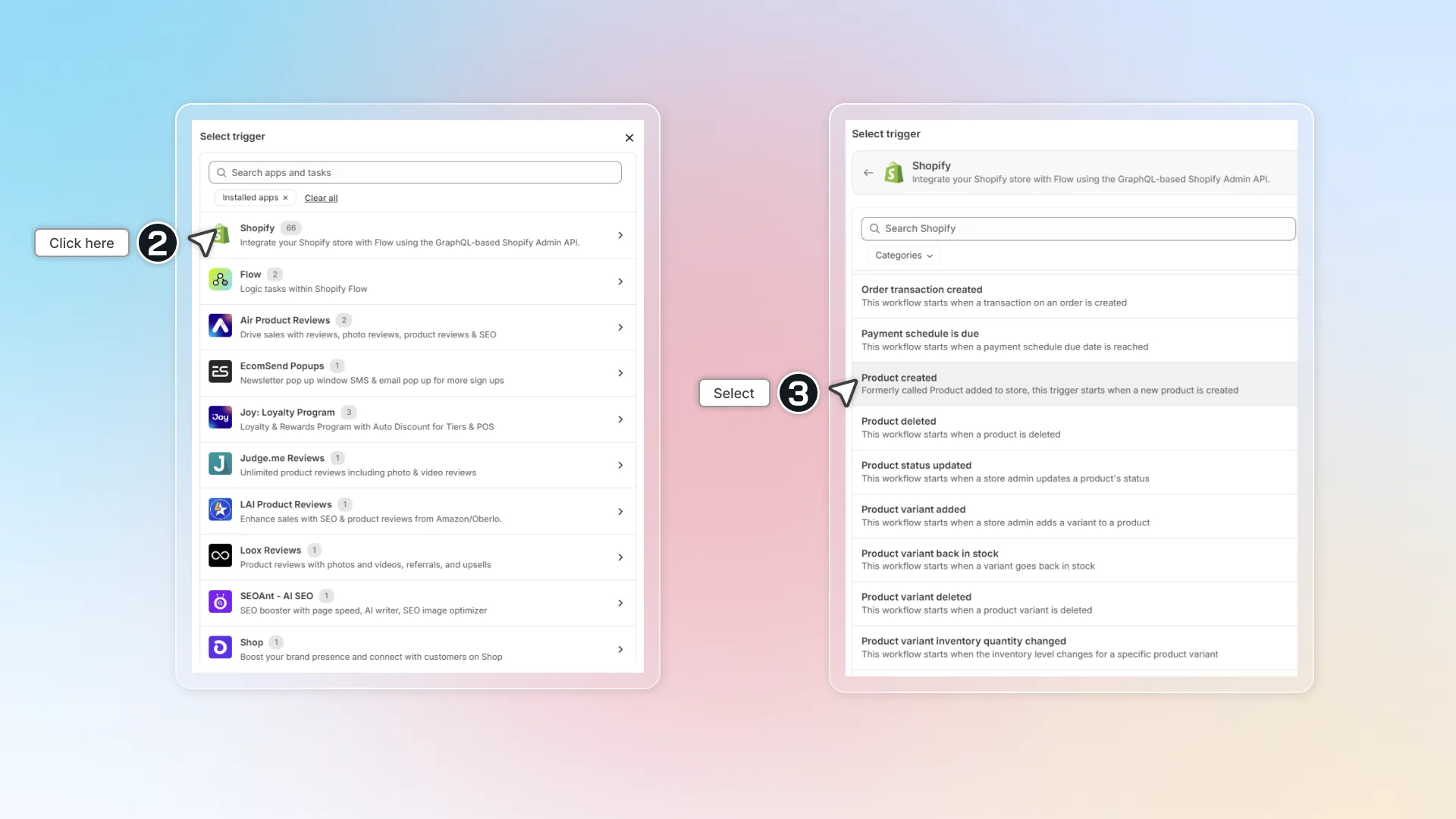
Select Shopify -> Select any trigger related to product. Triggers that are supported:
-
Product created
-
Product deleted
-
Product status updated
-
Product variant added
-
Product variant back in stock
-
Product variant deleted
-
Product variant back in stock You can search or filter by categories to find it.
-
-
In workflow, click
+to add action -> click Action -> select Avada SEO Suite -> select Optimize product image alt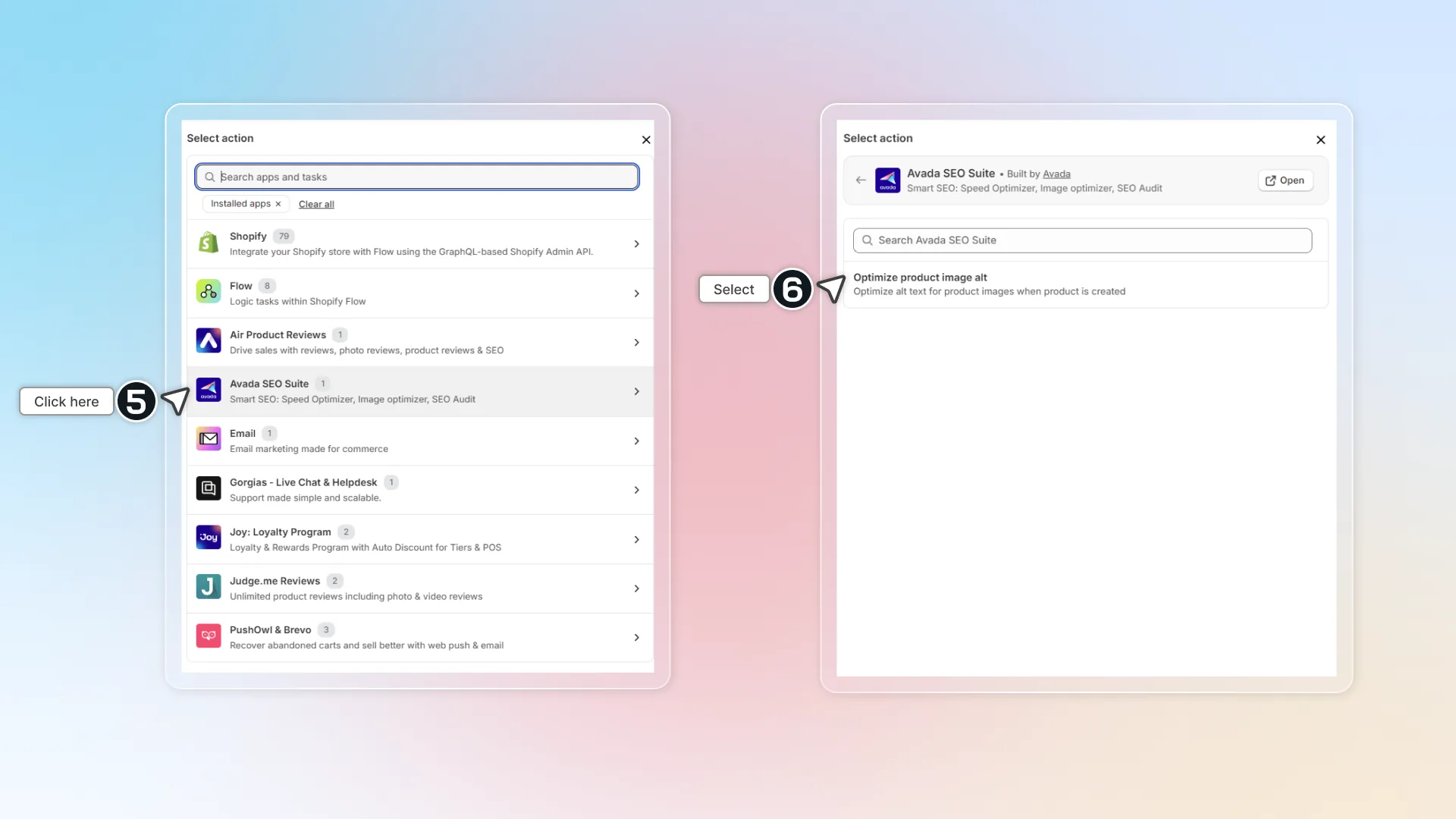
-
Click Turn on workflow and confirm to start automation.
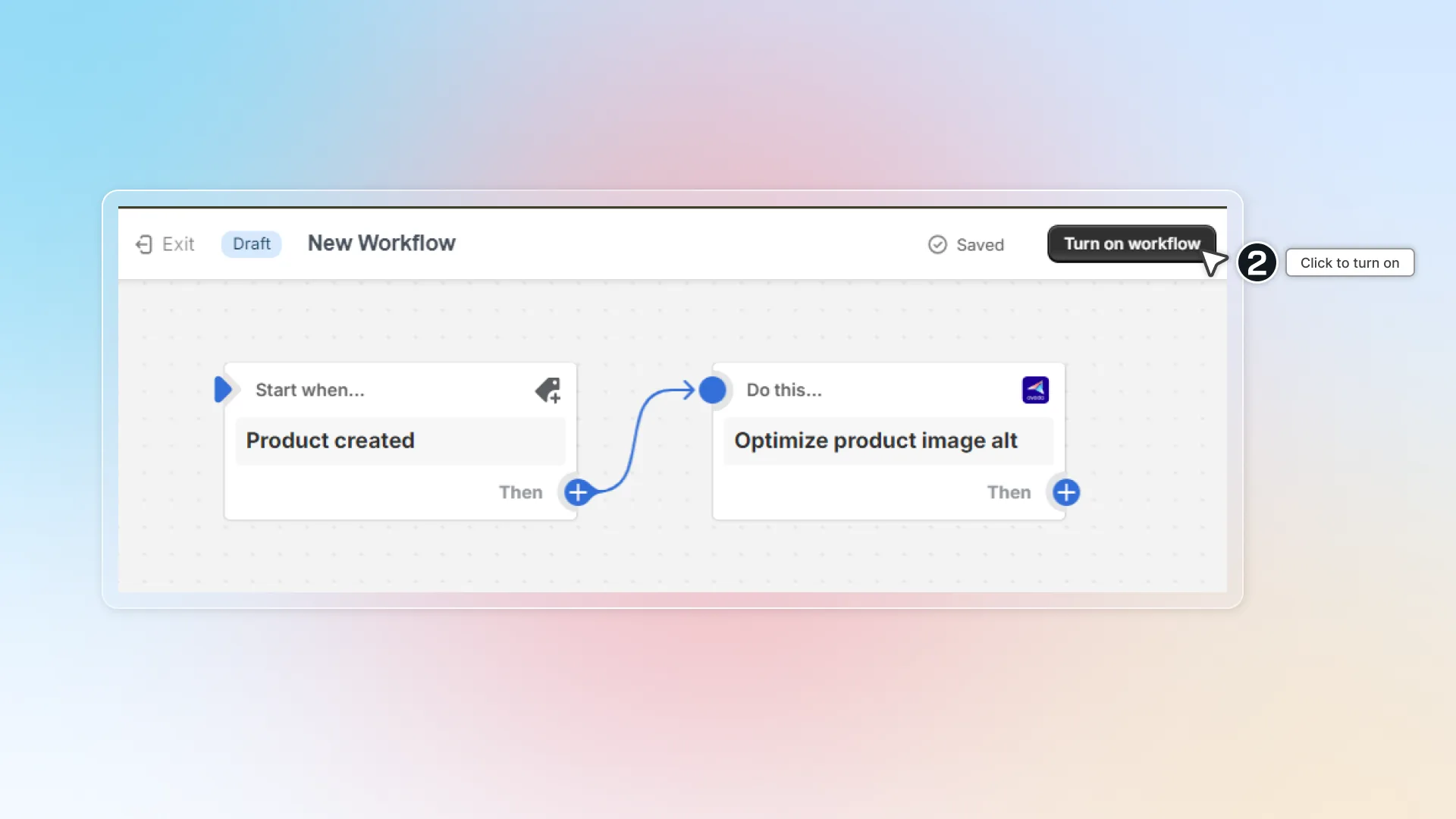
-
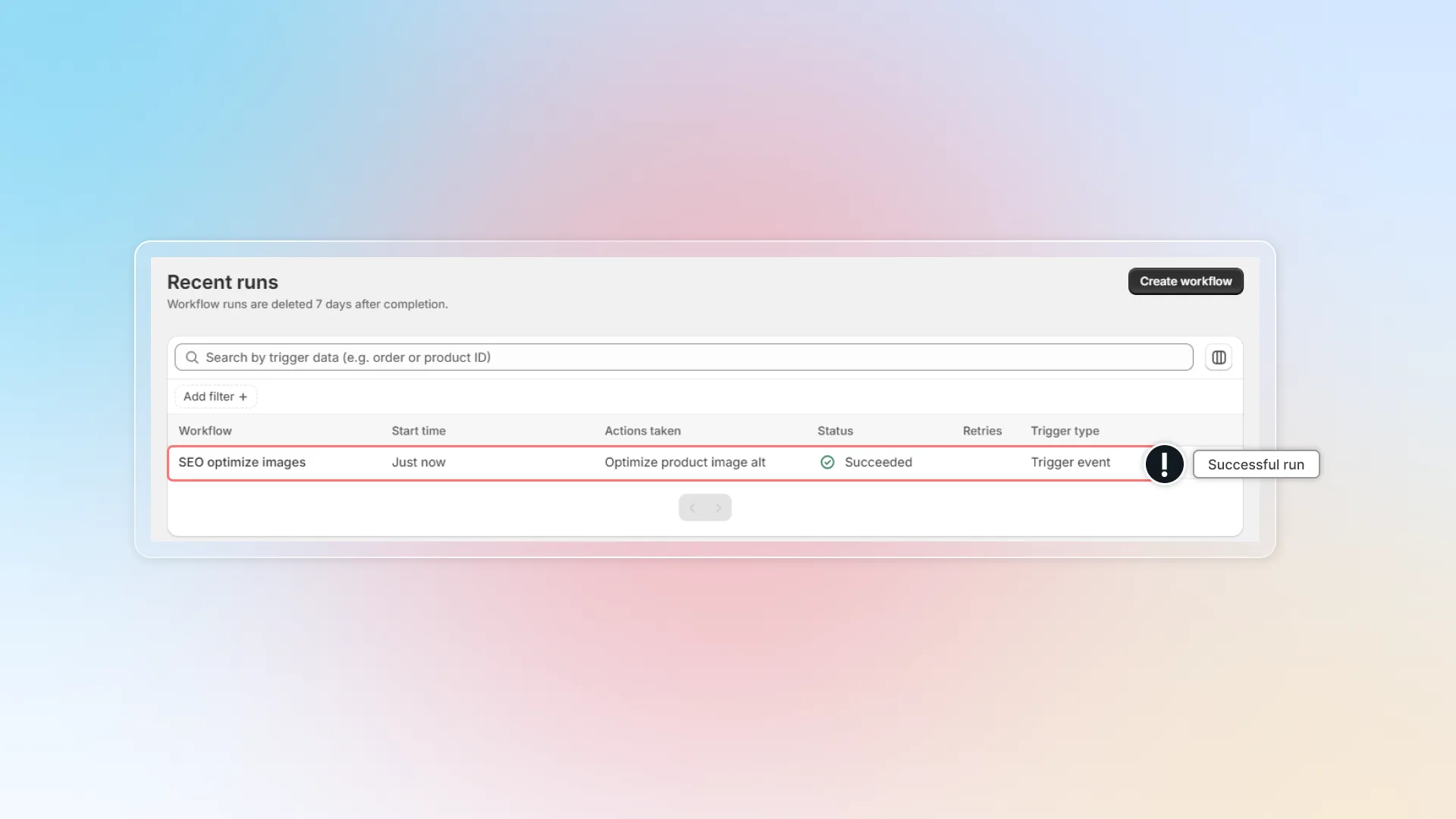
After turning on workflow, you can go to Recent runs in Flow to check if this workflow works.