Site verification
How to verify site on various web management tools
Watch how to add a verification meta tag in the app. Click a step under the replay to jump to it, or click the replay to pause.
What is ownership verification?
Ownership verification means proving to Search Console that you own a specific website. A verified owner has the highest degree of permissions (opens in a new tab) in Search Console.
Why do I need to verify ownership?
Site owners in Search Console have access to sensitive Google Search information about a site. Site owners can also perform actions that can affect a site's presence and behavior on Google Search and other Google services. Because of this, we want to make sure that only a real site owner is granted owner permissions on Search Console.
Avada SEO Suite helps you to verify your store's ownership on popular web management tools such as Google Search Console, Bing Webmaster Tools, Pinterest, Yandex Webmaster Tools, and Baidu Webmaster Tools.
- Go to Indexing → Site verifications and turn on the toggle at the top of the page
- Paste the whole
meta taginto the field of the web management tool you want to verify - Click Save, then go back to the tool and click Verify
Google Search Console
-
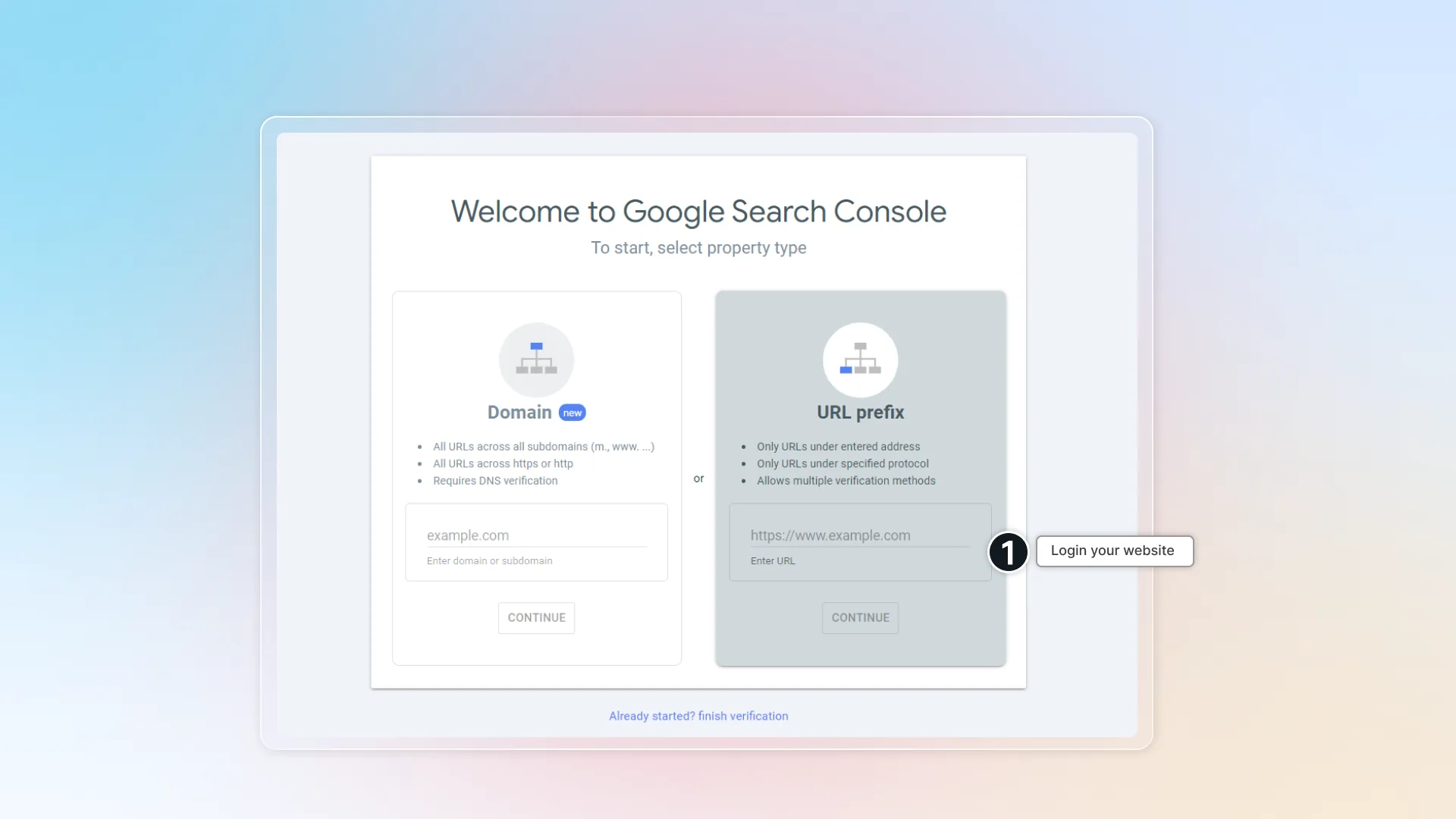
Sign in your Google search console (opens in a new tab)
-
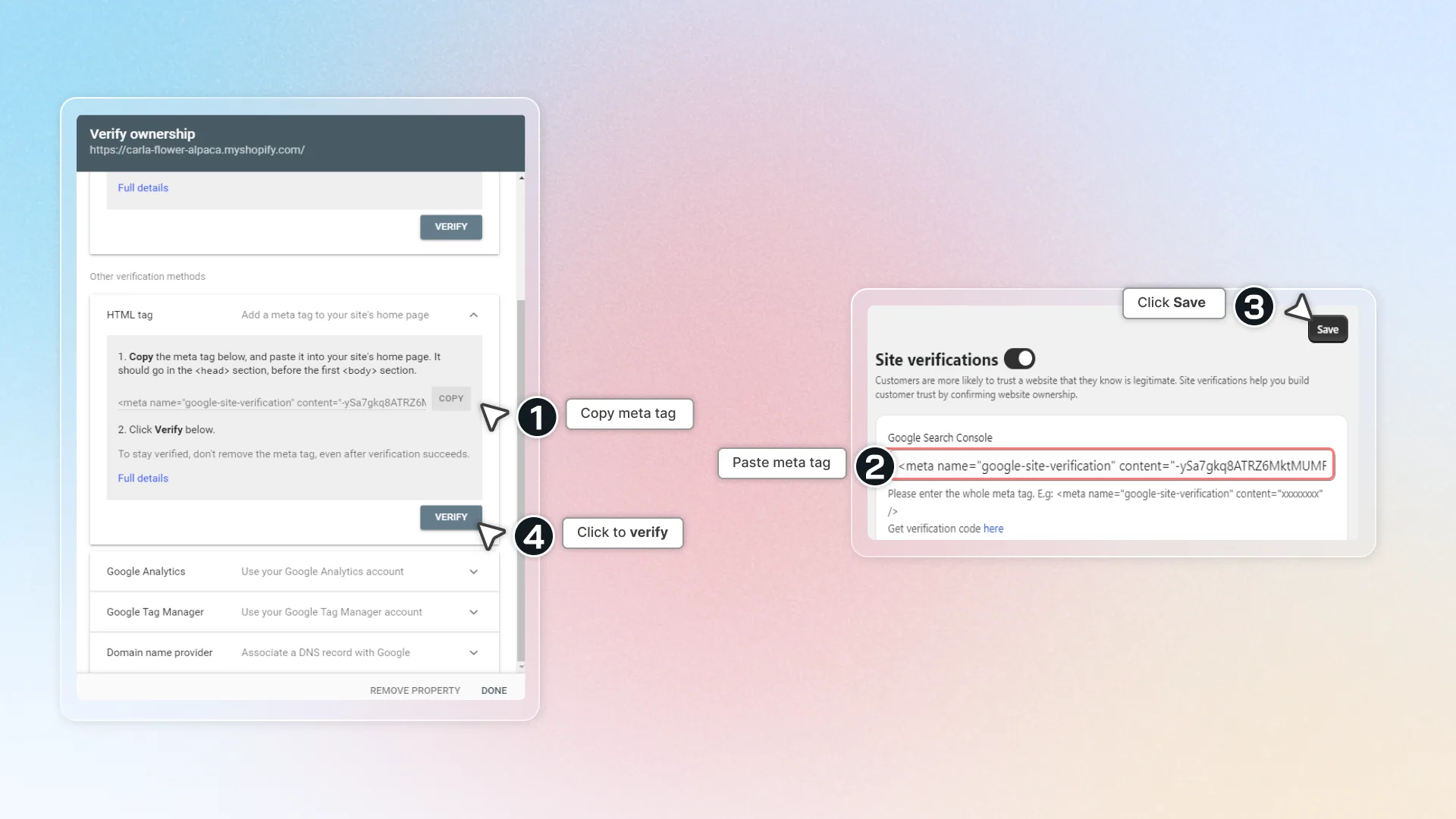
Select HTML tag -> Click Copy meta tag
-
Get back to Avada SEO Suite and paste meta tag
-
Click Save
-
Get back to Google search console and click Verify
Bing Webmaster Tools
- Sign in Bing Webmaster tool (opens in a new tab)
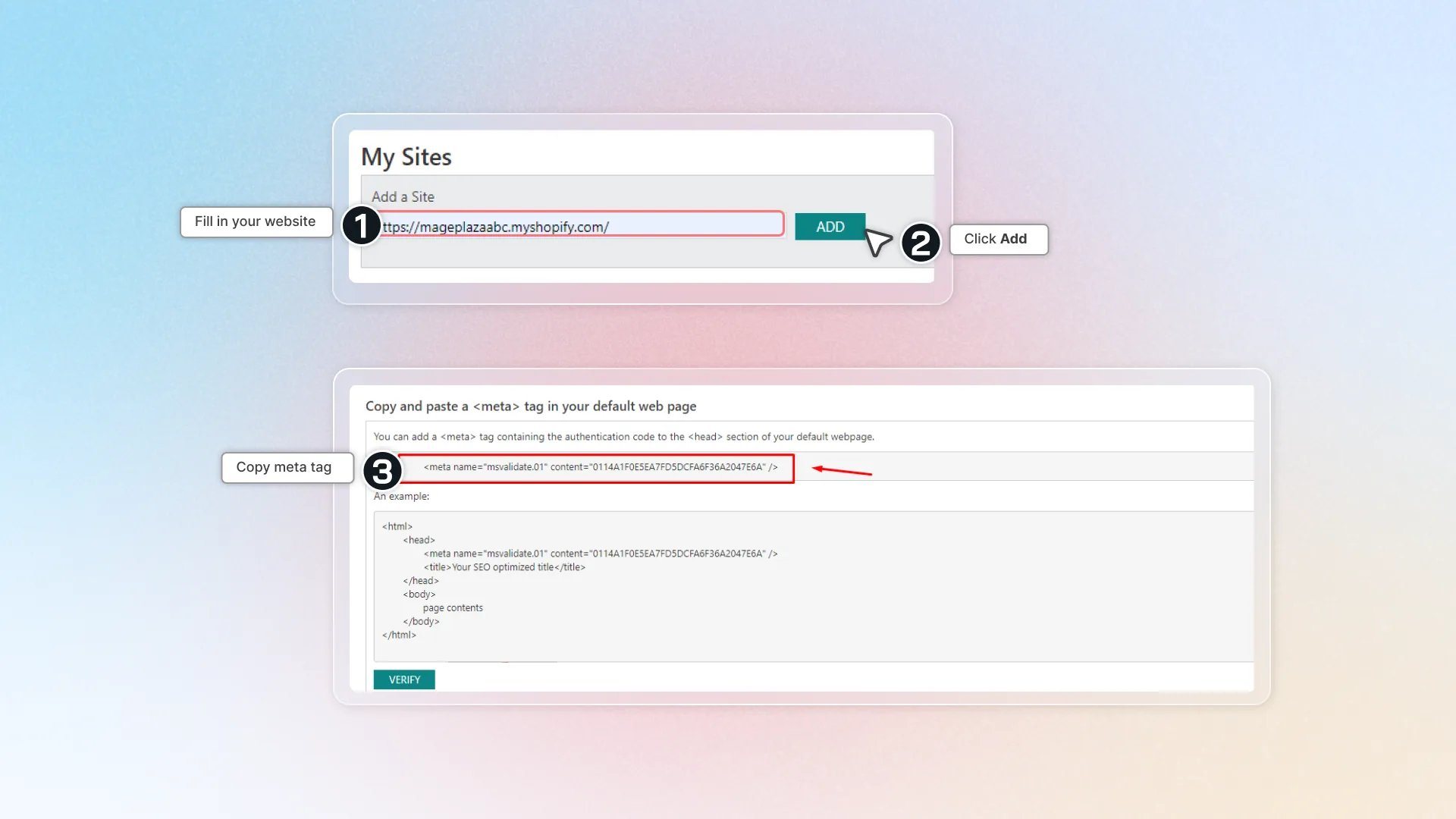
- In "Add a site", fill in your website URL -> click Add
- Copy
meta tag - Get back to Avada SEO Suite and paste
meta tag-> Click Save - Get back to Bing Webmaster tool and click Verify
-
Go to Pinterest Claim your website (opens in a new tab) to sign in or register for a Pinterest account
-
Click on Setting -> Go to Claim
-
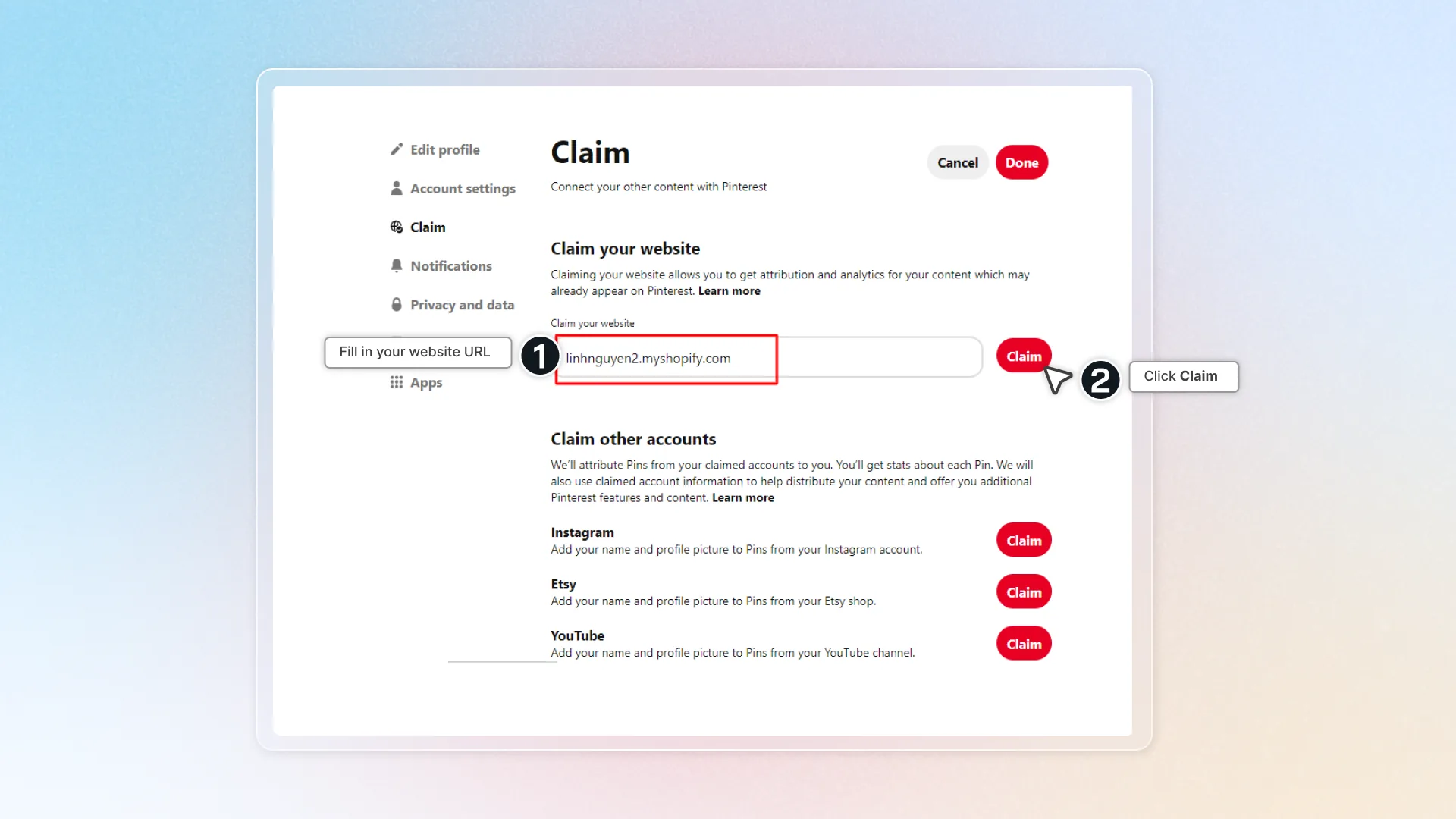
Fill in your website link and click Claim
-
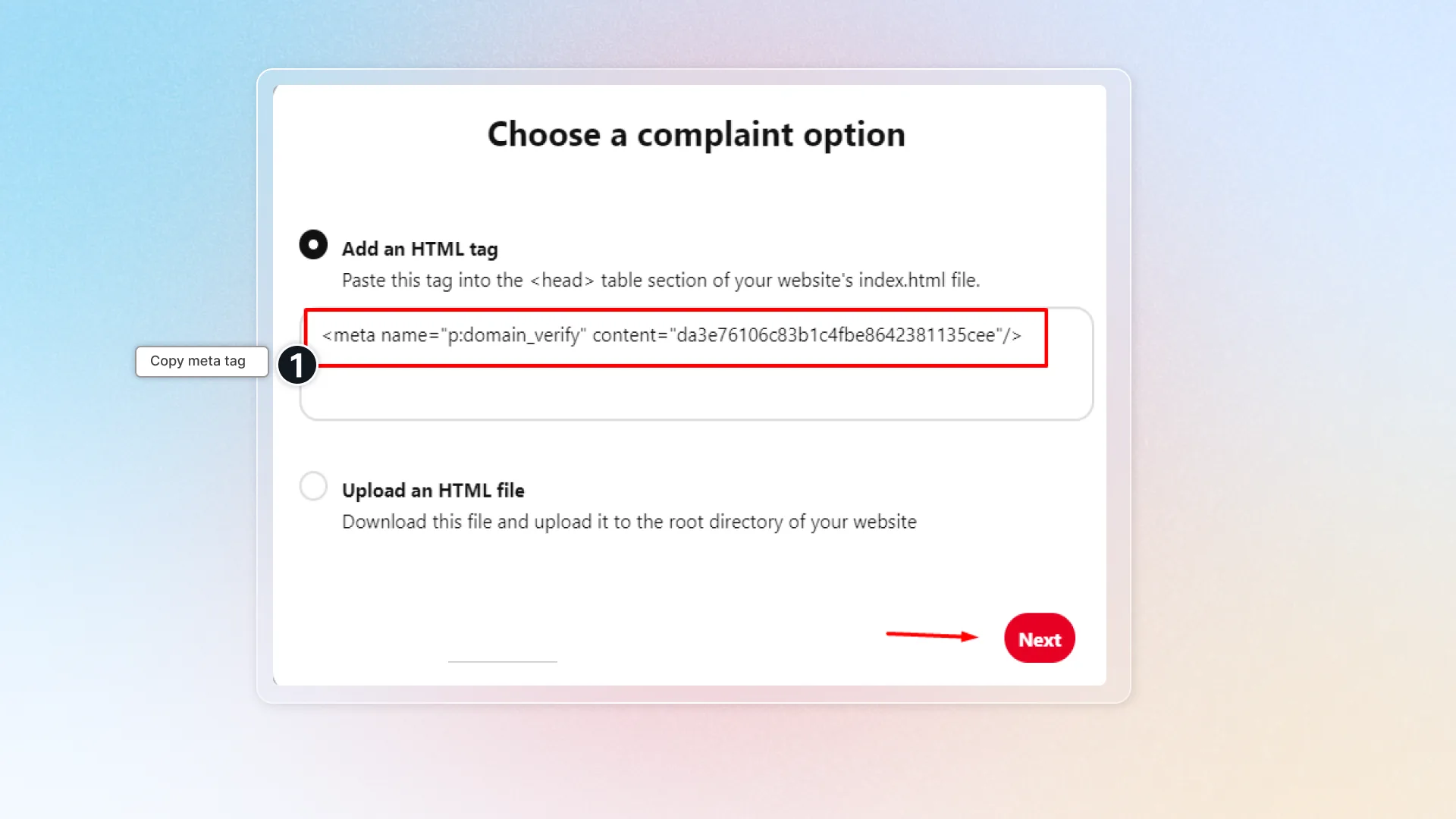
Select Add HTML tag
-
Copy the meta tag
-
Get back to Avada SEO Suite and Paste it
-
Click Save
-
Get back to Pinterest -> click Next and wait for your page to be verified.
Yandex Webmaster Tools
- Go to Yandex (opens in a new tab)
- Sign in or register for an account
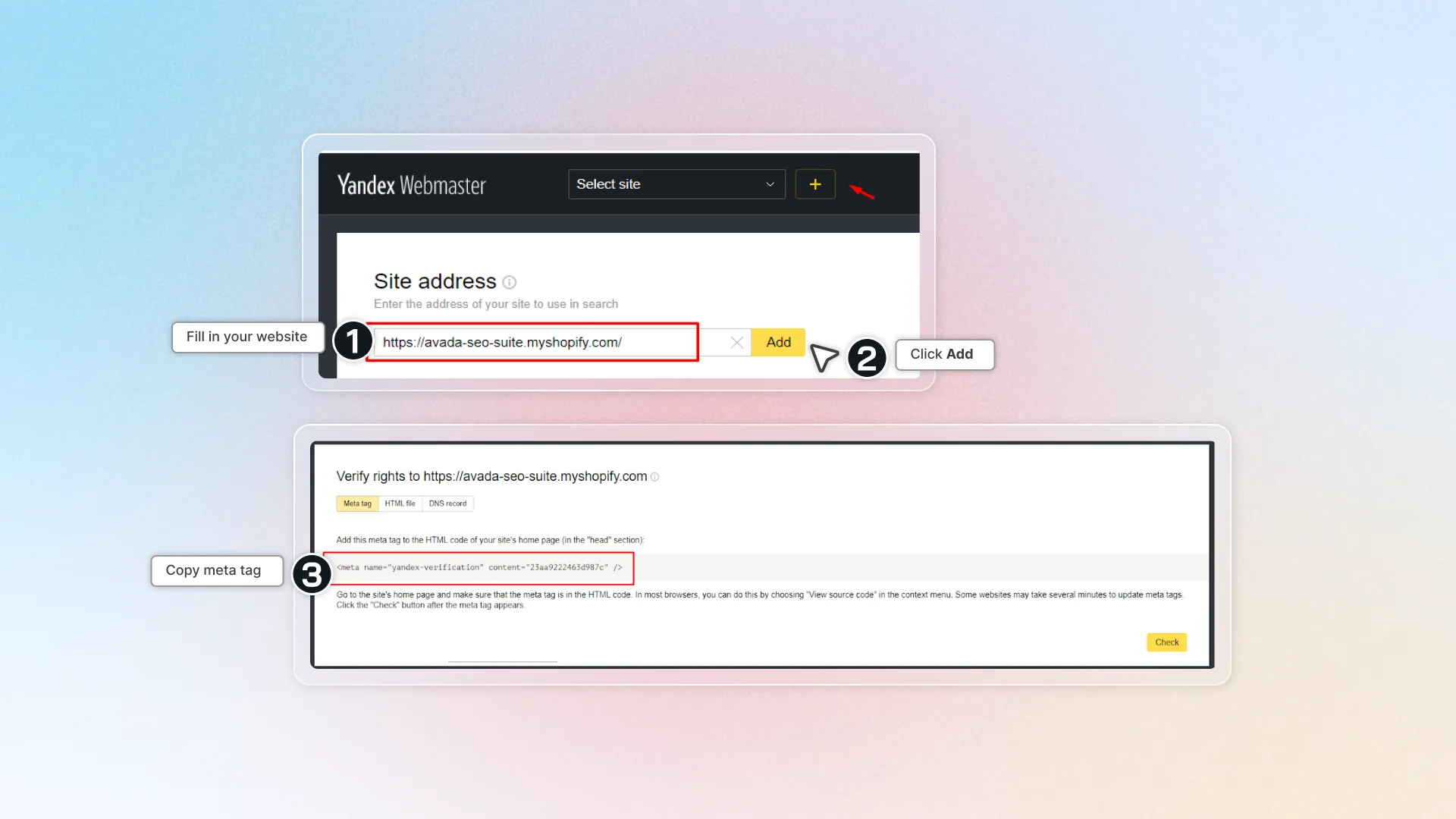
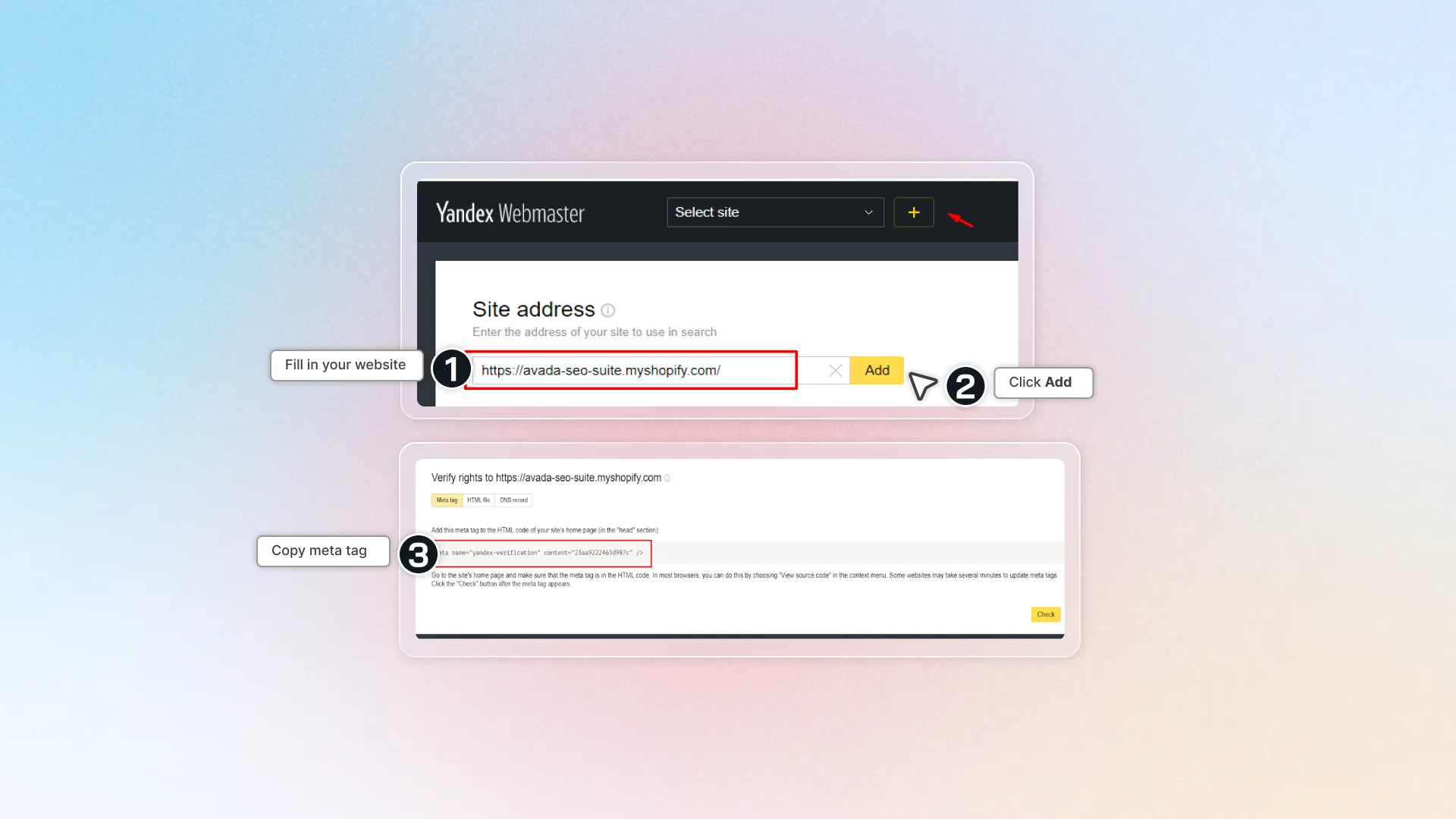
- Click Setting -> add your Site Address -> click Add
- Copy the meta tag and paste it into Avada SEO Suite -> click Save
- Click Verify now to verify your page
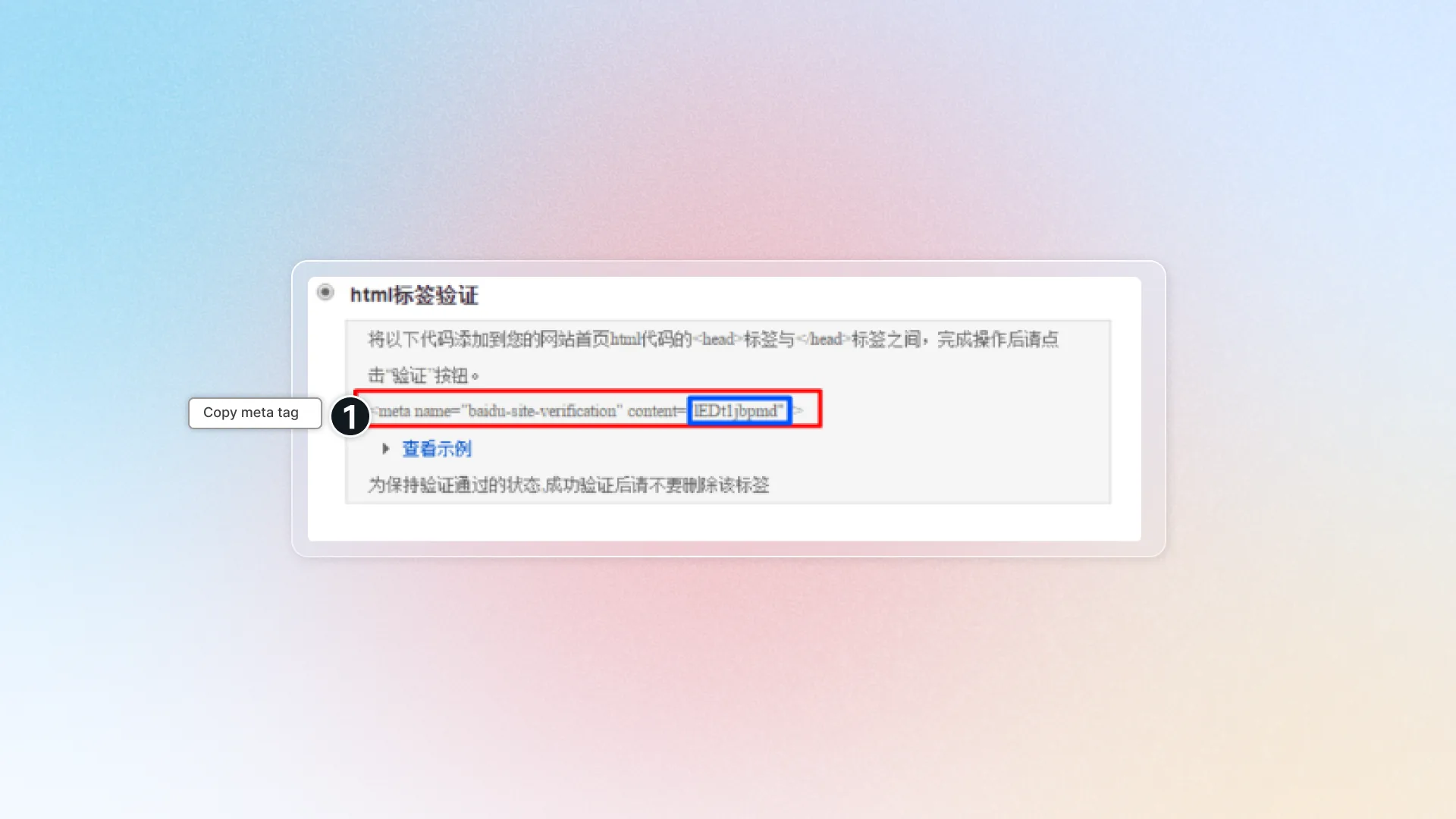
Baidu
- To register for a Baidu account for foreigners, please click here (opens in a new tab)
- To get the verification, please follow the steps here. Please note that you should choose the HTML Tag Verification method.
- Copy the meta tag and paste it into the Baidu Webmaster Tools field of Avada SEO Suite
- Click Save
- Click to verify your page.