General Settings
Settings is one scrollable page made up of several cards. The General card is the first one at the top. Two fields, but both are seen by every affiliate:
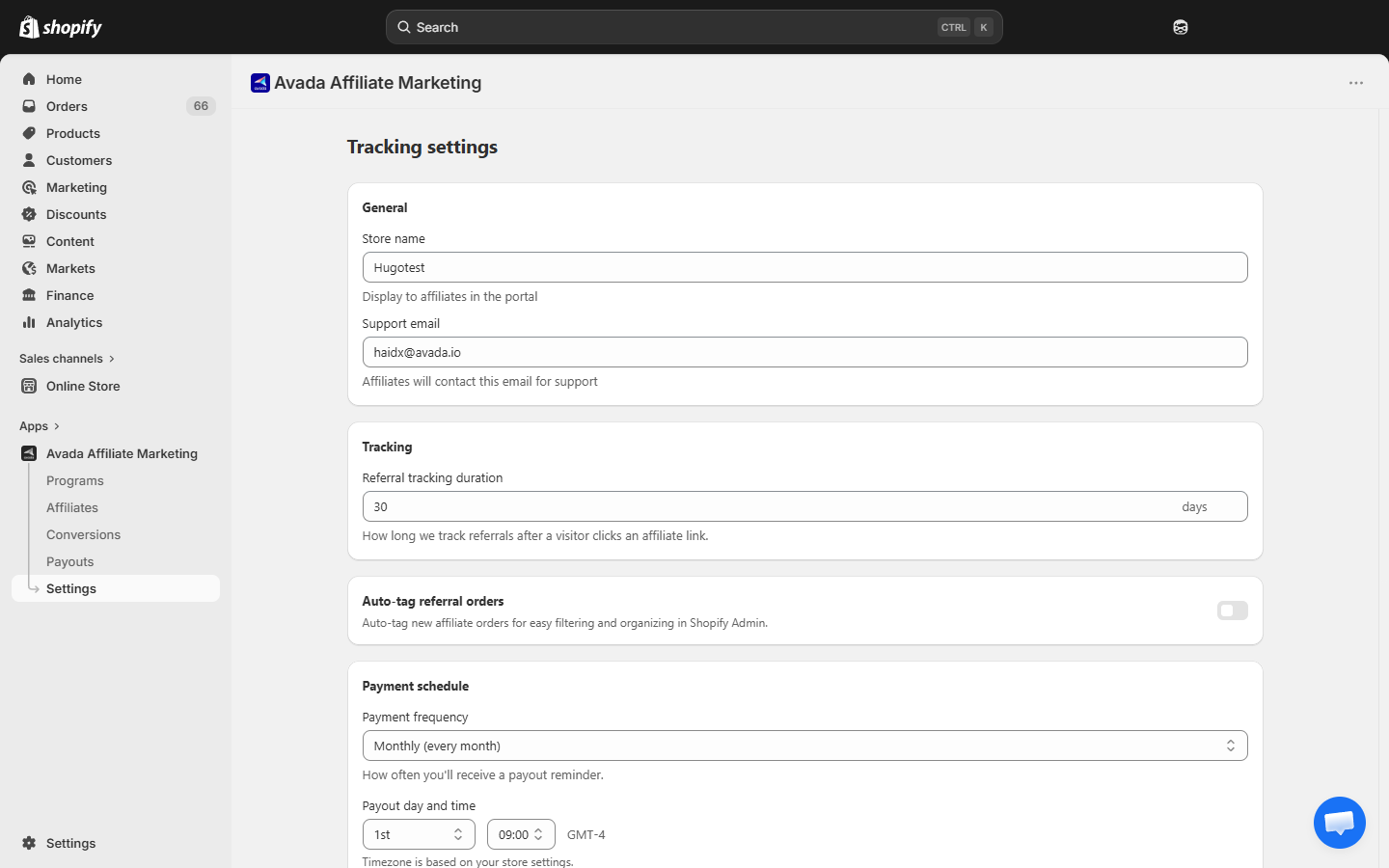
Store name
This is the name of your store as shown to affiliates — in the portal header, welcome emails, payout notifications, and the referral signup page.
- Default: your Shopify store name at install time.
- Example: if you install under "John's Gadgets", the affiliate portal shows "John's Gadgets Affiliate Program" at the top.
You can change it any time; all new emails and portal sessions pick up the new name immediately.
Tip: use a name that matches your customer-facing brand. Avoid internal nicknames.
Support email
The email affiliates use to contact you — about payout issues, referral link questions, technical problems. This email is:
-
Shown in the portal footer.
-
Shown in welcome / approval / payout emails.
-
Used as the reply-to address on affiliate-notification emails.
-
Default: your Shopify account email at install time.
-
Best practice: use a dedicated alias like
[email protected]so you can filter easily.
If you run a high-volume program, consider a shared inbox or helpdesk tool (Crisp, Intercom, Front).
Saving
Edit either field → a Save bar appears at the top of the page ("Unsaved changes / Discard / Save"). Click Save there. Changes are immediate. The same Save bar applies to every card on the Settings page — you can change General + Tracking + Payment schedule in one go and click Save once.
What affiliates see when you change settings
- Next portal page load — new store name / email.
- Next email sent to them — updated values.
- Existing emails already in their inbox — unchanged (email content is captured at send time).
Next step
- Tracking Duration — how long referral cookies last.
- Email Notifications — configure which emails go out.