Payout History
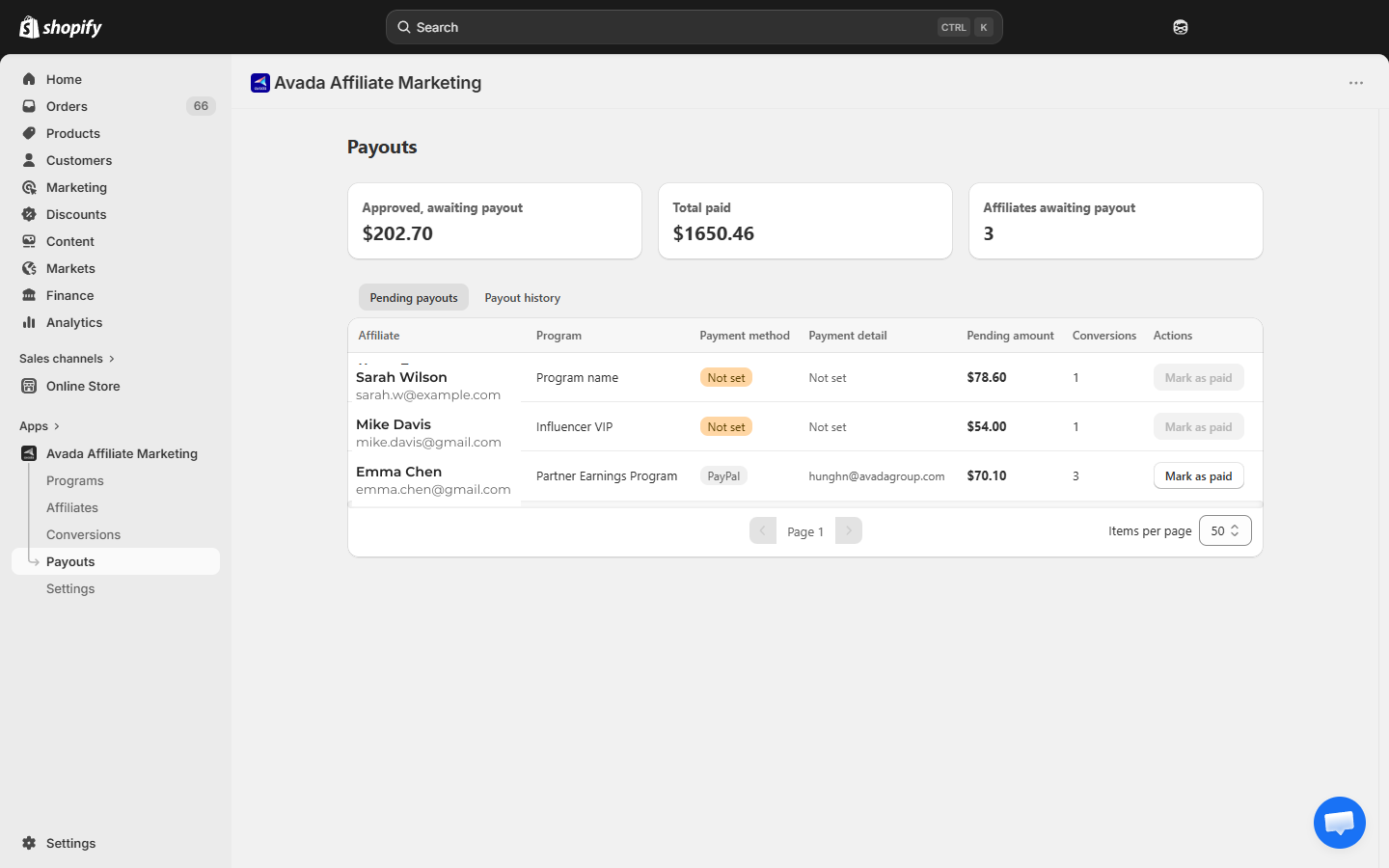
The Payout history tab on the Payouts page shows every payout you have ever recorded. It is a read-only log for accounting and reconciliation.
How to open it
Go to Payouts → click the Payout history tab.
What each row shows
| Column | Meaning |
|---|---|
| Affiliate | Name and email |
| Program | The program the affiliate belonged to at the time of payout |
| Payment method | The payment method on file at the time (PayPal / Bank Transfer) |
| Payment detail | The PayPal email or bank reference used |
| Amount | How much was paid |
| Conversions | How many conversions were bundled into this payout |
| Payment date | When you marked the payout as paid |
Click a row to expand and see the Transaction ID and Note you entered, plus the list of conversions that were settled by this payout.
Empty state
Until you mark your first payout as paid, the tab shows:
No payout history yet — Payouts you mark as paid will appear here.
Voiding a payout
The Payout history tab is read-only. You cannot void or edit a recorded payout from the UI — once marked paid, the corresponding conversions are locked as Paid.
If you marked the wrong amount or wrong affiliate, contact [email protected] — they can manually clean it up.
For legitimate refunds (customer returned the product), do not try to undo — let the standard refund flow create a Refund adjustment row that nets out at the next payout. See Refund Handling.
Exporting for accounting
There is no CSV export button today. If you need one for bookkeeping:
- Option A — screenshot the History tab.
- Option B — contact [email protected] for a CSV export.
A native CSV export is on our roadmap.
What affiliates see
Affiliates see their own payout history in the portal Payouts page (under Payment history). The rows show the same Amount, Payment date, and Transaction ID you entered.