Viewing Your Payouts
The Payouts page shows your payment history and your current earning status. Use it to check that you were paid correctly and to see when the next payout is likely.
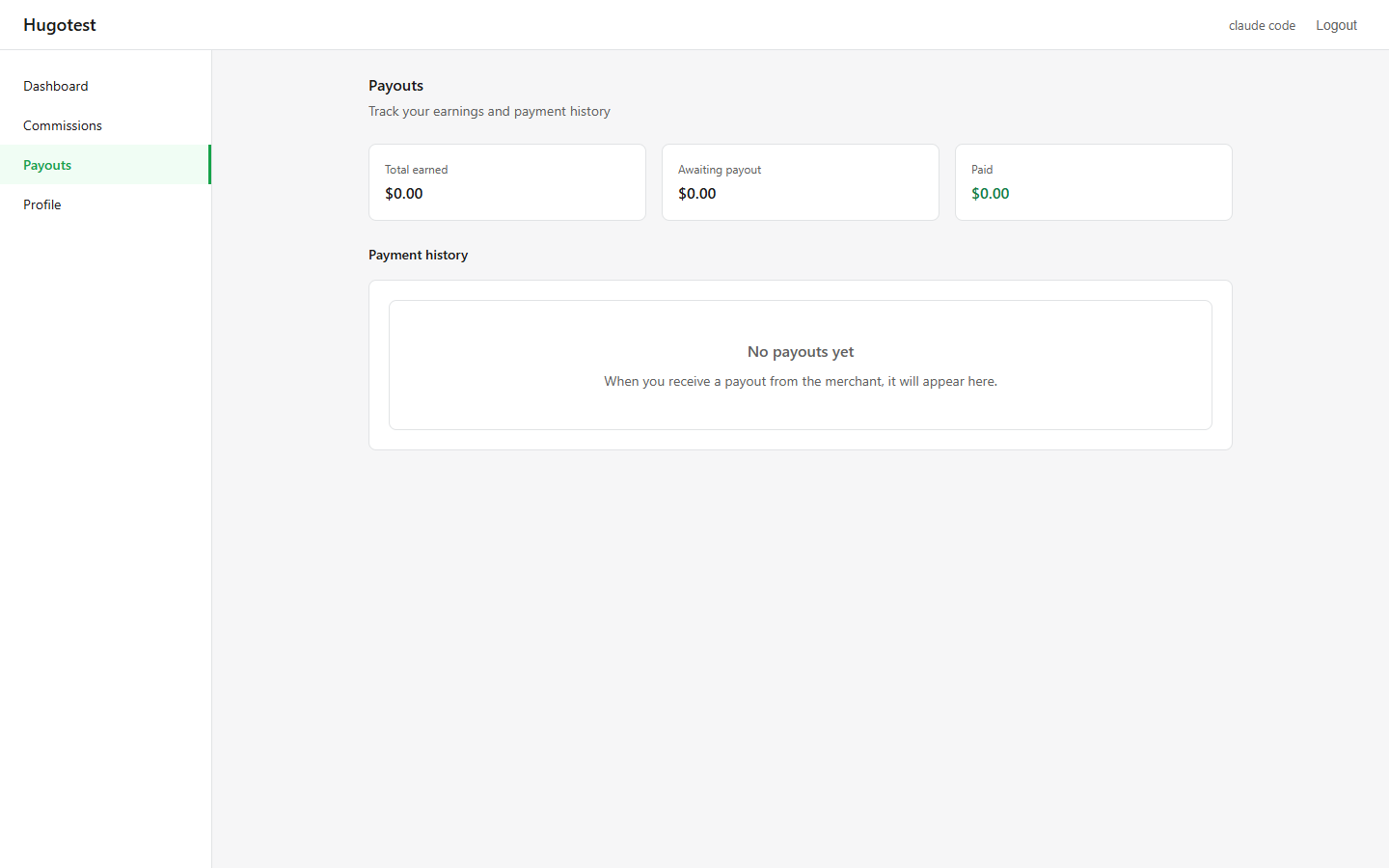
Summary cards
Three numbers at the top:
| Card | Meaning |
|---|---|
| Total earned | All-time earnings: approved + paid commission. |
| Awaiting payout | Approved commission that has not been paid yet. This is what the merchant owes you right now. |
| Paid | Everything you have ever been paid. |
Total earned = Awaiting payout + Paid
Payment history
Below the summary cards is the Payment history section. Each row is one payment from the merchant. The table shows the payment date, the amount you received, and the transaction ID the merchant added (if any) — useful for cross-checking against your PayPal or bank statement.
When is my next payout?
The merchant controls the payout schedule. Most merchants pay weekly or monthly. Some pay on request.
Things that affect the next payout:
- Merchant's schedule — you do not control this. Ask the merchant if unclear.
- Minimum payout amount — usually $50. If your Awaiting payout is below this, you wait until next cycle.
- Approval speed — orders still Pending aren't eligible. They become Awaiting payout only after the merchant approves them.
- Payment method on file — if you have not set a Payment method in your Profile, the merchant cannot pay you (the Mark as paid button on their side stays disabled).
Why is my Awaiting payout different from my Awaiting approval?
Two different things:
- Awaiting approval (on the Commissions page) = orders the merchant has NOT yet approved.
- Awaiting payout (here) = orders the merchant HAS approved, but not paid.
Approved orders flow from "Awaiting approval" → "Awaiting payout" when the merchant approves them. Then flow from "Awaiting payout" → "Paid" when the merchant marks the payout as paid.
Empty state
If you have never been paid yet:
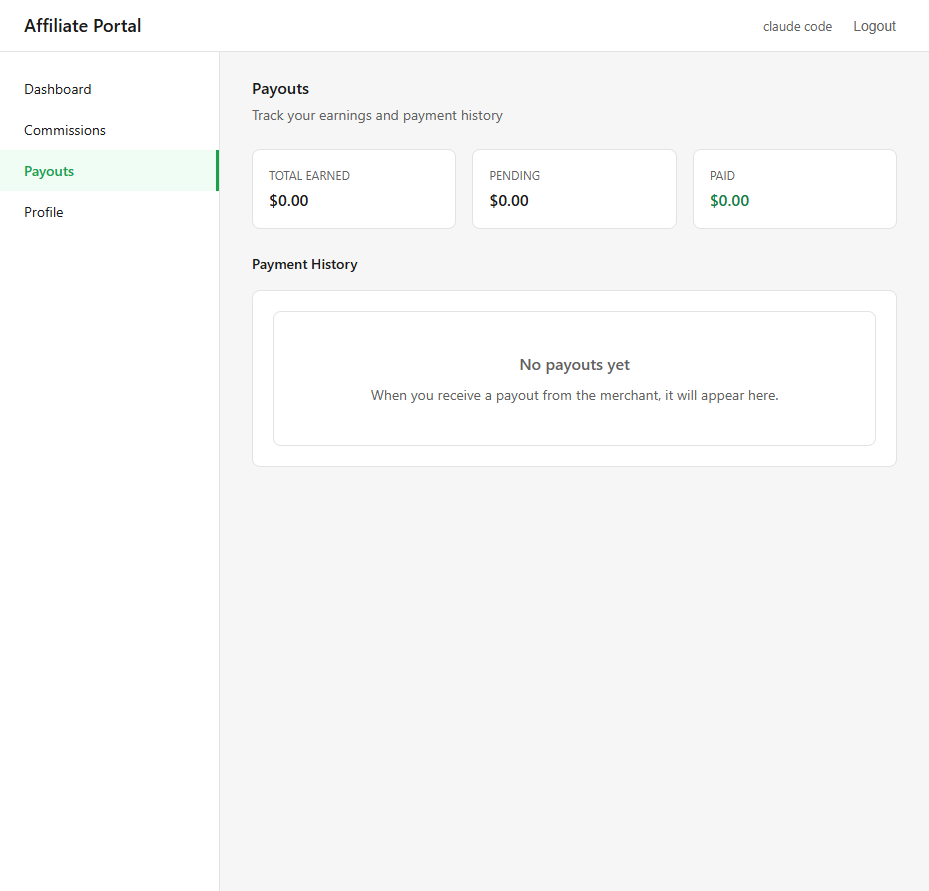
This is normal for new affiliates. Your first payout typically lands 1–2 months after you start referring.
What if I did not receive a payout?
Sometimes the app shows Paid but the money has not reached your account. Possible reasons:
- Wrong payment details — the merchant paid to an old PayPal email. Check your Profile for the current address and fix if needed, then tell the merchant.
- Processing delay — bank transfers take 1–5 business days depending on country. PayPal is usually instant but can be delayed if flagged.
- Merchant error — they marked it paid in the app before actually paying. Politely nudge them.
Always contact the merchant first (their support email is in the portal footer). Only escalate to [email protected] if there's a bug in the portal.
Fees and currency
- Currency — amounts are shown in the merchant's shop currency. If the merchant pays you in a different currency, they convert at send time.
- Fees — standard practice is the merchant covers payment fees (PayPal, wire). Ask them to confirm.
Next step
- Dashboard — back to overview.
- Profile & Payment Method — update payout details.