How to get correct AliExpress product link
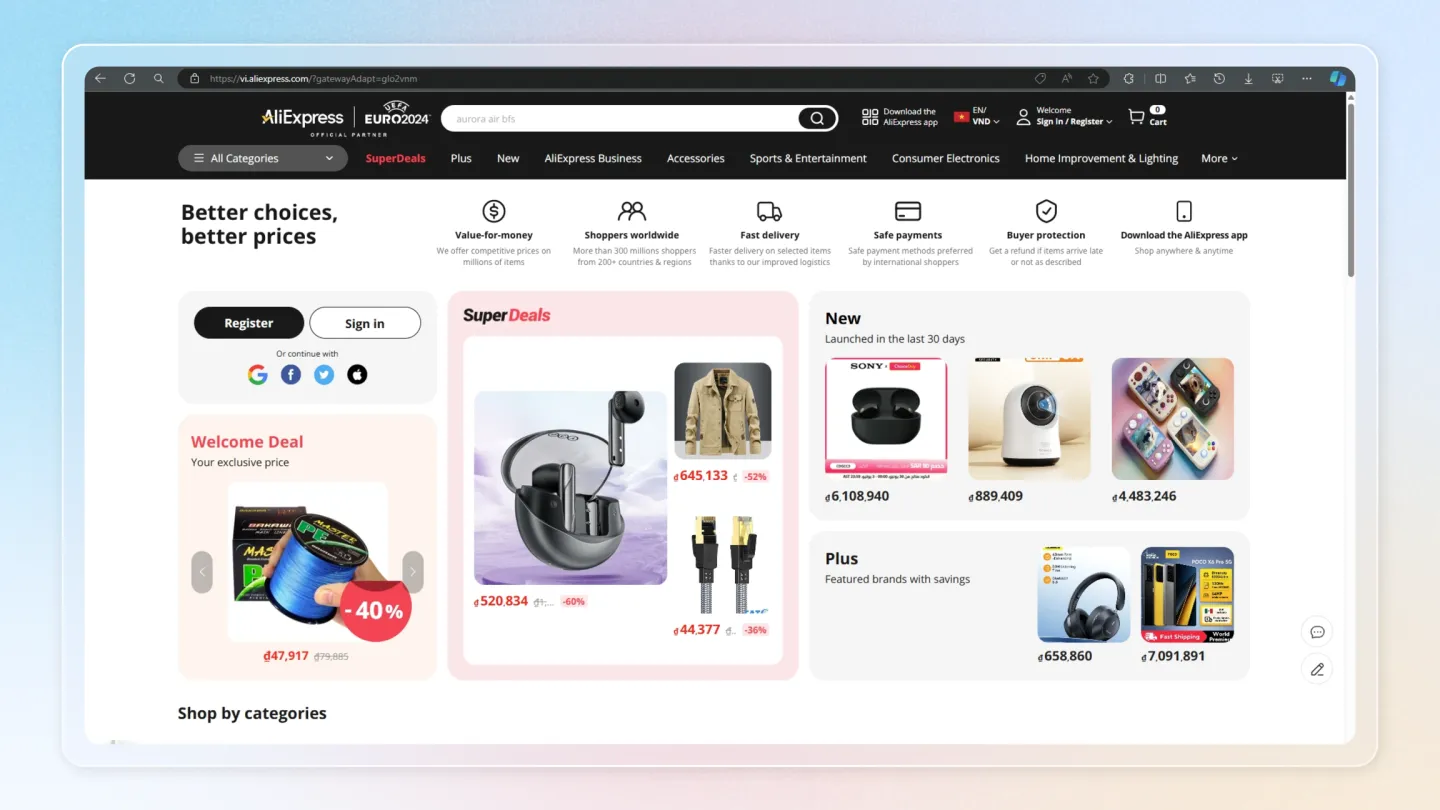
1. Access AliExpress
Open your web browser and go to the AliExpress homepage (opens in a new tab).
Find and select the product with reviews you want to import.
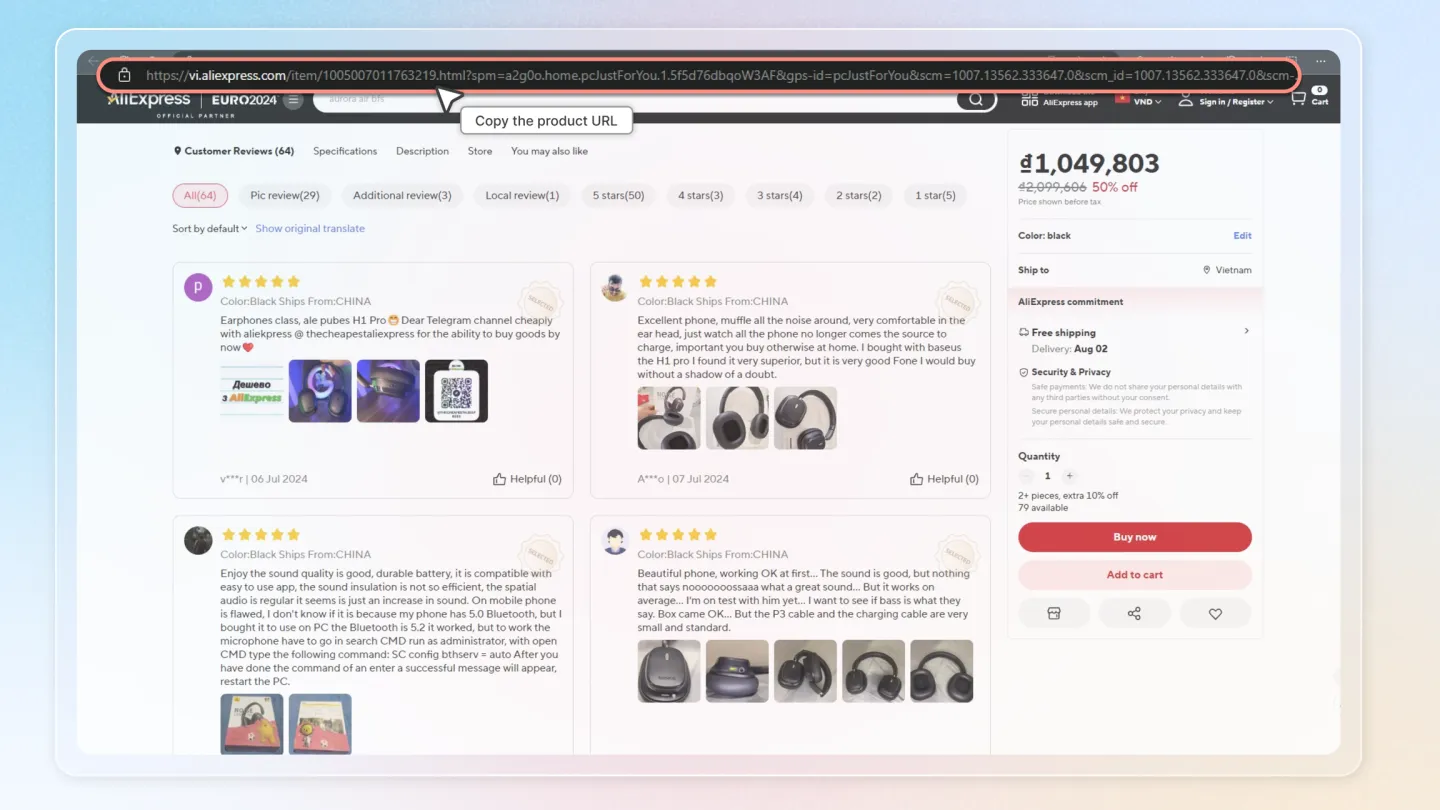
2. Copy the Product URL
Once you have found the desired product, copy the URL from the product page.
The valid URL format should be: https://www.aliexpress.com/item/...
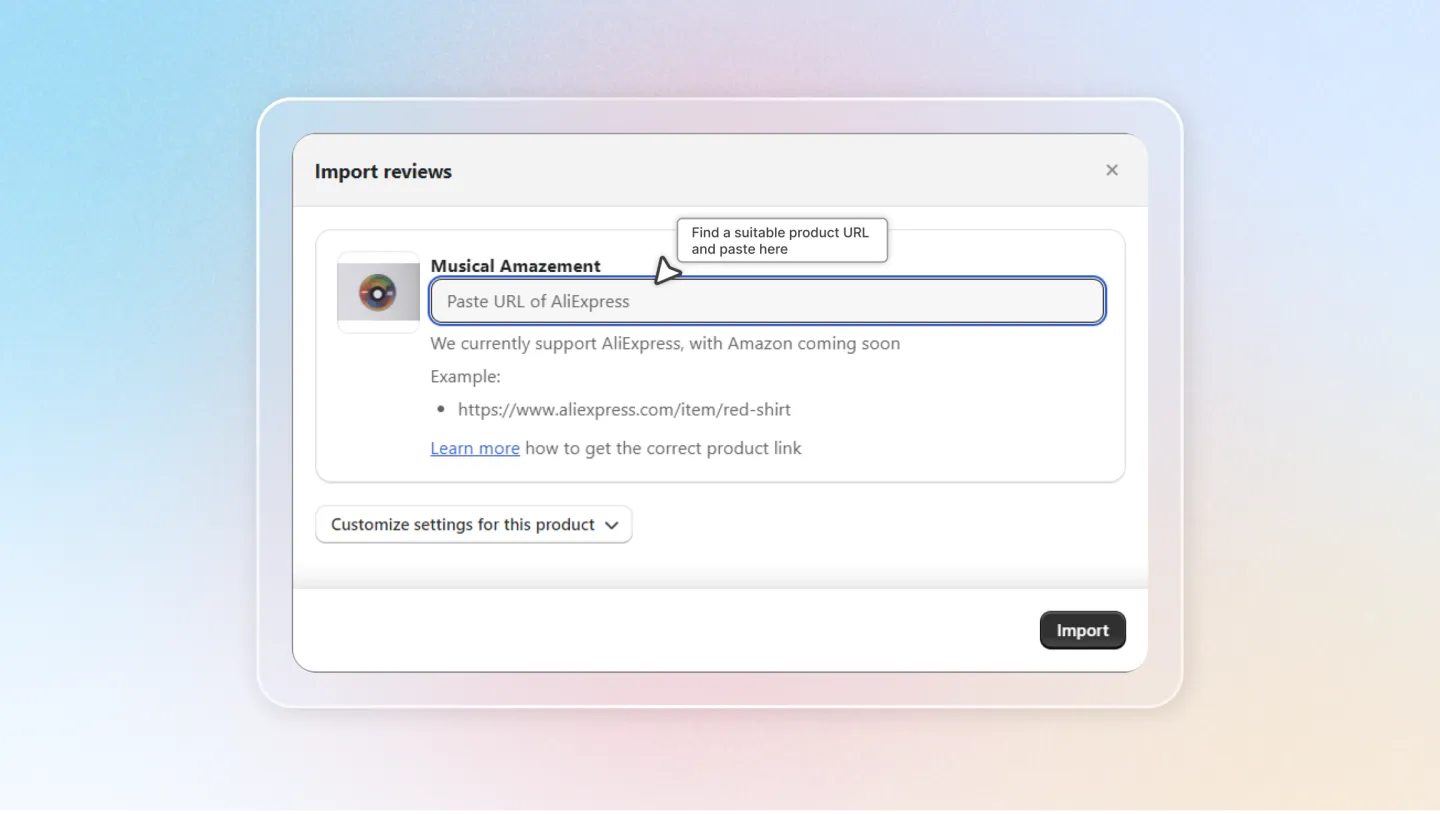
3. Paste the Product Link into the Import Reviews Popup
Go back to your Shopify admin page and open the Import reviews popup. See guide for Import reviews by products.
See guide for Import reviews by products.
Paste the copied product link into the popup.
Now, you have successfully obtained the correct product link for importing reviews from AliExpress.
By following these simple steps, you can ensure that you have the correct AliExpress product link for importing reviews. This will streamline the process and ensure that the reviews are accurately imported into your Shopify store.