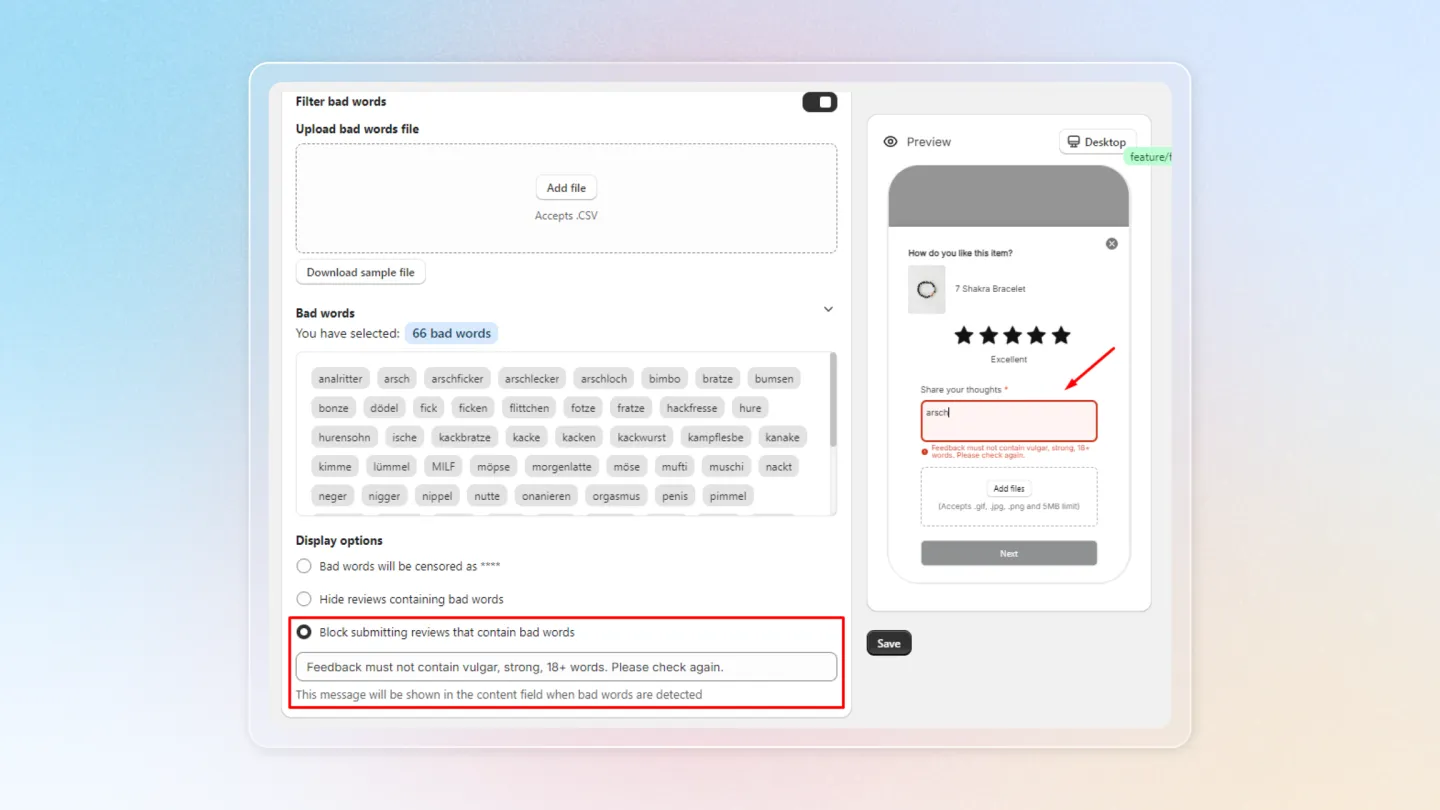
Filter bad word
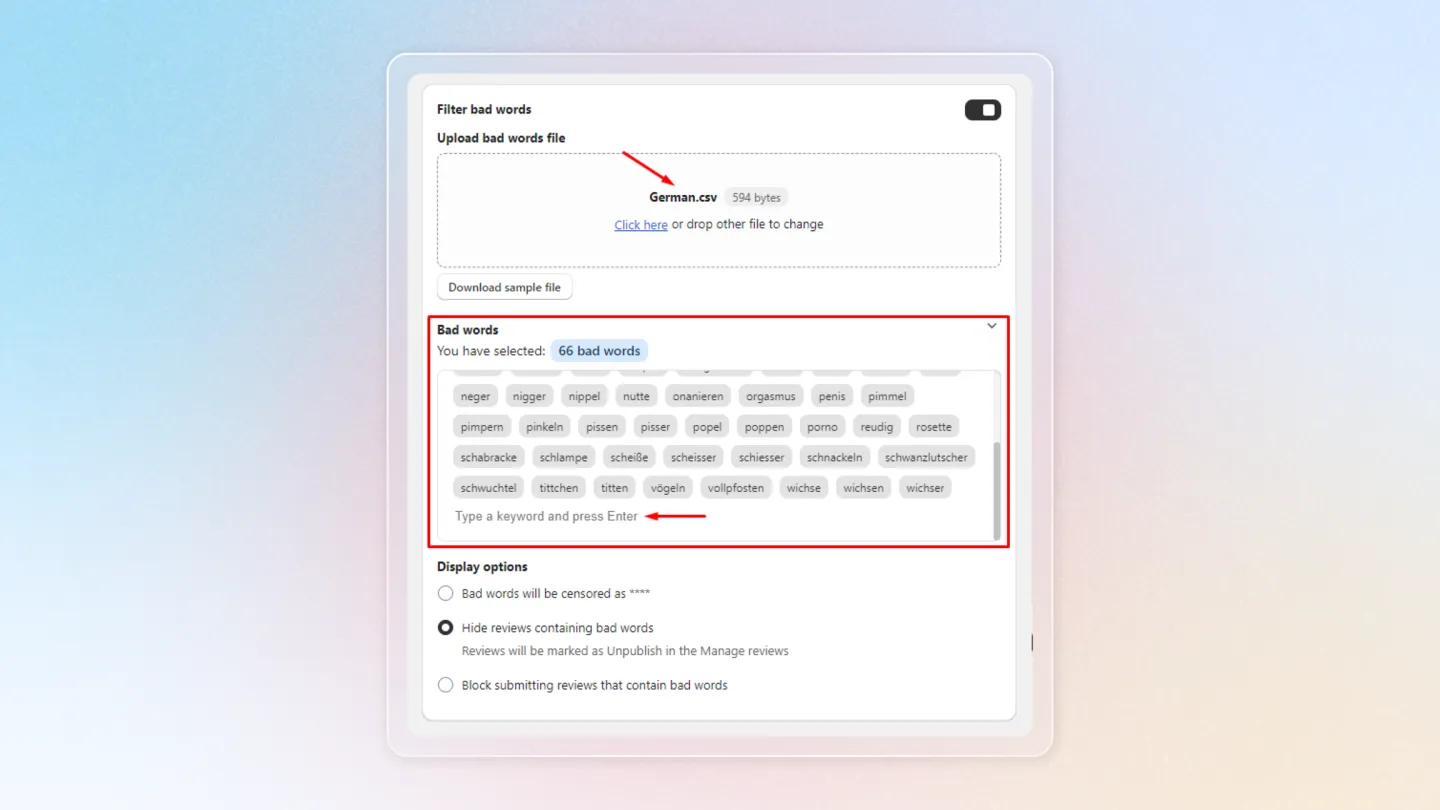
4. Filter Bad Words
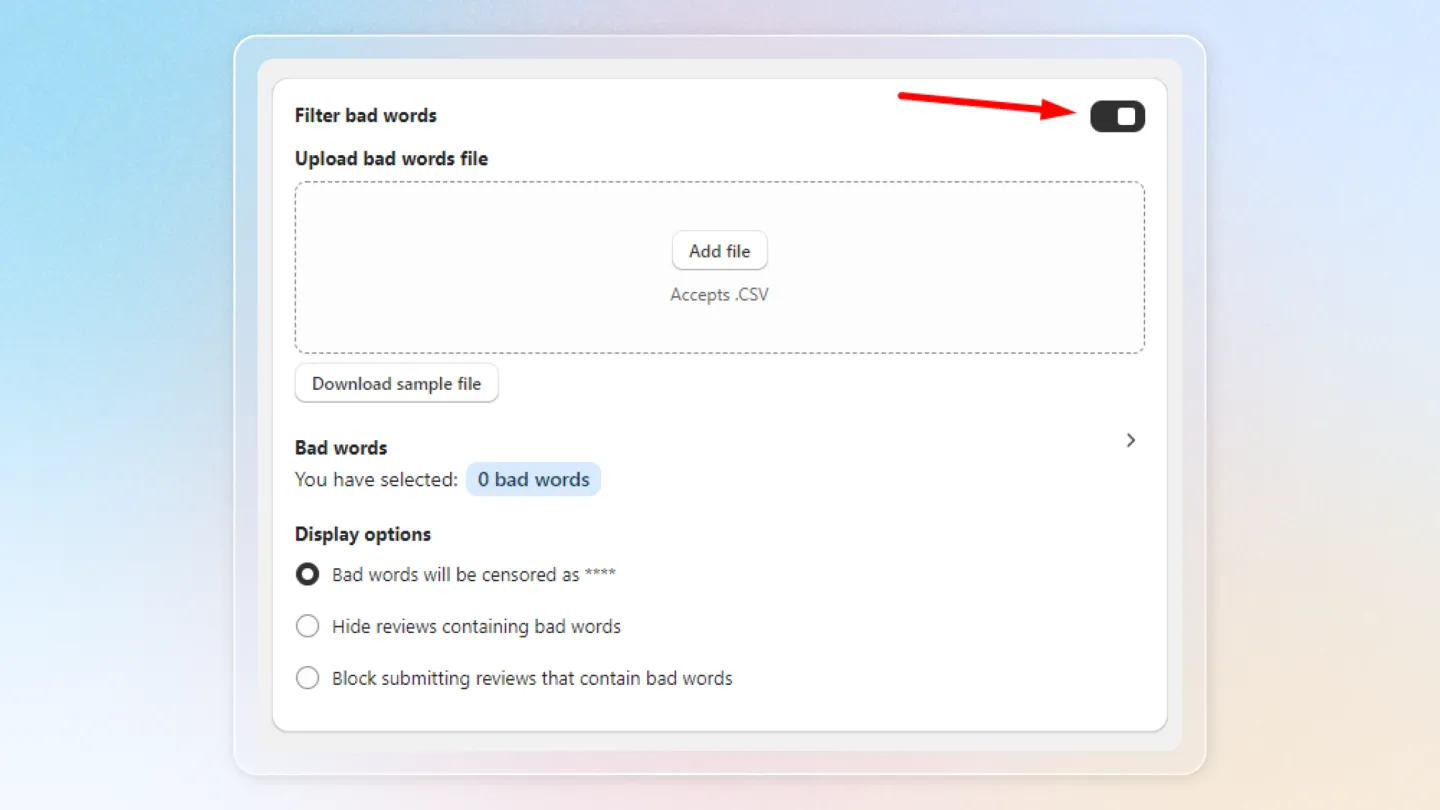
- Enable Bad Word Filter: Turn on the feature to filter inappropriate words from customer reviews.
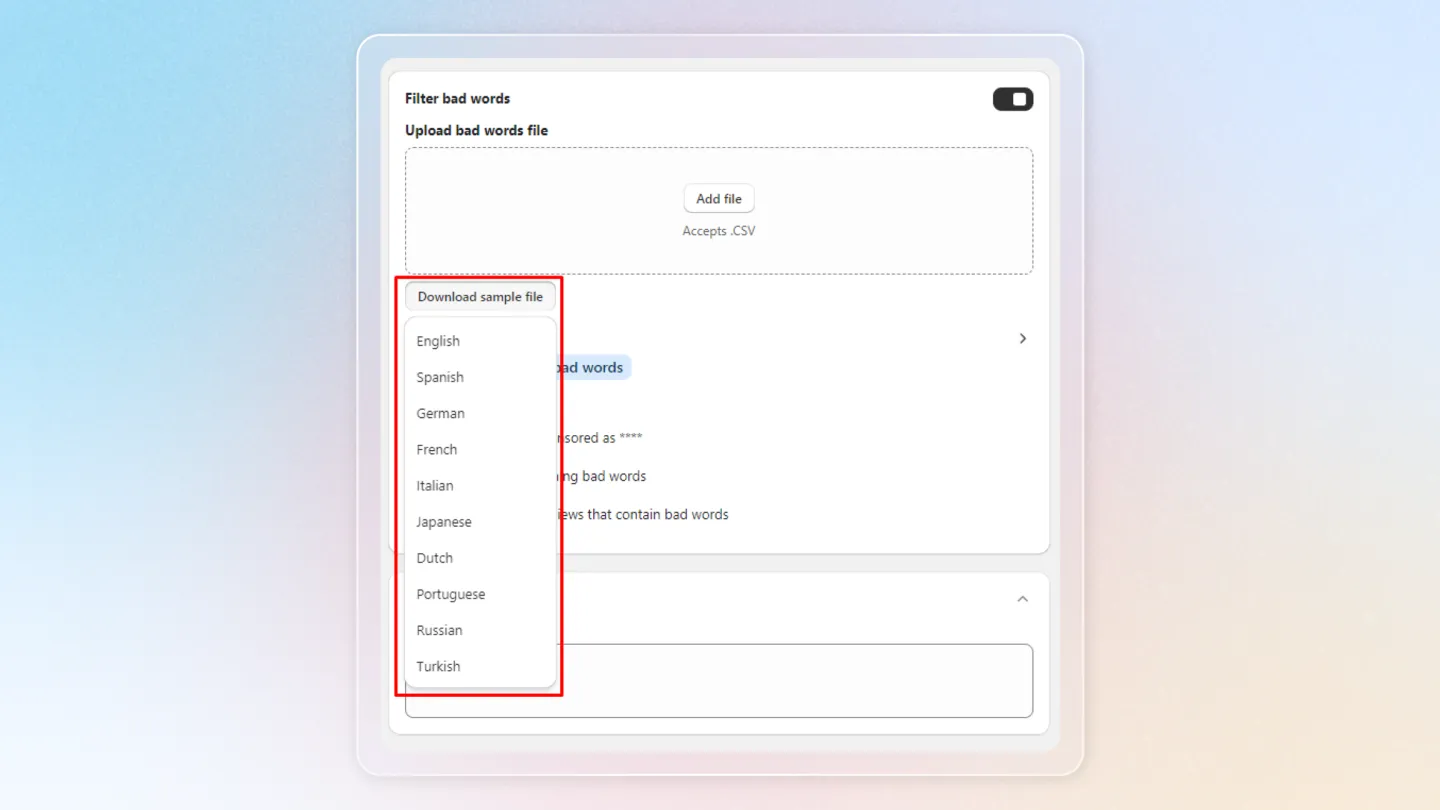
- Upload Bad Words File: Download the sample file that includes bad words in various languages such as English, Spanish, German, French, and more.
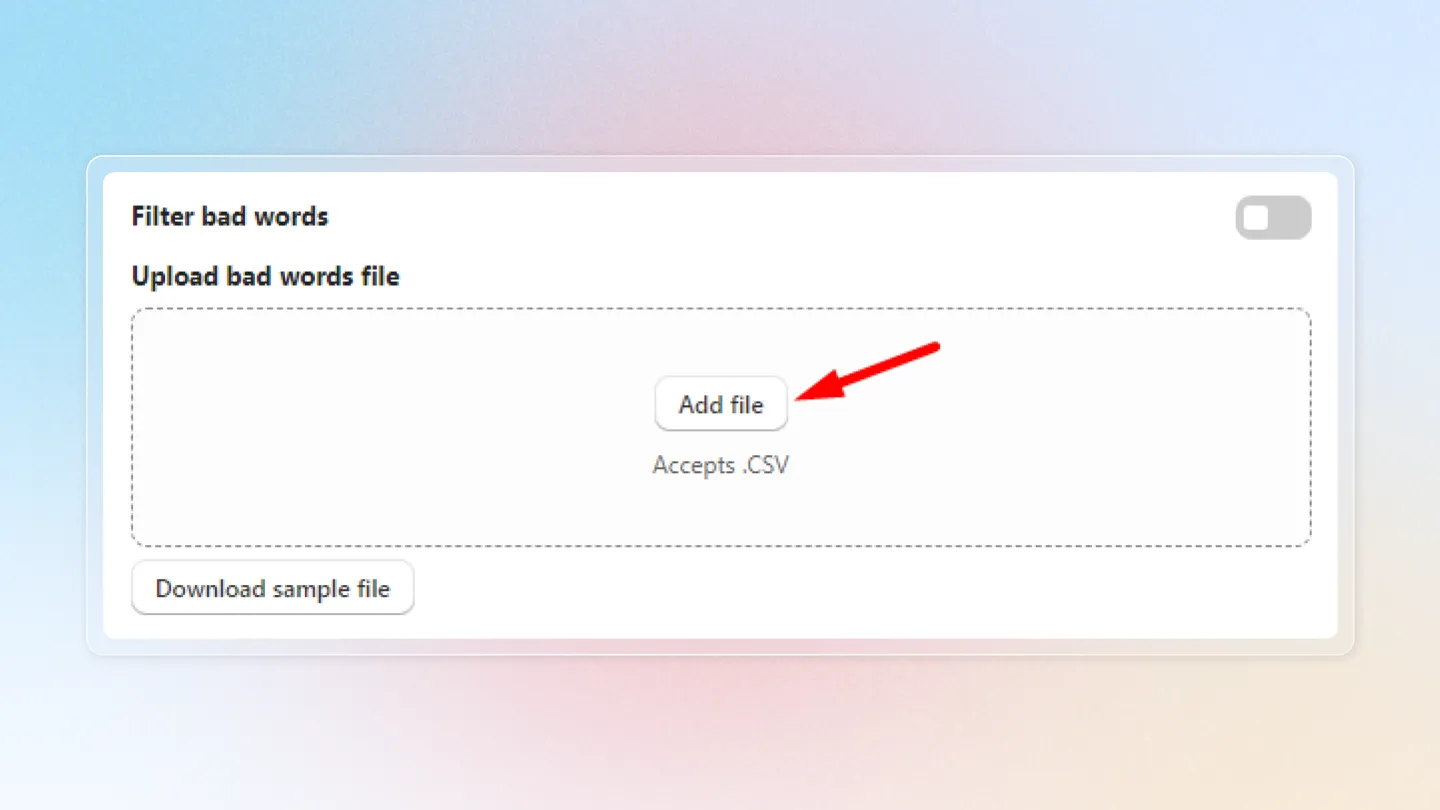
- Click Add file to upload your own list.
- Manage Bad Words: The list of bad words from the imported file will appear here. You can also manually add any additional words that were not included in the file.
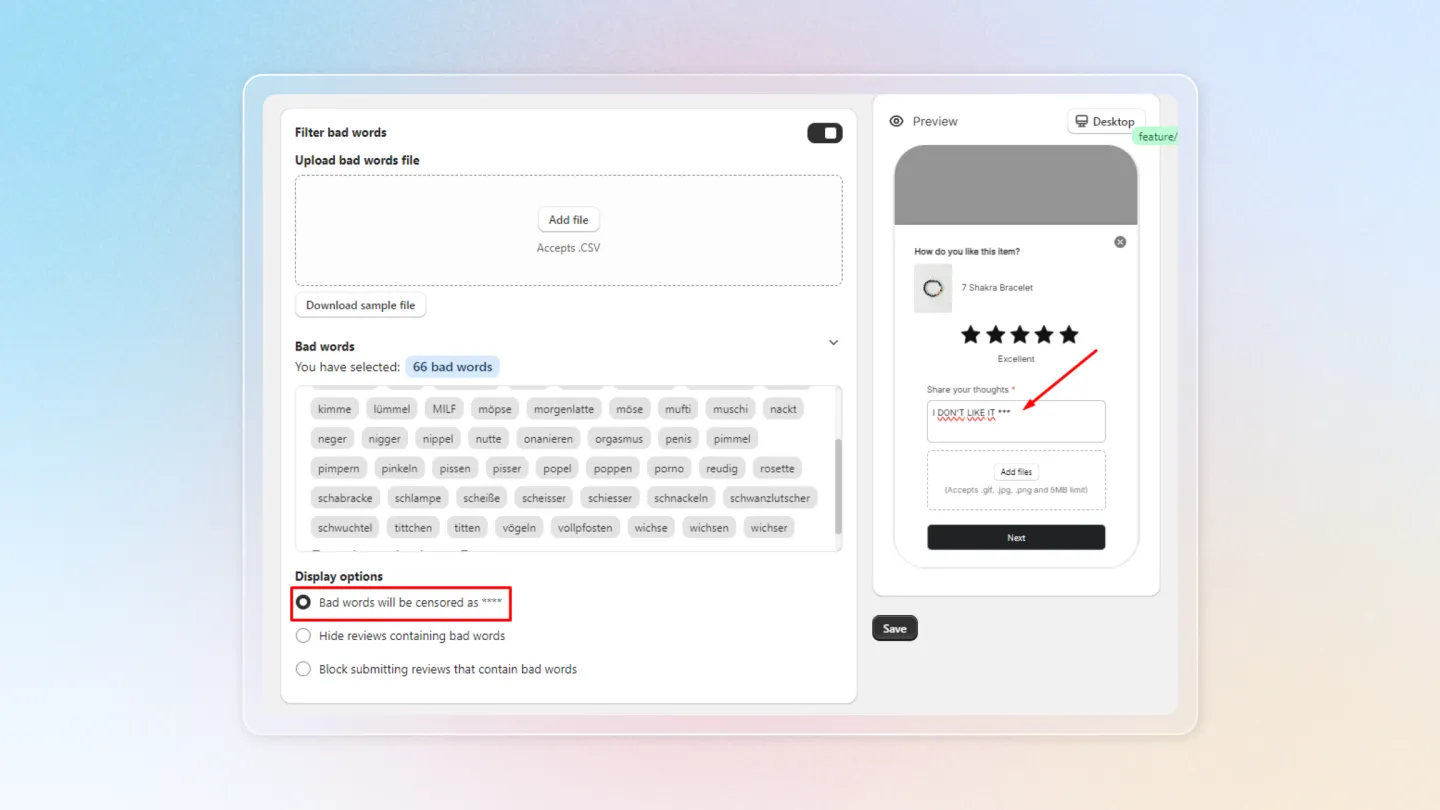
5. Display Options for Bad Words
- Censor Bad Words: Replace bad words with asterisks (***) in customer reviews.
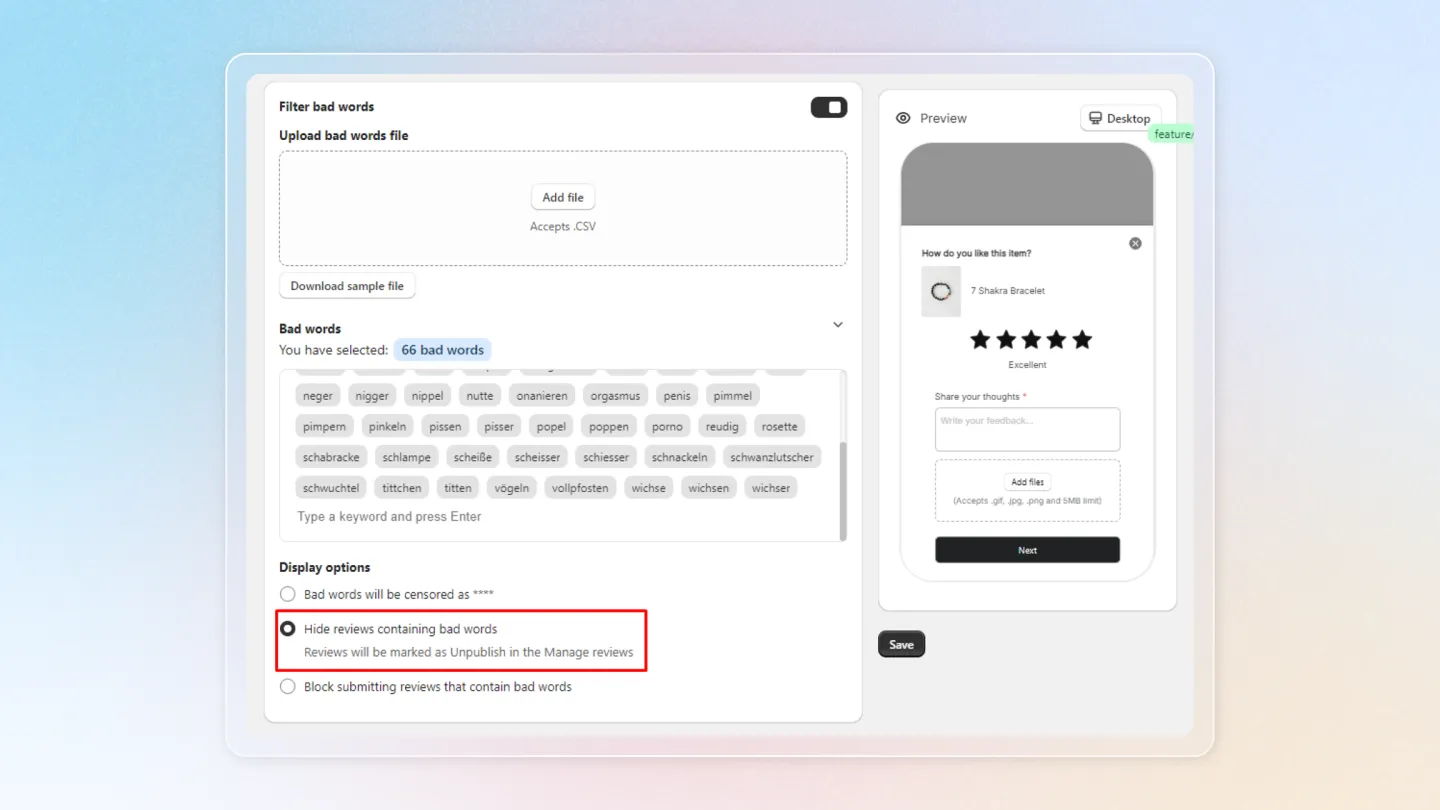
- Hide Reviews with Bad Words: Automatically unpublish reviews containing bad words, so they won’t appear on your store.
- Block Submitting Reviews with Bad Words: Prevent customers from submitting reviews with bad words. A custom warning message can be displayed, which you can edit as needed.